


What is video frame rate?
Video frame rate is the number of frames shown each second. It is usually written as fps, which means frames per second. A 30 fps video shows about 30 frames every second, while a 60 fps video shows about twice as many.
Frame rate
FPS counts how many frames fit inside one second of video. More frames in the same second means smaller jumps between moments.
Why does FPS matter?
FPS controls how smooth motion looks in a video. Lower frame rates are sometimes used for a cinematic look, while higher frame rates usually make motion feel smoother and clearer.
Play with the example below to get an idea of the difference between common frame rates.
Interactive FPS example
Choose a frame rate to compare motion smoothness.
What are some common video frame rates?
Most online videos use a few common frame rates. The best choice depends on the content, the platform, and how smooth you want motion to look.
| FPS | Best for |
|---|---|
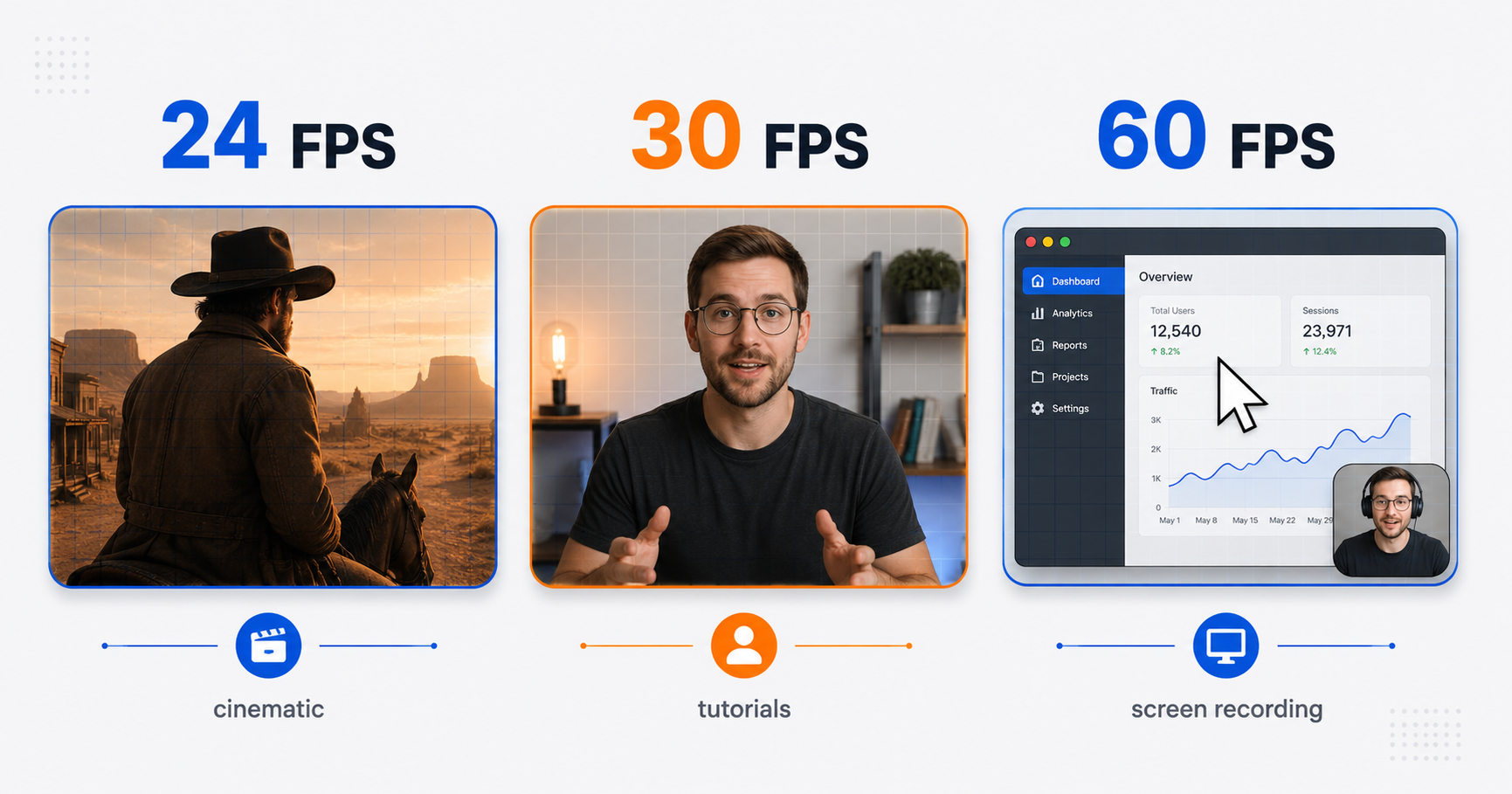
| 24 fps | Cinematic video and narrative content. |
| 30 fps | Tutorials, presentations, YouTube, and social video. |
| 60 fps | Screen recordings, gameplay, demos, and fast movement. |
| 120 fps+ | Slow motion or specialized workflows. Some platforms may convert it. |
What's the difference between fixed and variable frame rates?
A fixed frame rate stores frames at a steady rhythm. A variable frame rate changes the timing between frames, which is common for screen recordings because a new frame may be saved only when something changes on screen.
Variable frame rate can keep screen recordings efficient, while fixed frame rate is often easier to edit, combine with camera footage, and export consistently.
Timing
Fixed frame rate keeps frames evenly spaced. Variable frame rate changes the spacing, which is common for screen recordings when a new frame is saved only after something changes on screen.