
Update invoicing details
Borumi payments and invoices are managed by Paddle, our reseller. If you need to update the invoicing address, company details, or VAT number on an invoice, you can do it from the Paddle customer portal.
Before you start
Section titled “Before you start”- Make sure to use the same email address you used when buying Borumi.
- Review your details carefully before saving. Paddle only allows invoice details to be updated once.
Update your invoice
Section titled “Update your invoice”-
Open the Paddle customer portal.
-
Enter the email address you used for your Borumi purchase.
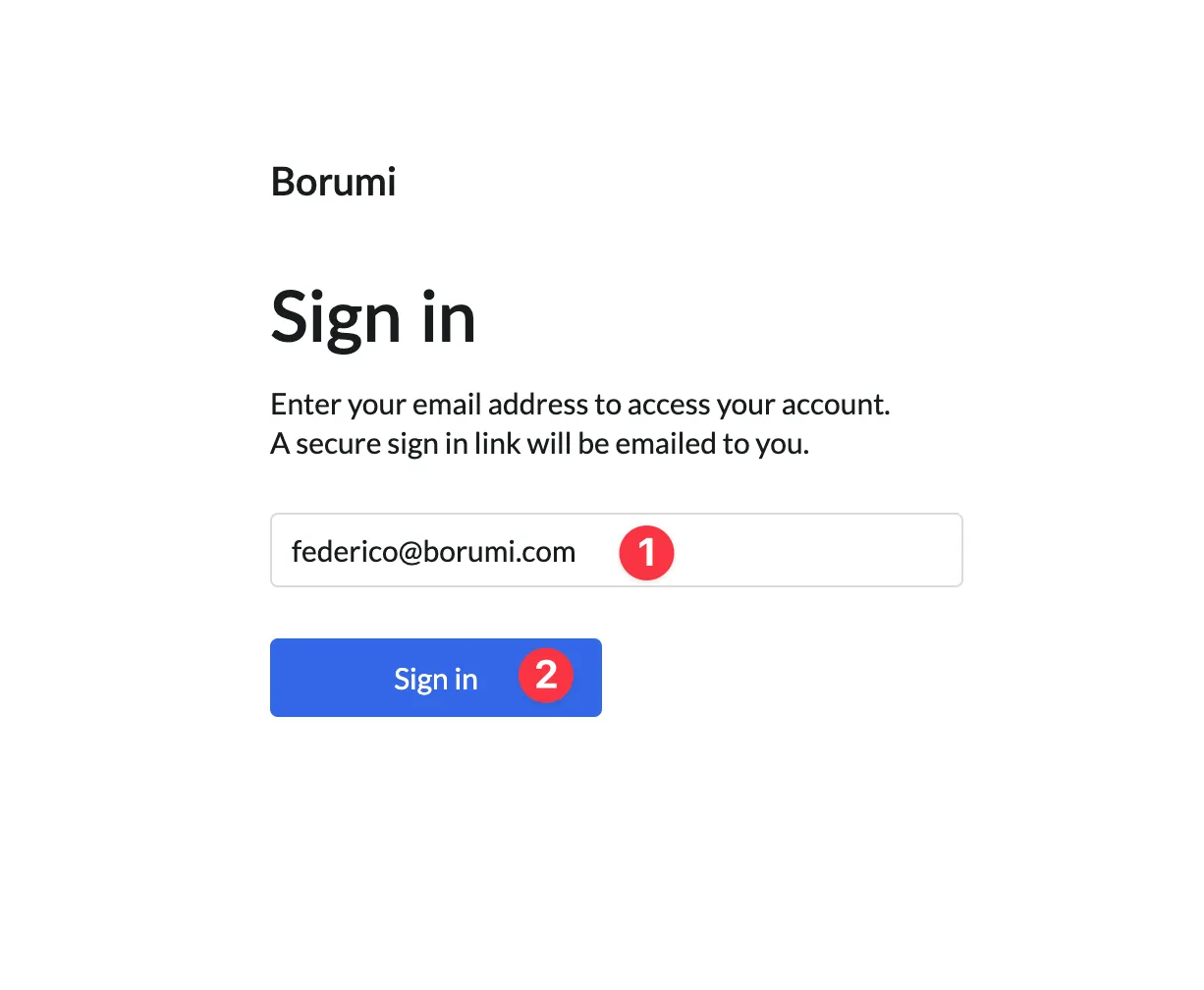
-
Open the sign-in link sent to your email by Paddle.
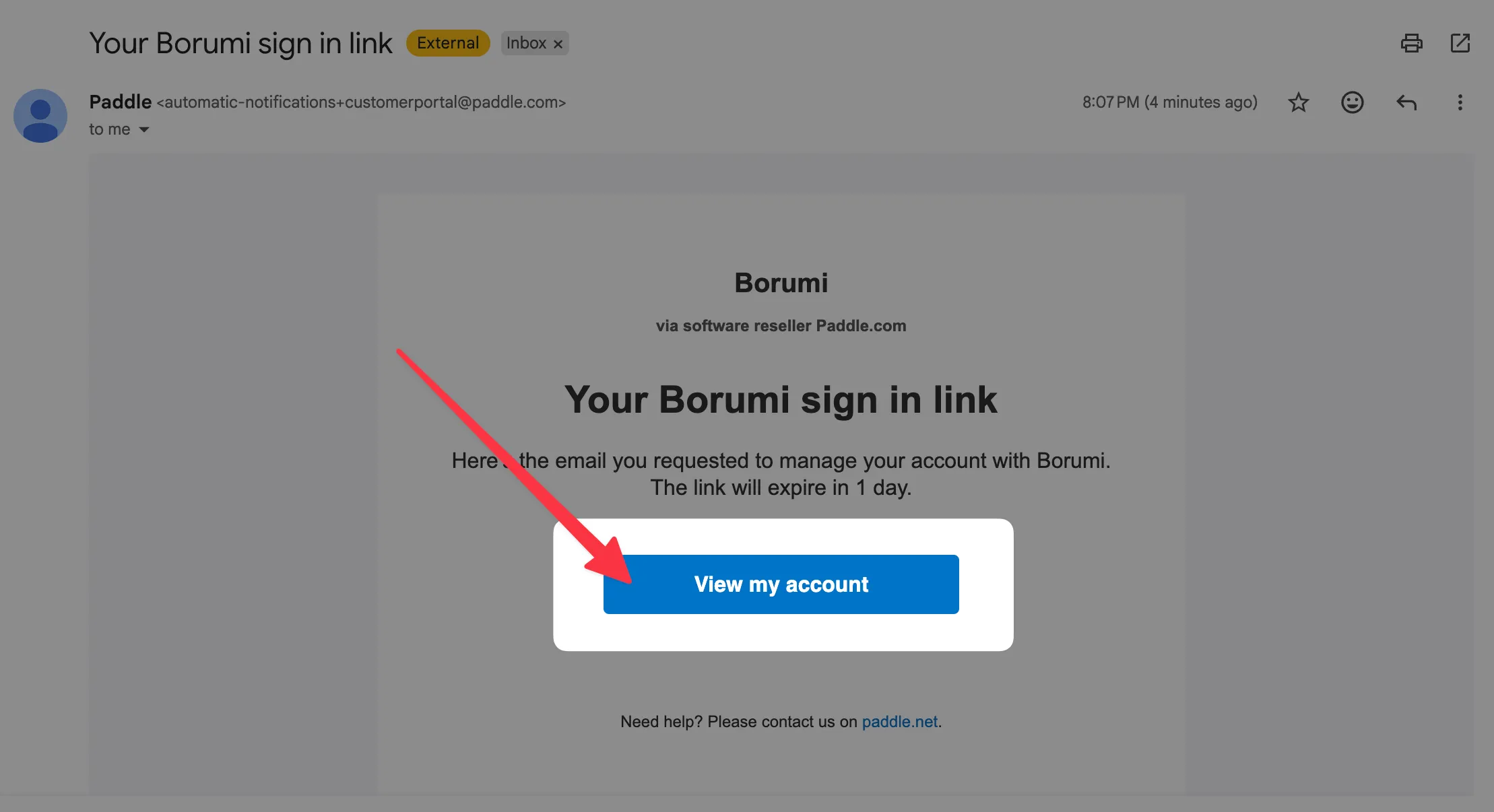
-
In the customer portal, select the transaction you want to update.
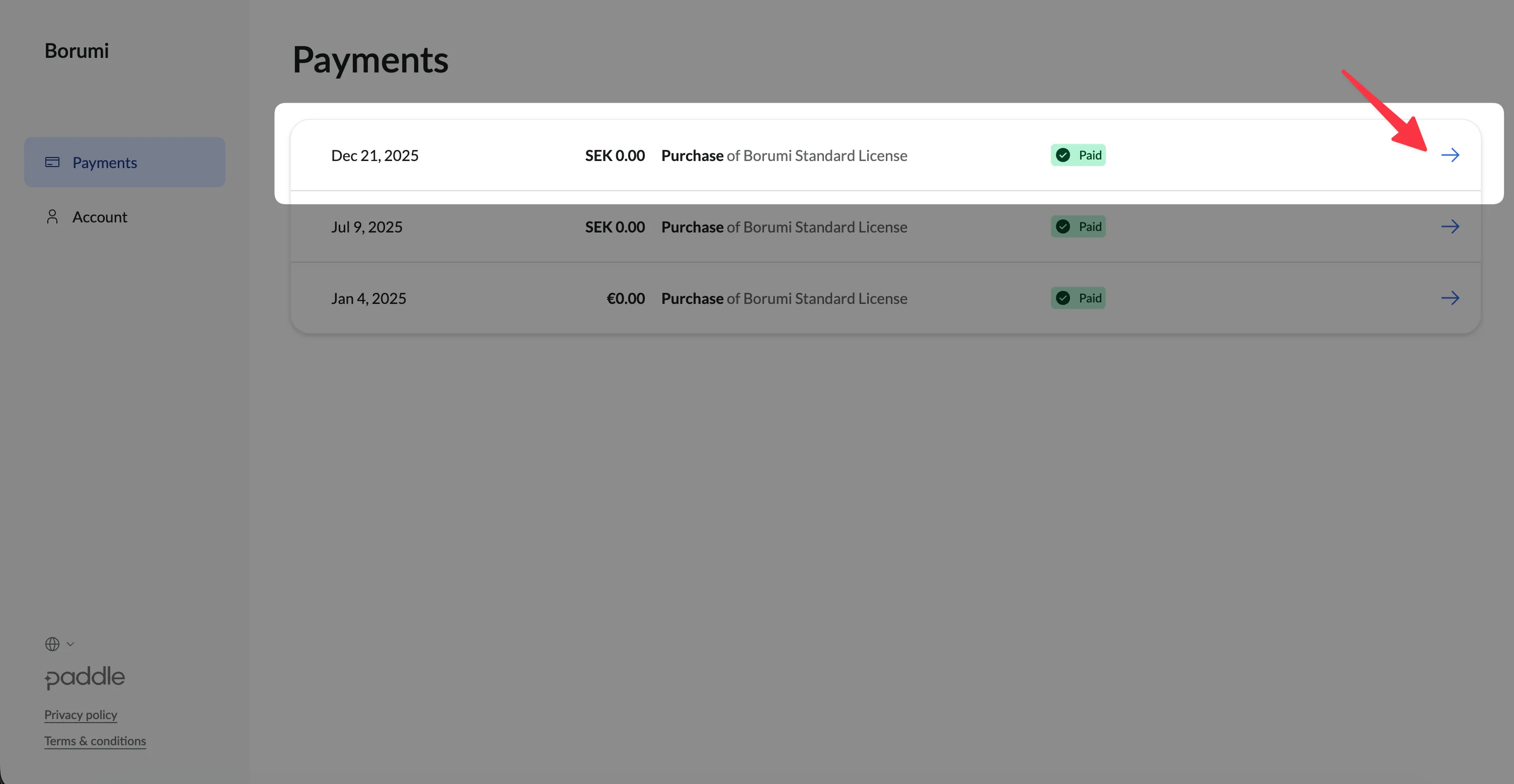
-
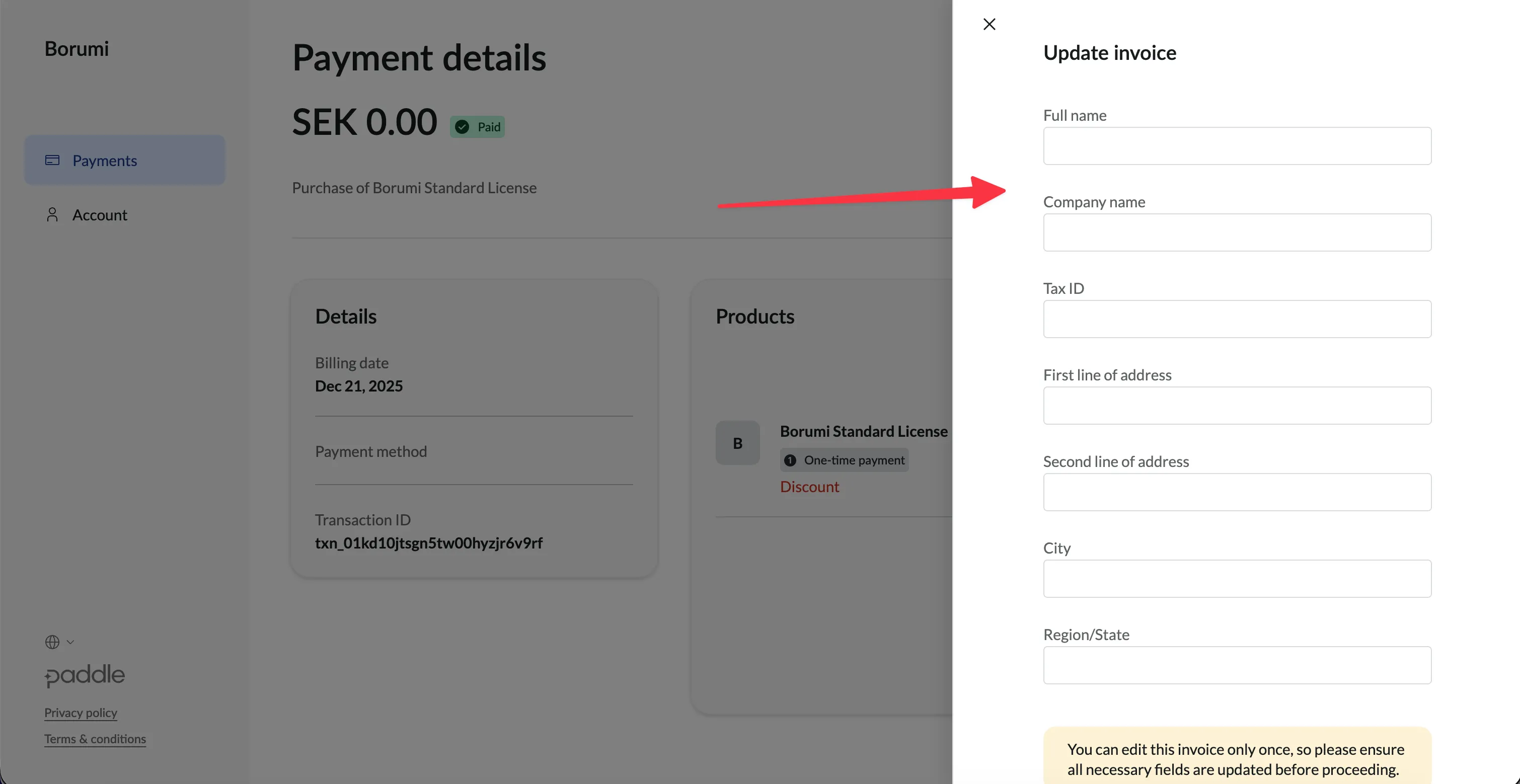
Click Update invoice.
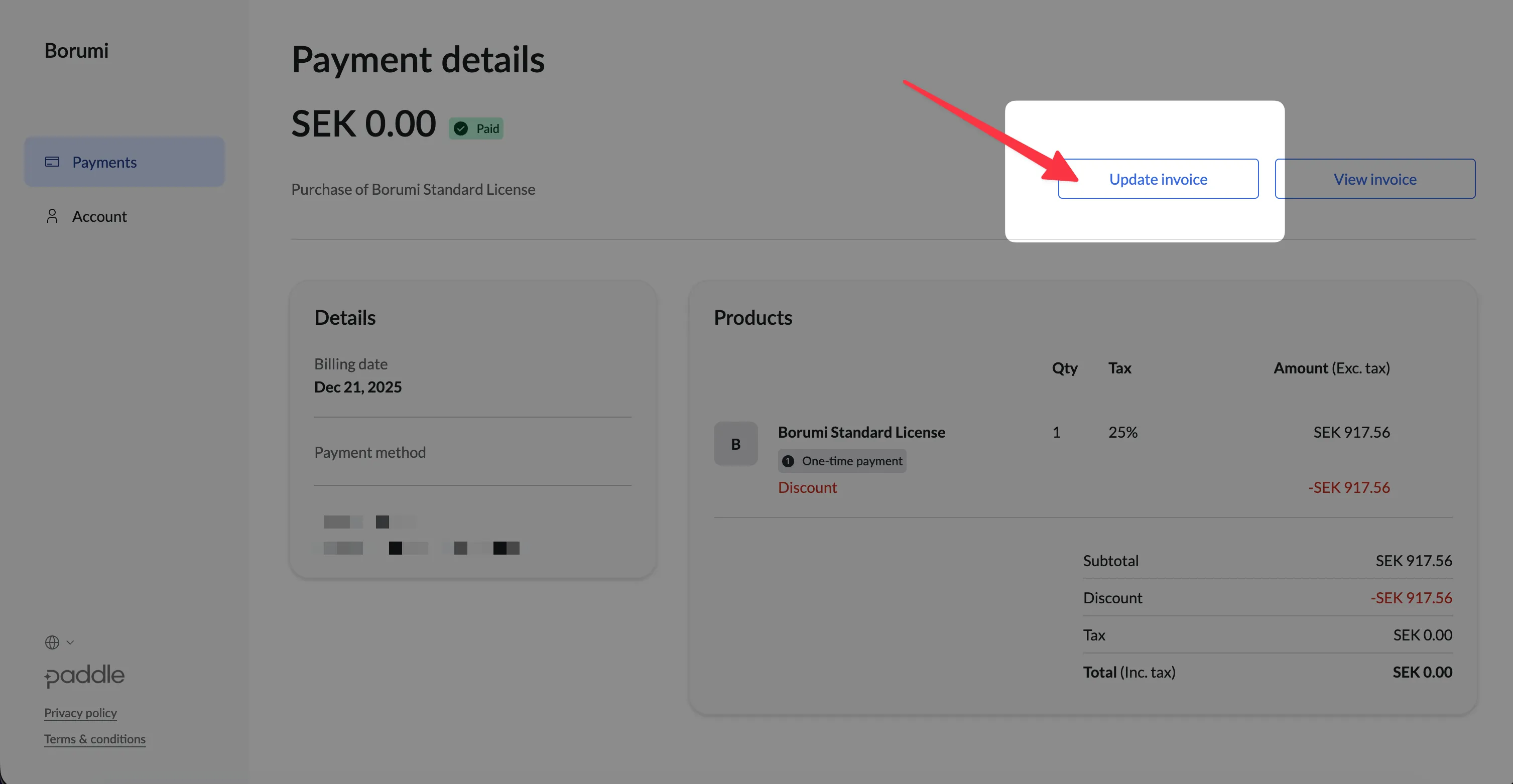
-
Enter your invoicing details, including your billing address, company details, and VAT number if needed. Make sure to insert the correct details, as Paddle usually only allows invoice details to be updated once.
-
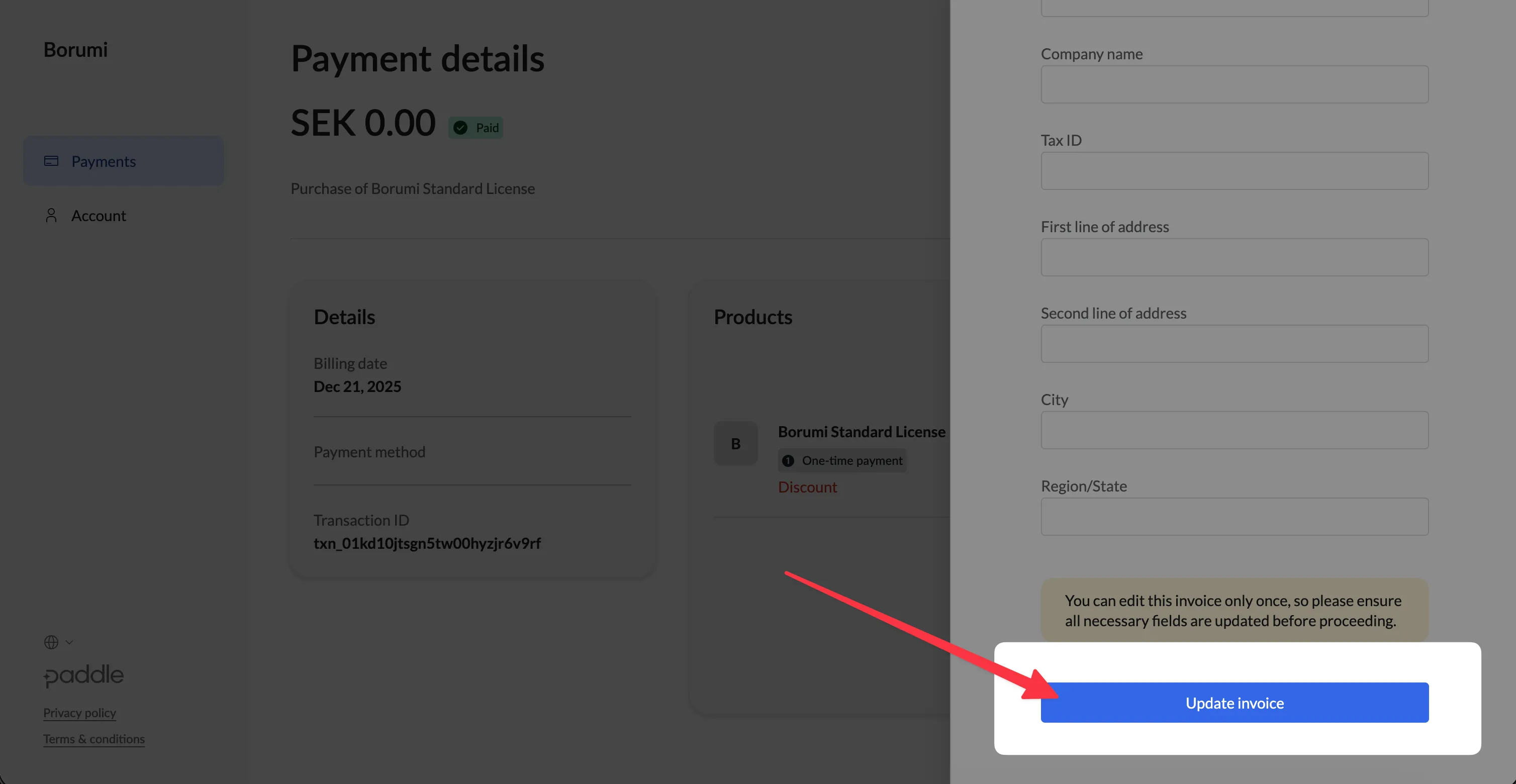
Review your details carefully, then save the updated invoice.
Adding a VAT number
Section titled “Adding a VAT number”If you have a VAT number and did not enter it during checkout, you can add it when updating the invoice. In many cases, Paddle will refund the VAT amount that was charged, depending on your billing details and VAT eligibility.
If you cannot access the portal or experience any issue, contact us. We will do everything we can to help.