
Installation
These are the steps to install Borumi on your machine and quickly get started.
How to install Borumi
Section titled “How to install Borumi”-
Go to the Borumi Install page.
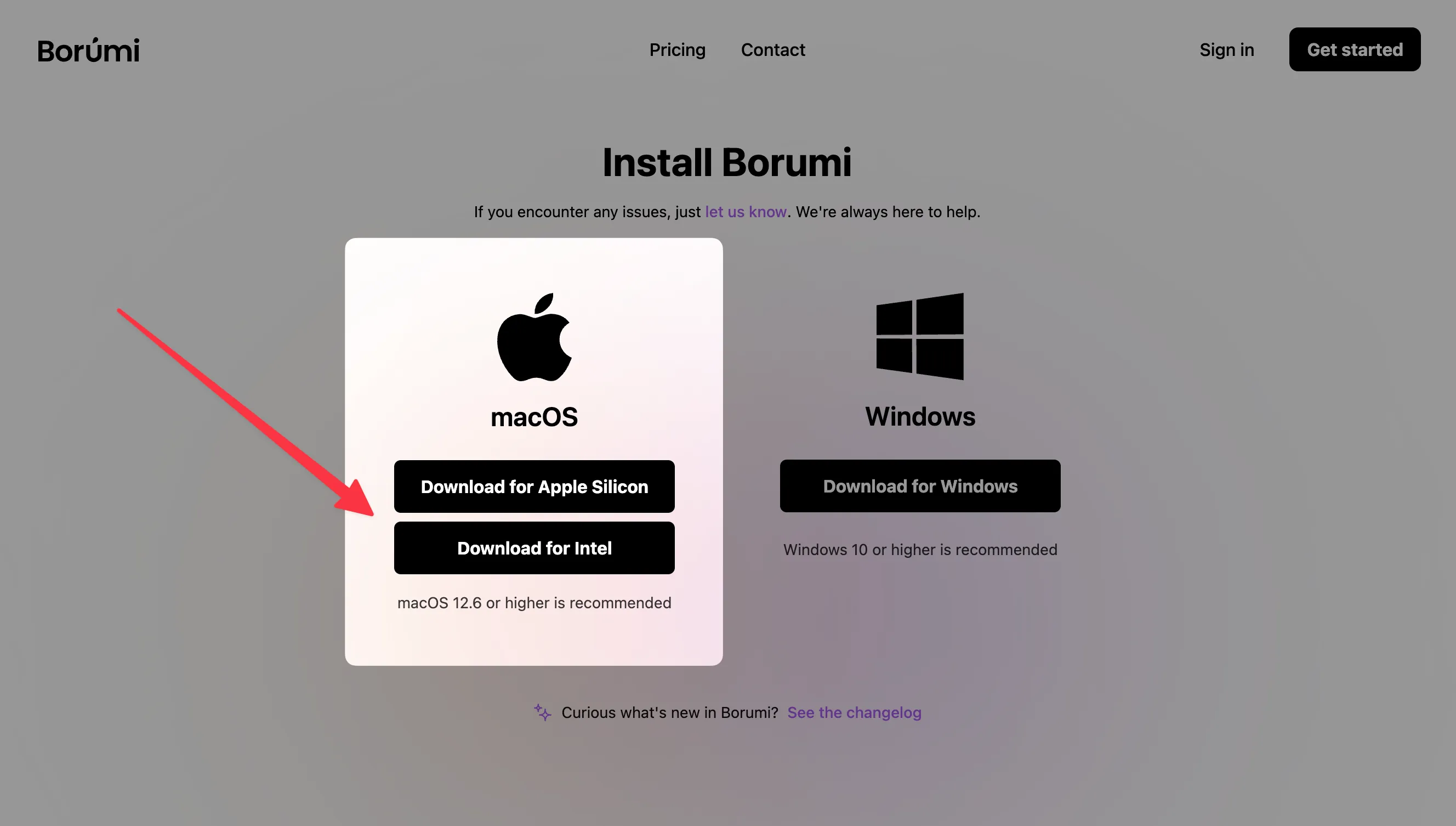
- Download the version for your Mac: Apple Silicon or Intel.
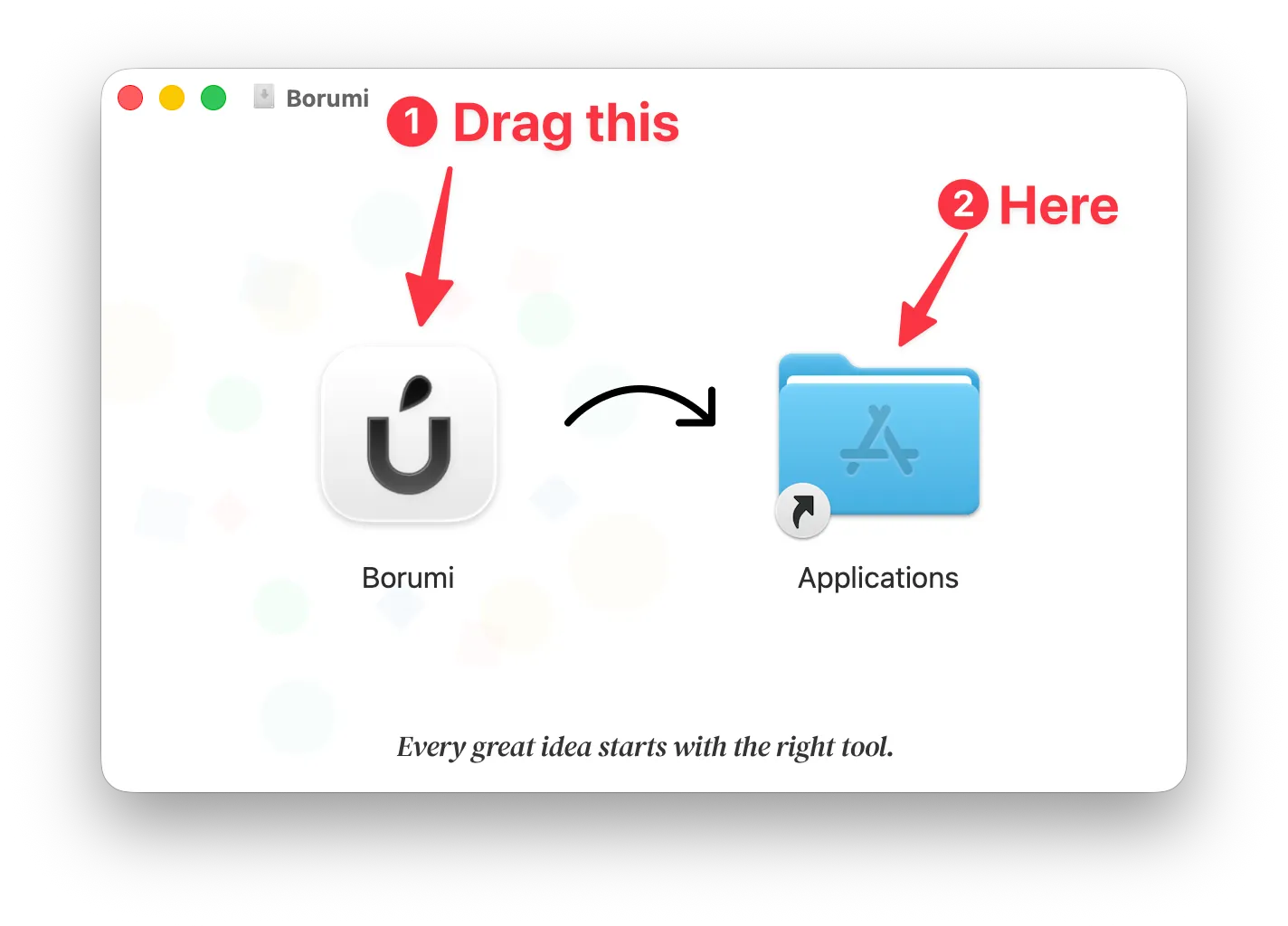
- Open the downloaded
.dmgfile. -
Drag Borumi into your Applications folder.
-
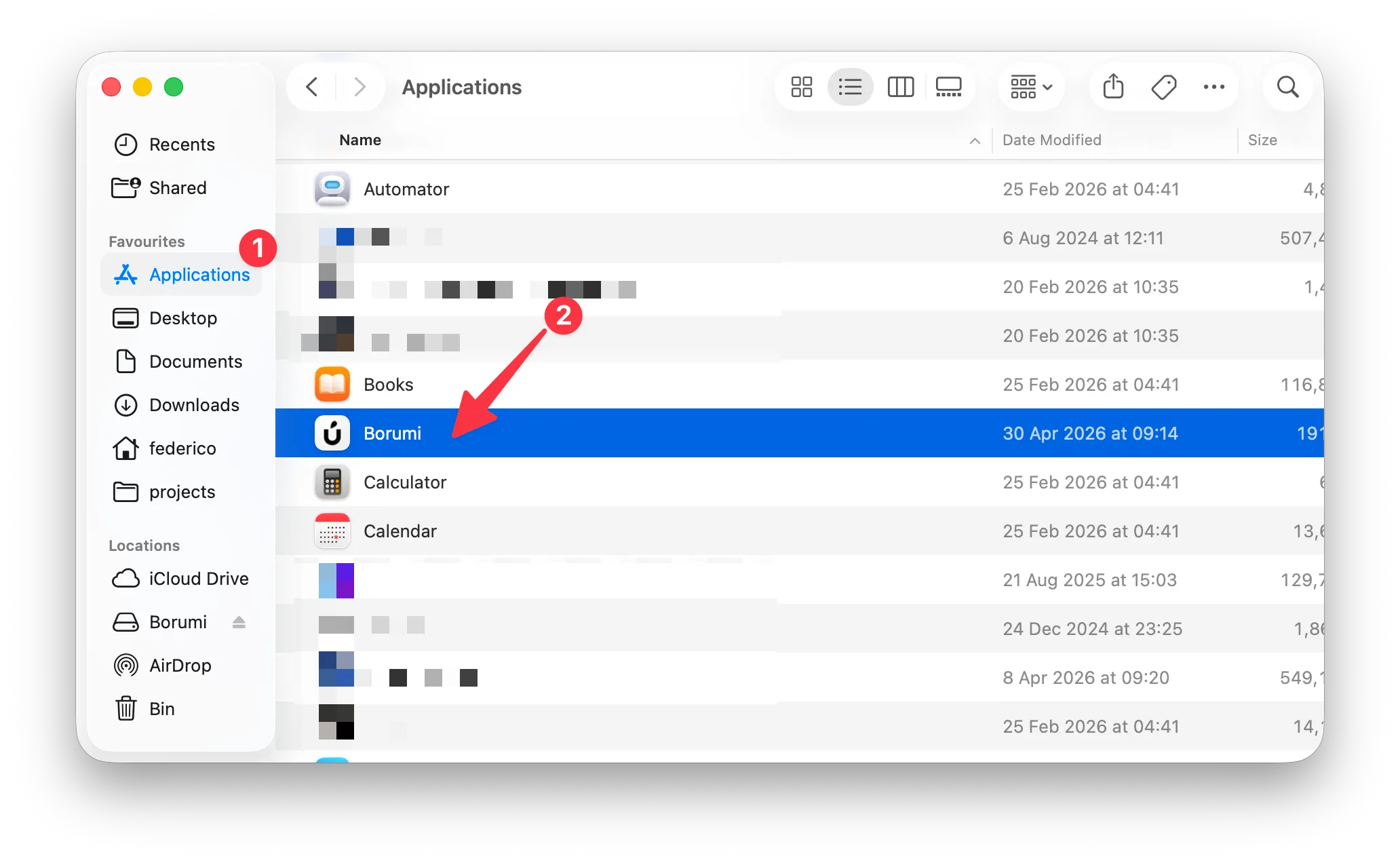
Open Borumi from Applications and start creating your first project.
-
Go to the Borumi Install page.
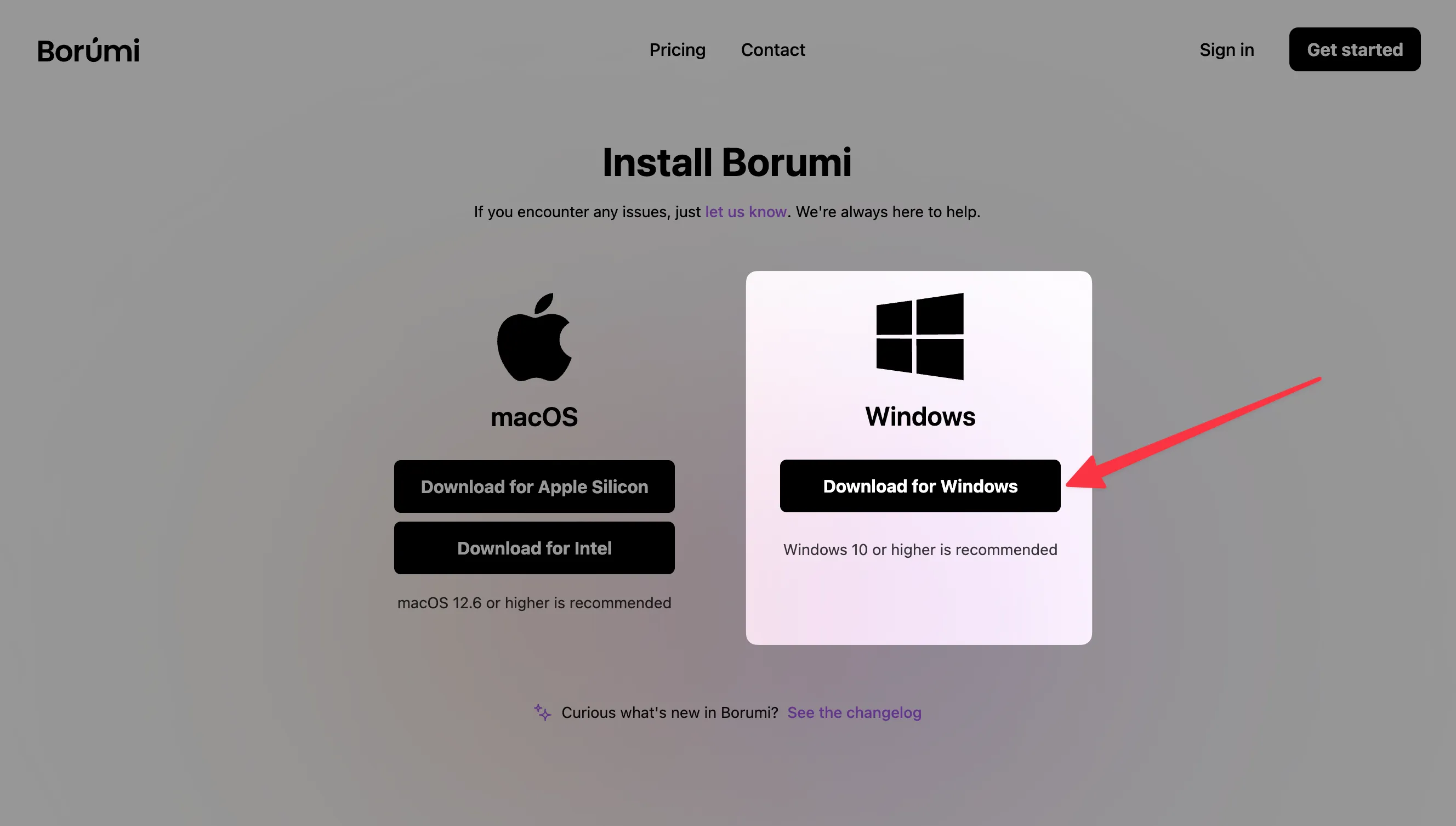
- Download Borumi for Windows.
-
Open the downloaded installer.
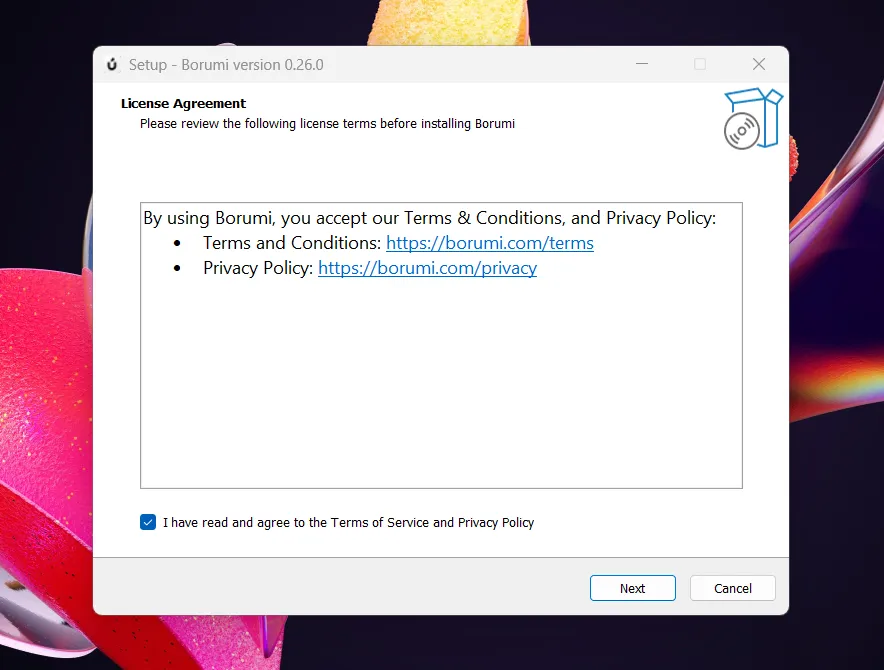
- Follow the installation steps shown on screen.
- Launch Borumi and start creating your first project.
What’s next?
Section titled “What’s next?”Now that Borumi is installed, you are ready to create your first video. To get started quickly, follow the Quick Start guide.
Advanced: Installing the Alpha version
Section titled “Advanced: Installing the Alpha version”If you want access to the latest features and bug fixes, you can also install the Alpha version of Borumi.
Features and bug fixes usually become available in the alpha channel about one week before the general release. Because alpha builds are early releases, you might encounter bugs while using them.
After downloading the right Alpha installer for your machine, follow the same installation process as the regular stable version.
If you run into any problems, contact us. We will do everything we can to help.