How to Merge Multiple Screen Studio Projects
Find out how to merge your Screen Studio projects into one.

Federico Terzi
Updated 2 min read
There are times when you might want to merge multiple Screen Studio projects into one. For example, if you’re creating a long-form content, like a video course or tutorial series.
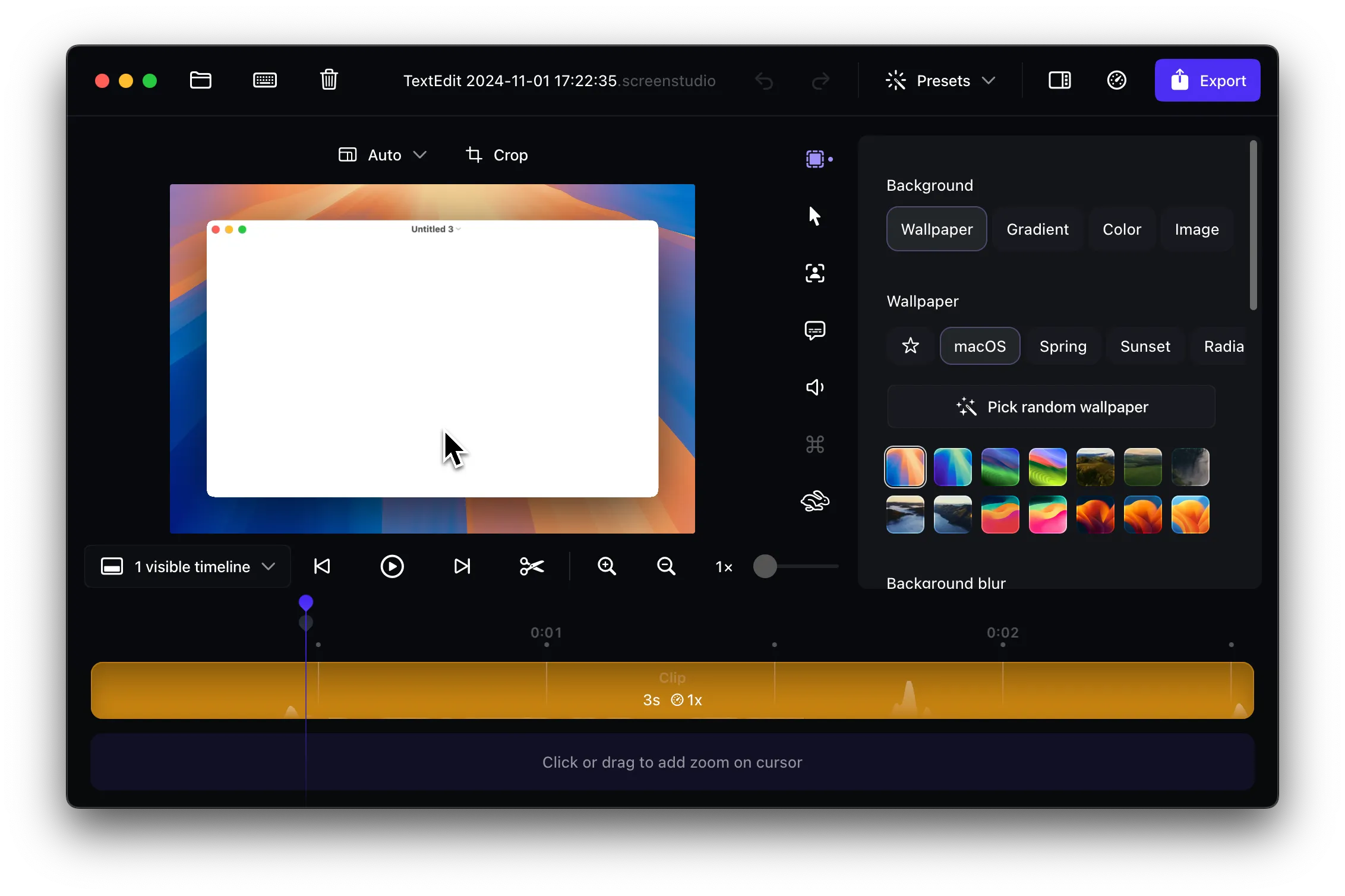
Unfortunately, Screen Studio lacks built-in functionality to merge separate projects into one file. While many users have requested this feature, and the development team has acknowledged its importance, we must wait for future updates that will address this limitation. For now, you’ll need to use alternative methods to combine your recordings.
Alternative 1: Borumi
Borumi offers a more straightforward solution for combining multiple recording sessions. This software lets you:
- Record different scenes and clips separately
- Automatically combine projects without manual video editing
- Maintain a simpler workflow compared to traditional video editors
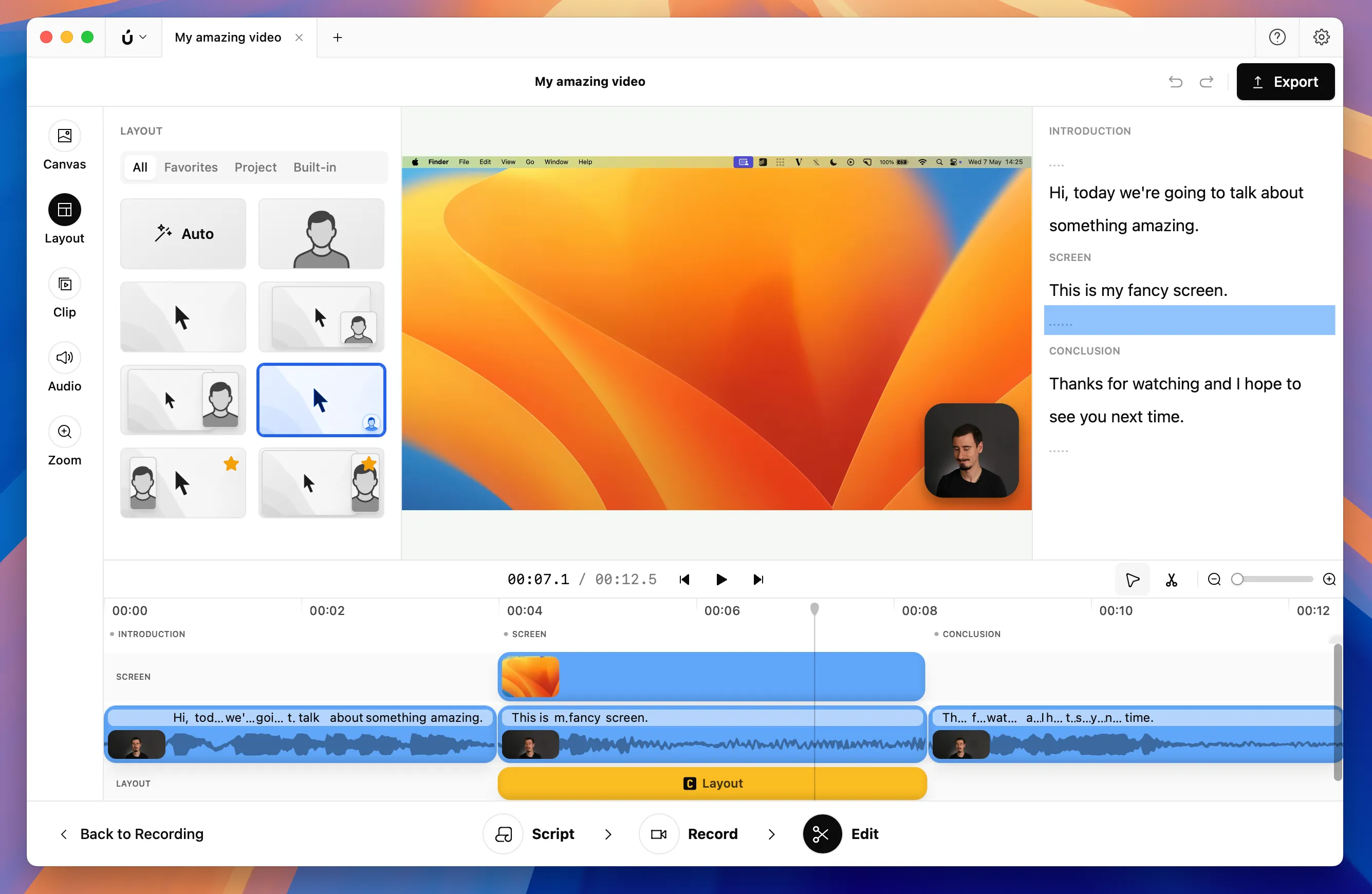
Borumi also includes built-in support for smooth cursor movements and zoom-in effects like Screen Studio, making it a great alternative for creating long-form content without the complexity of professional video editing software.
Alternative 2: Separate video editor
One reliable way to merge your Screen Studio projects is to use professional video editing software. Programs like DaVinci Resolve or Adobe Premiere Pro can handle this task effectively, though it requires additional steps:
- Export each Screen Studio project as separate video files
- Open your chosen video editor (DaVinci Resolve or Premiere Pro)
- Import all exported videos into your editing timeline
- Arrange the clips in your desired order
- Export the final combined video
While this method works well, it adds extra time to your workflow and requires familiarity with video editing software.