Best Screen Studio Alternatives [2026] - Which one should you choose?
Explore the best alternatives to Screen Studio, including Borumi, Tella, and FocuSee, to find the right tool for your screen recording needs.

Federico Terzi
Updated 3 min read
Screen Studio is a popular screen recorder for macOS, well-known for its cinematic zoom-in effects, smooth cursor movements, and easy sharing capabilities. While it’s a good choice, its macOS exclusivity and pricing might have you exploring other options. Here, we compare the best alternatives.
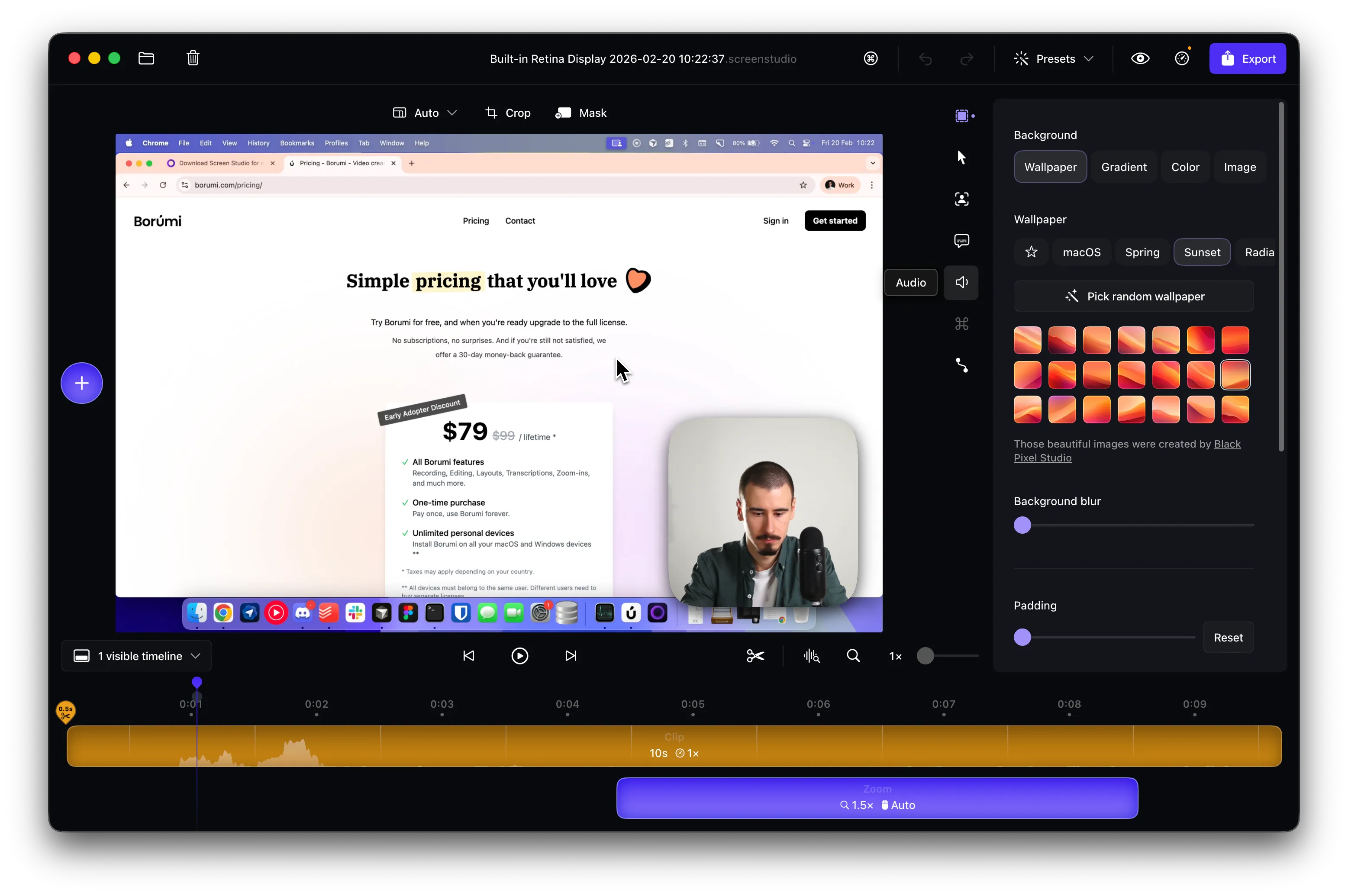
Best Screen Studio Alternatives at a Glance
| Screen Studio Alternative | Best for | |
|---|---|---|
| Borumi | Multi-scene recording and editing, beautiful layouts and zoom-in effects | Try for free |
| Tella | Quick sharing and customizable layouts | Learn more |
| FocuSee | Cinematic effects and cursor movements | Learn more |
Borumi
Borumi is an exceptional alternative to Screen Studio, offering advanced features for professional video creation. It combines scripting, screen recording, and video editing into a single intuitive application, suitable for both macOS and Windows users.
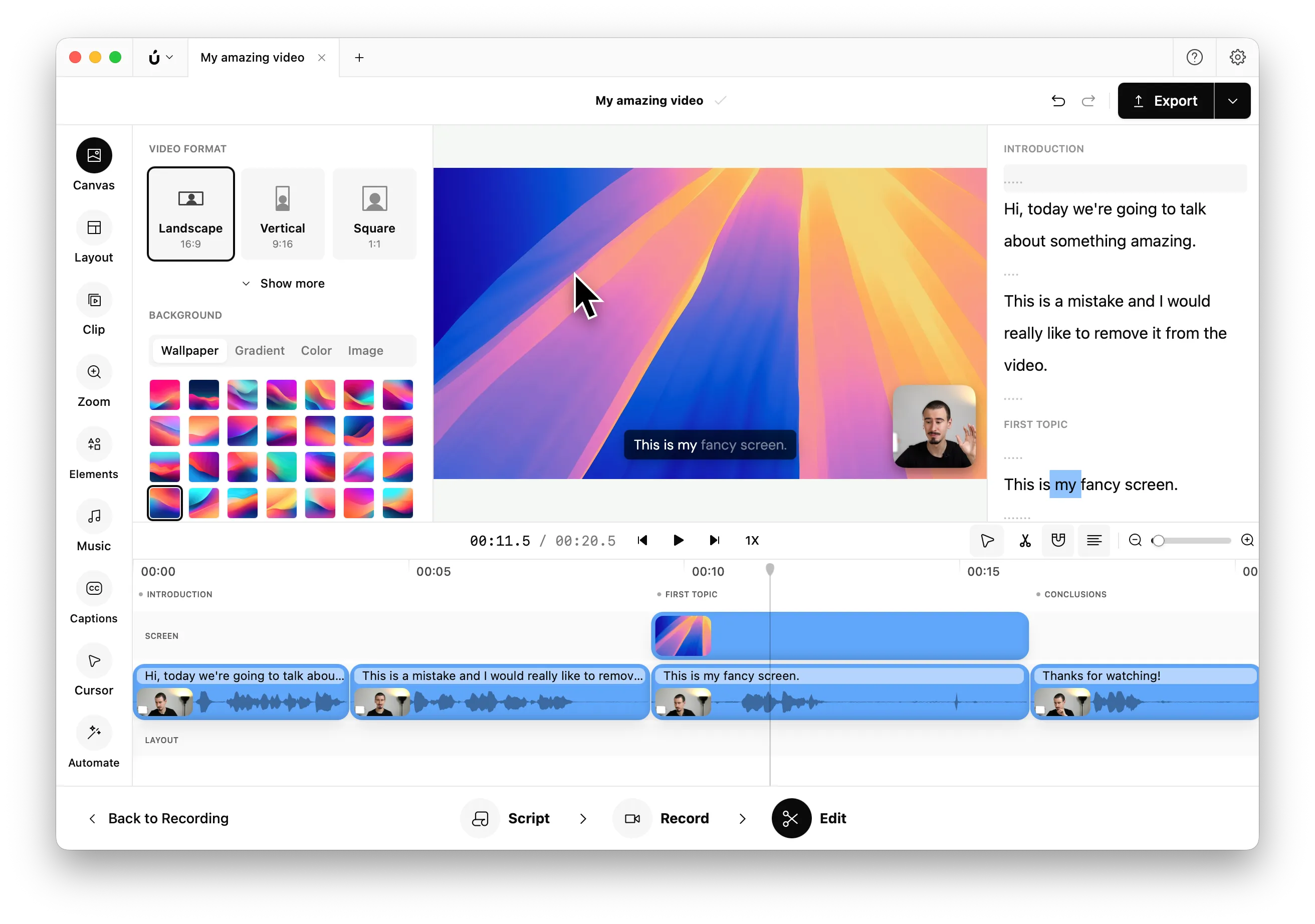
Key features:
- Built-in script editor and powerful screen recorder
- Cinematic zoom-in and smooth cursor movements
- Multi-scene recording with automatic combination
- Transcript-based editing for quicker workflow
- Highly customizable video layouts
Pros & Cons:
| ✅ Pros | ❌ Cons |
|---|---|
| ✅ Affordable lifetime license | Sharing feature coming soon |
| ✅ Multi-platform support (macOS and Windows) | |
| ✅ Advanced editing features |
Comparing Borumi to Screen Studio:
| Feature | Borumi | Screen Studio |
|---|---|---|
| Price (Lifetime) | $99 ($79 discounted) | $29/month, subscription-only. |
| Multi-scene recording | ✅ | ❌ |
| Platform | macOS, Windows | macOS only |
| Built-in Sharing | Coming soon | ✅ |
| Transcript-based editing | ✅ | ❌ |
Tella
Tella offers a streamlined experience for creating beautiful screen recordings with easy sharing options. It is ideal for users who prioritize quick content sharing and built-in layouts.
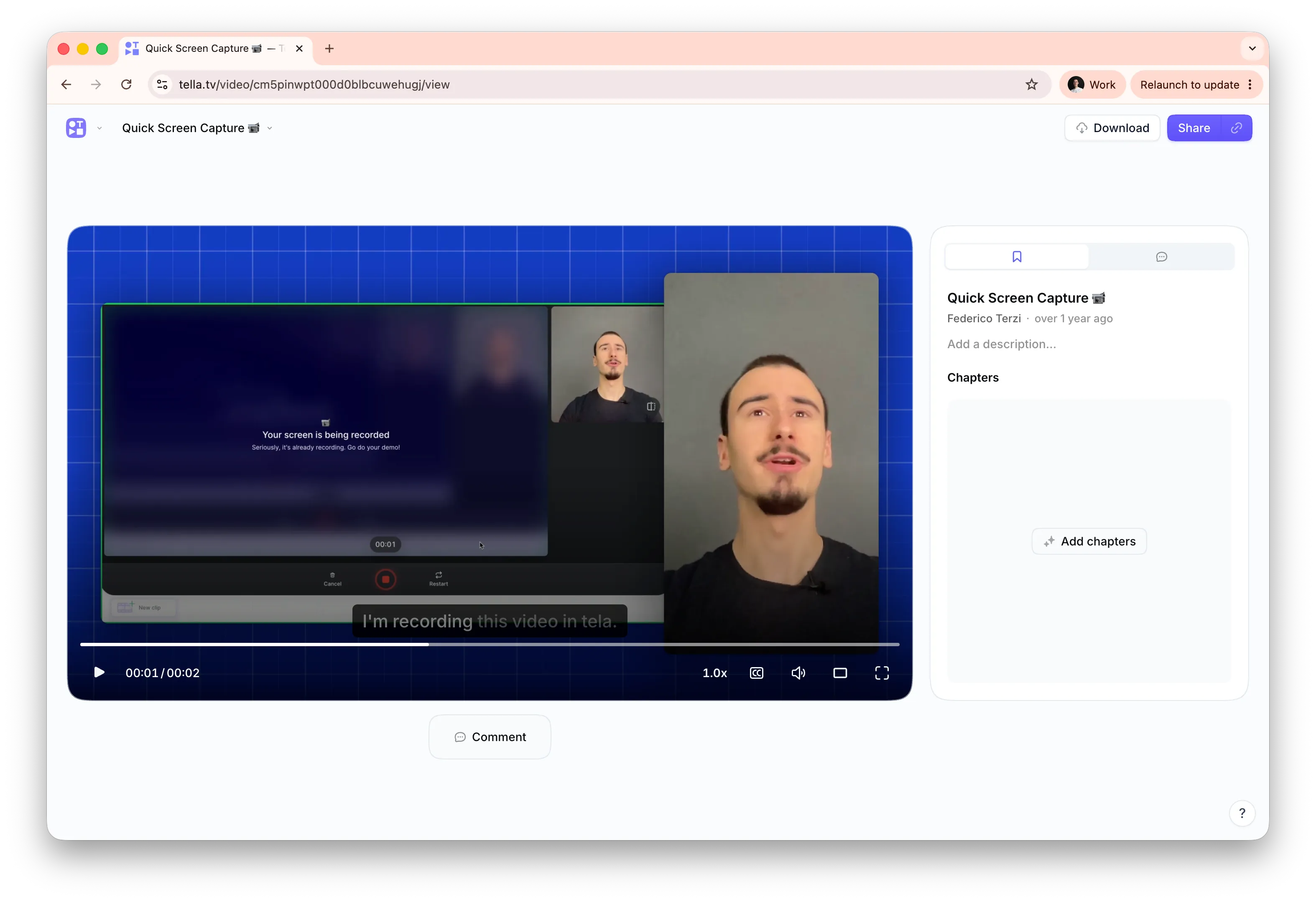
Key features:
- Quick and easy sharing similar to Loom
- Web and desktop apps available
- Customizable built-in layouts
Pros & Cons:
| ✅ Pros | ❌ Cons |
|---|---|
| ✅ Easy link sharing | ❌ Zoom effects less polished |
| ✅ Available on web and desktop | ❌ Subscription only |
Comparing Tella to Screen Studio:
| Feature | Tella | Screen Studio |
|---|---|---|
| Pricing | $12/month | $9/month or $229 lifetime |
| Platforms | Web, macOS, Windows | macOS only |
| Zoom-in Effect | Moderate | High quality |
| Built-in Sharing | ✅ | ✅ |
FocuSee
FocuSee is specifically tailored for users looking to achieve cinematic zoom-in effects and fluid cursor animations, making it an excellent choice if visual quality is your primary focus.
Key features:
- High-quality cinematic zoom-in effects
- Smooth cursor movement
- Affordable lifetime license
Pros & Cons:
| ✅ Pros | ❌ Cons |
|---|---|
| ✅ Excellent cinematic effects | ❌ Lacks built-in sharing |
| ✅ Cross-platform (macOS and Windows) | |
| ✅ Affordable pricing |
Comparing FocuSee to Screen Studio:
| Feature | FocuSee | Screen Studio |
|---|---|---|
| Lifetime Pricing | $69 | $229 |
| Platform | macOS, Windows | macOS only |
| Zoom-in Effects | ✅ (High quality) | ✅ (High quality) |
| Built-in Sharing | ❌ | ✅ |