How to Export Camera and Screen Recordings as Separate Files in Screen Studio
Learn how to export your camera recording and screen recording as separate files in Screen Studio for editing in external video editors.

Federico Terzi
Published 1 min read
If you want to edit your Screen Studio recordings in a separate video editor like Final Cut Pro, Premiere Pro, or DaVinci Resolve, you can export your camera and screen recordings as separate files.
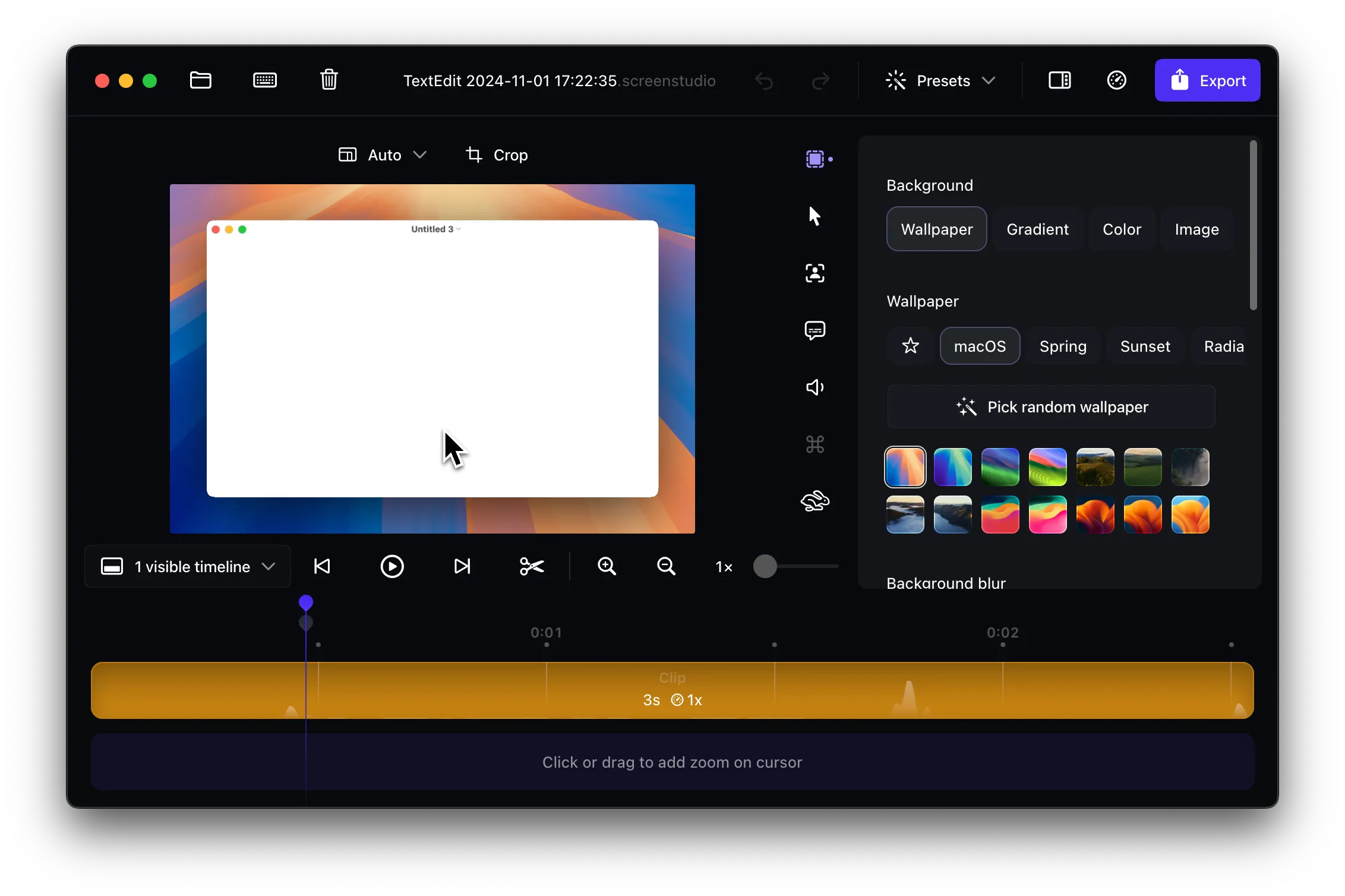
Exporting Separate Files
- Open your Screen Studio project.
- Click on Export while the project is open.
- Select Extract raw recording files.
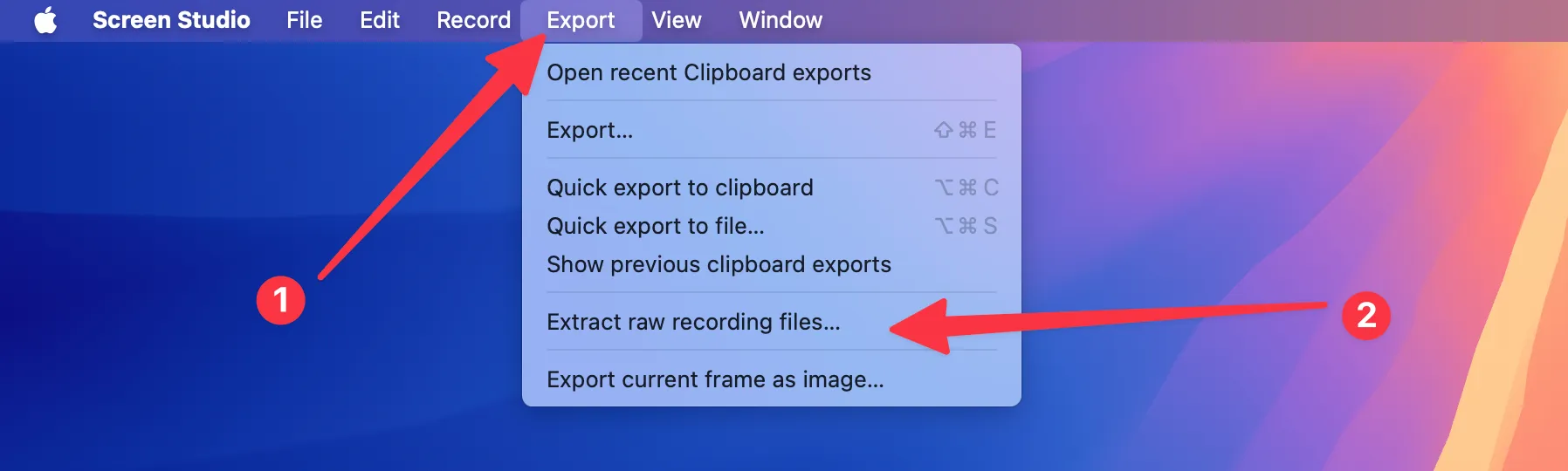
This will export separate files for your camera recording and screen recording, which you can then import and edit in any video editor of your choice.
Limitations
Keep in mind that these raw files will not contain effects like:
- Smooth zooming effects
- Camera transitions
- Animated elements
These effects are only available when you edit within Screen Studio itself.
Need a More Affordable Alternative?
If you’re looking for a more budget-friendly option that still offers the ability to export separate files, consider Borumi. Borumi provides:
- Export recordings as separate camera and screen files
- Smooth zoom-in effects
- Smooth cursor movement animations
- More affordable pricing than Screen Studio
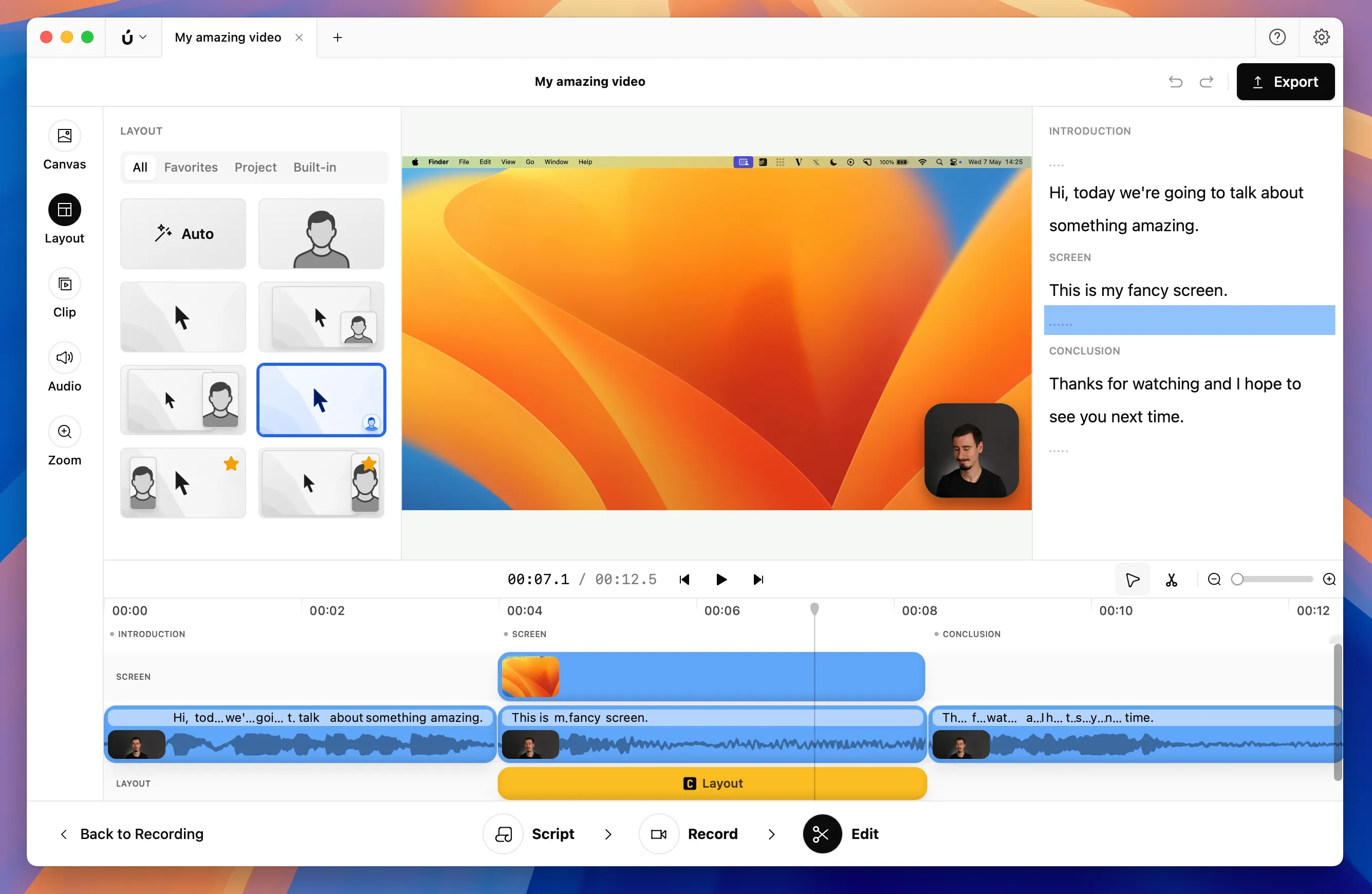
Try Borumi for free and see if it fits your workflow better.