How to Fix Screen Studio Exports Stuck at 0%
Learn how to resolve Screen Studio export issues when the process gets stuck at 0% for minutes

Federico Terzi
Published 2 min read
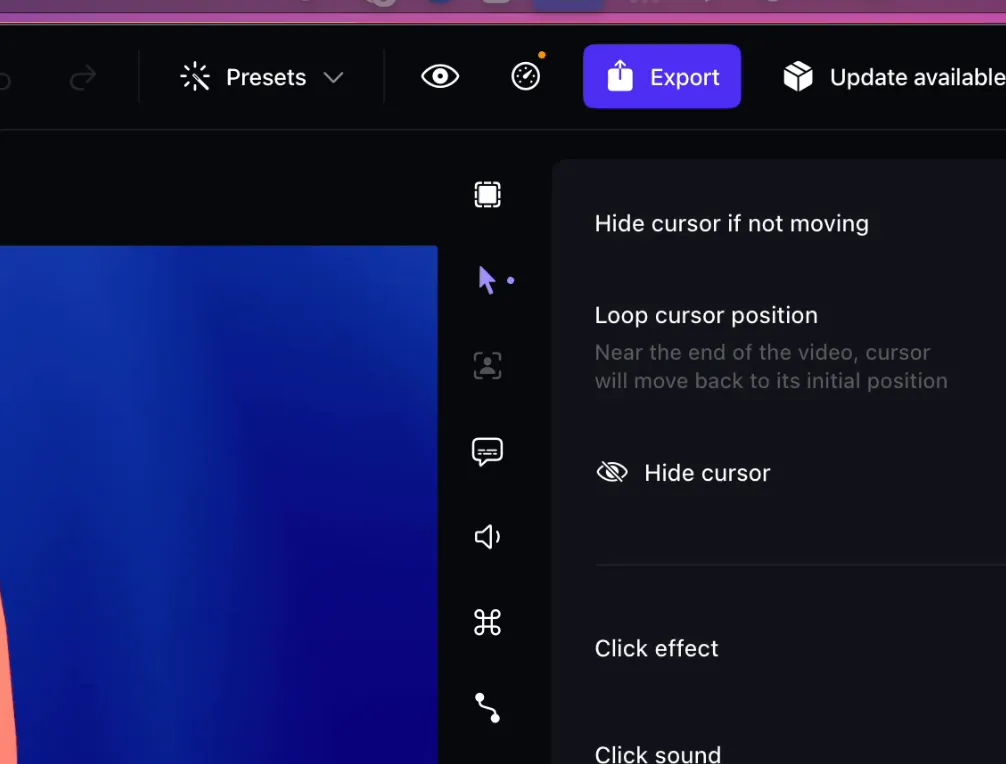
Some Screen Studio users have reported a frustrating issue where the video export process gets stuck at 0% for several minutes. This problem can be annoying when you’re working under tight deadlines.
Solution 1: Check Your Disk Space
A common cause of exports getting stuck at 0% is insufficient disk space on your Mac. Screen Studio requires some free space to process and export videos, especially for longer recordings or high-resolution content.
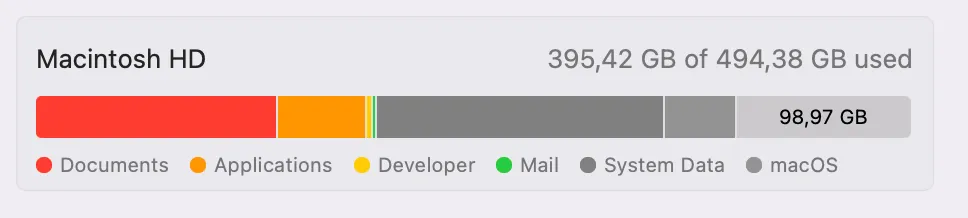
Here’s what you should do:
- Check your available disk space by clicking the Apple menu > About This Mac > Storage
- Ensure you have at least 40 gigabytes of free space available
- If you have less than 40GB free, delete unnecessary files to free up space
- Empty your Trash completely to reclaim the space
Having adequate free space allows Screen Studio to create temporary files during the export process without running into storage limitations.
Solution 2: Restart Your Mac
After freeing up disk space, restart your Mac completely. This simple step can resolve export issues by:
- Clearing temporary files that might interfere with the export process
- Resetting system caches that could be corrupted
- Freeing up system memory for Screen Studio to use
- Stopping background processes that might conflict with video processing
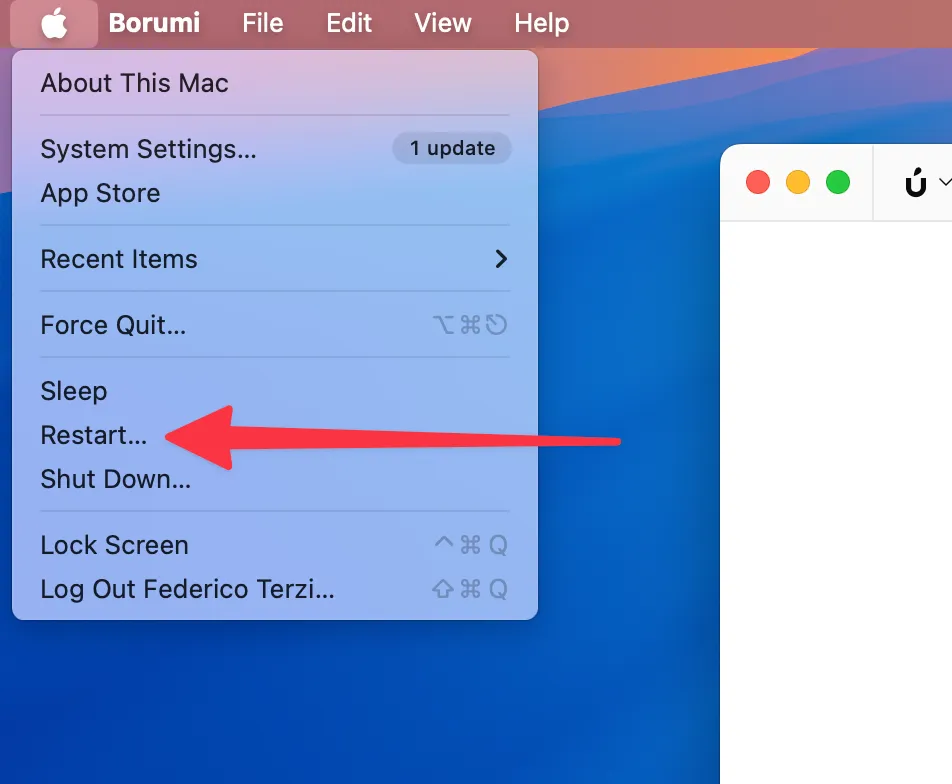
Once your Mac has restarted, try exporting your video again. Many users find that this combination of freeing disk space and restarting resolves the stuck export issue.
Alternatives: Borumi
If you continue to experience export problems with Screen Studio, consider switching to Borumi. This video creation tool is designed with performance in mind and offers reliable export functionality.
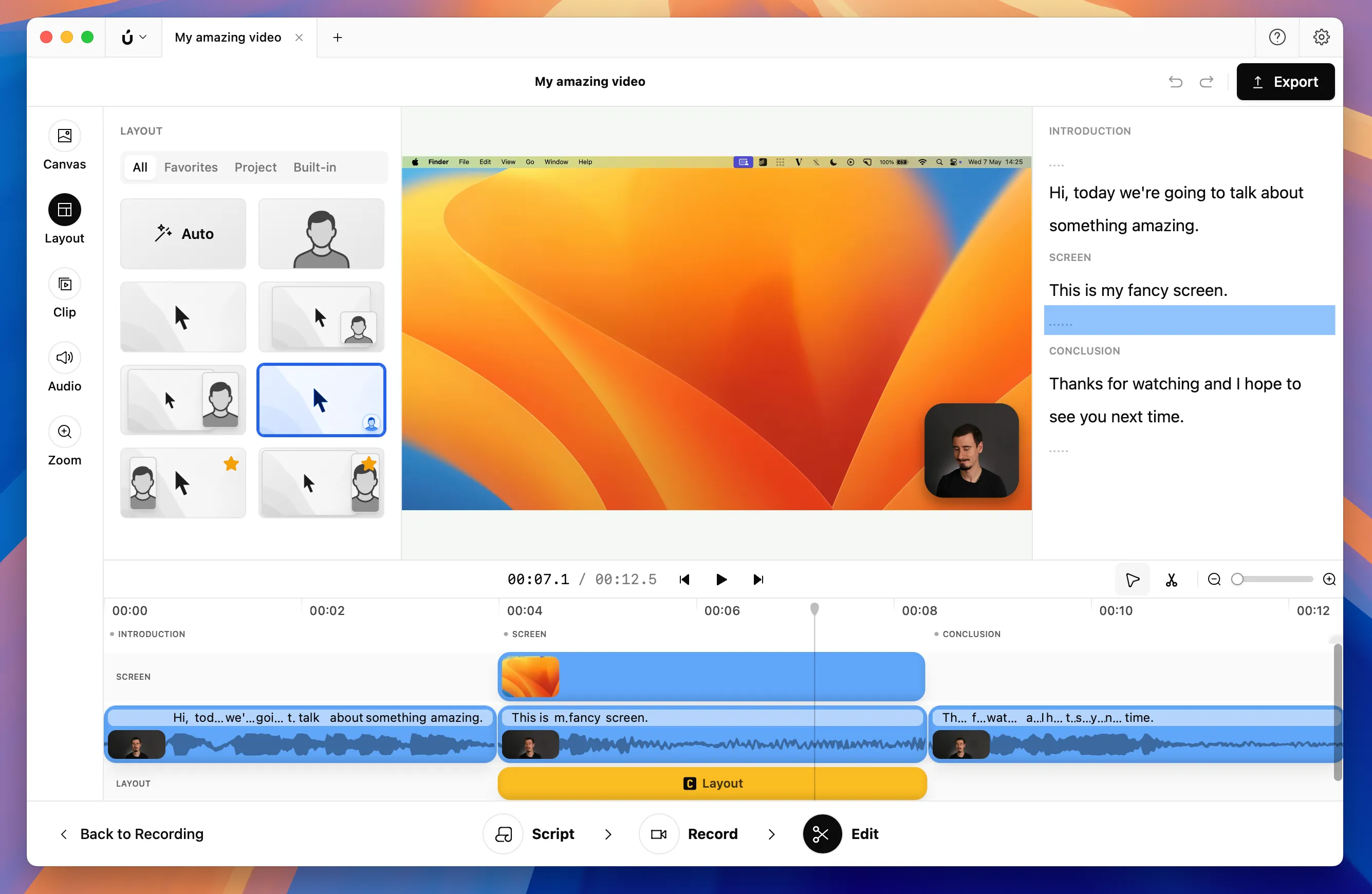
Borumi supports the same zoom effects and cursor movements as Screen Studio, making it a great alternative for creating professional videos.