How to Fix Screen Studio Random Crashes
Fix Screen Studio crashing every 5 minutes: troubleshoot unstable recording performance and workflow disruptions

Federico Terzi
Published 2 min read
Screen Studio users have reported experiencing random crashes every few minutes during recording sessions. These unexpected crashes create an unstable recording experience that makes it difficult to complete video recordings and significantly impacts workflow productivity.
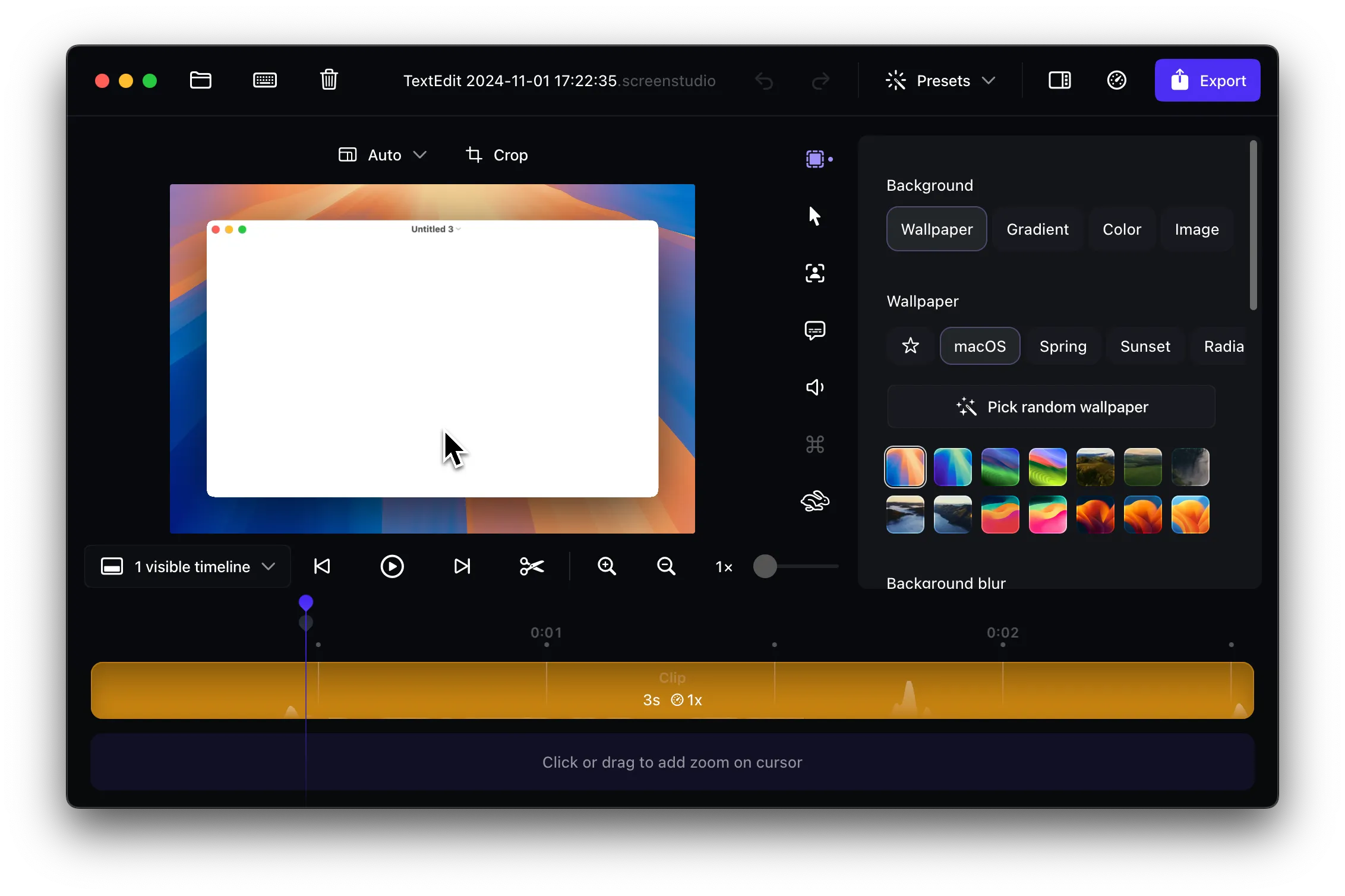
When Screen Studio crashes frequently, it not only interrupts your recording session but also risks losing your work progress. This instability can be frustrating, especially when you’re trying to record time-sensitive content or lengthy tutorials.
Approach 1: Free Up Disk Space
The most common cause of frequent crashes in Screen Studio is insufficient storage space. Here’s how to resolve this:
- Check your available space - Ensure you have at least 50 GB of free space on your Mac
- Clean up your storage - If you have less than 50 GB, delete unnecessary files to free up 40-50 GB of space
- Empty your trash - Don’t forget to empty the trash after deleting files
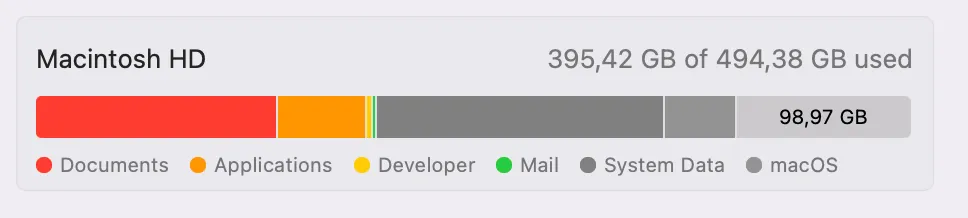
Screen recording applications like Screen Studio require significant disk space for temporary files and video processing. Insufficient storage can cause the application to crash unexpectedly.
Restart Your Mac
After freeing up disk space, it’s essential to restart your Mac. This step is crucial because it:
- Clears system caches and temporary files
- Frees up RAM that may be consumed by background processes
- Makes your system more responsive and stable
- Resets any system processes that might conflict with Screen Studio
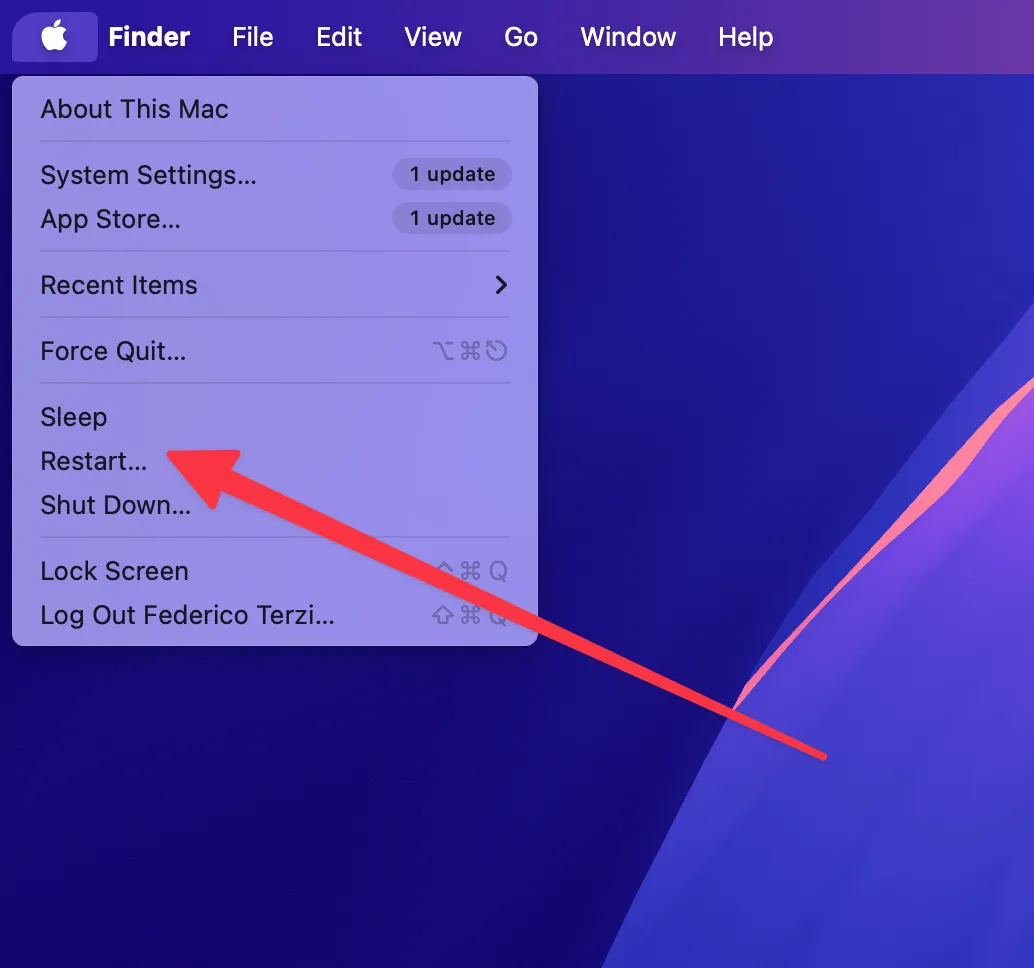
Simply closing and reopening Screen Studio isn’t enough - a full system restart is necessary to achieve the stability improvements you need.
Alternative Solution: Borumi
If you continue to experience random crashes despite following these troubleshooting steps, consider switching to Borumi. This screen recording alternative offers:
- Stable recording performance - Built from the ground up for reliable macOS recording
- Smooth cursor movements - Professional cursor animations and effects
- Zoom effects - Dynamic zoom and pan features for engaging videos
- Stable recording experience - Engineered specifically to avoid the stability issues that plague other recording tools
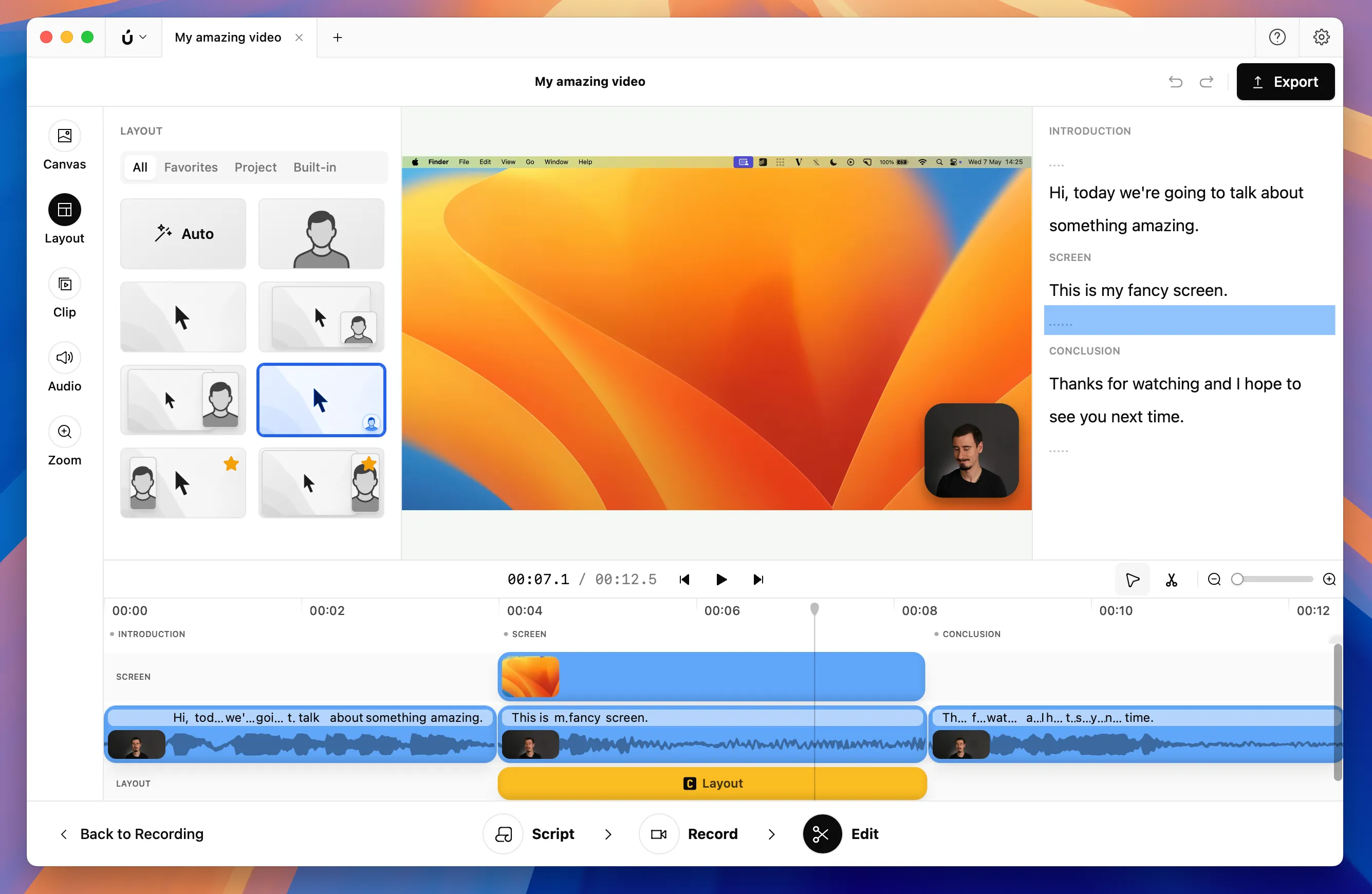
Borumi was designed with macOS stability as a core priority, resulting in fewer crashes and interruptions during your recording sessions.