How to Fix 'Failed to start recording' error in Screen Studio
Learn how to quickly resolve the 'Failed to start recording' error in Screen Studio with simple troubleshooting steps.

Federico Terzi
Published 2 min read
When you try to start a recording in Screen Studio, you might see this error message: Failed to start recording, Recorder failed to prepare recording (recorder process exited before sending ready signal).
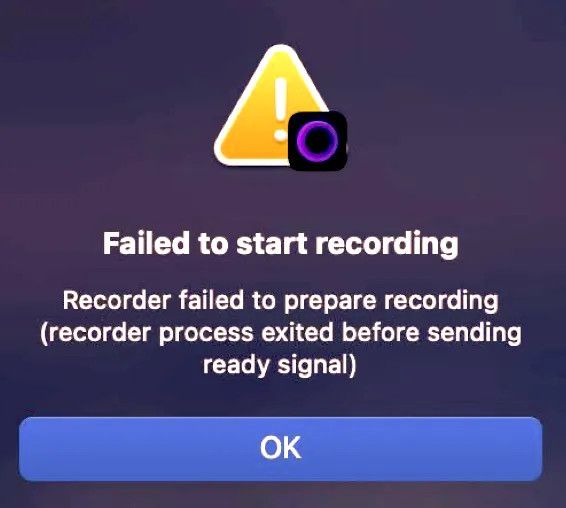
This can be frustrating, but there are several ways to fix this problem.
Solution 1: Update macOS
This error occurs when Screen Studio can’t initialize its recording process properly. When you see this message, you won’t be able to start any recordings, making the software unusable.
The root cause is often related to macOS compatibility issues. The first step to fix this is to check your macOS version:
- Click the Apple menu in the top-left corner
- Select “About This Mac”
- Check your macOS version number
If you’re running an earlier version of macOS 15, this could be the source of your problem. These earlier versions have known conflicts with Screen Studio’s recording features. Updating to the latest macOS version might resolve the error.
Alternatives: Using Borumi
If updating your macOS doesn’t fix the issue, consider switching to Borumi. Borumi is a reliable screen recording alternative that works well on Mac systems.
Key features of Borumi include:
- Stable recording performance on macOS
- Built-in video editing tools
- Simple, user-friendly interface
- Professional-quality output
The switch to Borumi can solve your recording issues while providing additional features that might enhance your workflow.