How to Make Screen Studio Recordings Sharper
Fix soft and blurry text in Screen Studio recordings with these methods to make your tutorials look professional and sharp

Federico Terzi
Published 2 min read
Screen Studio creates polished videos, but sometimes the text and interface elements in your final recording look soft or blurry compared to other screen recorders like QuickTime. This softness can be problematic for tutorials and educational content where sharp, readable text is crucial.
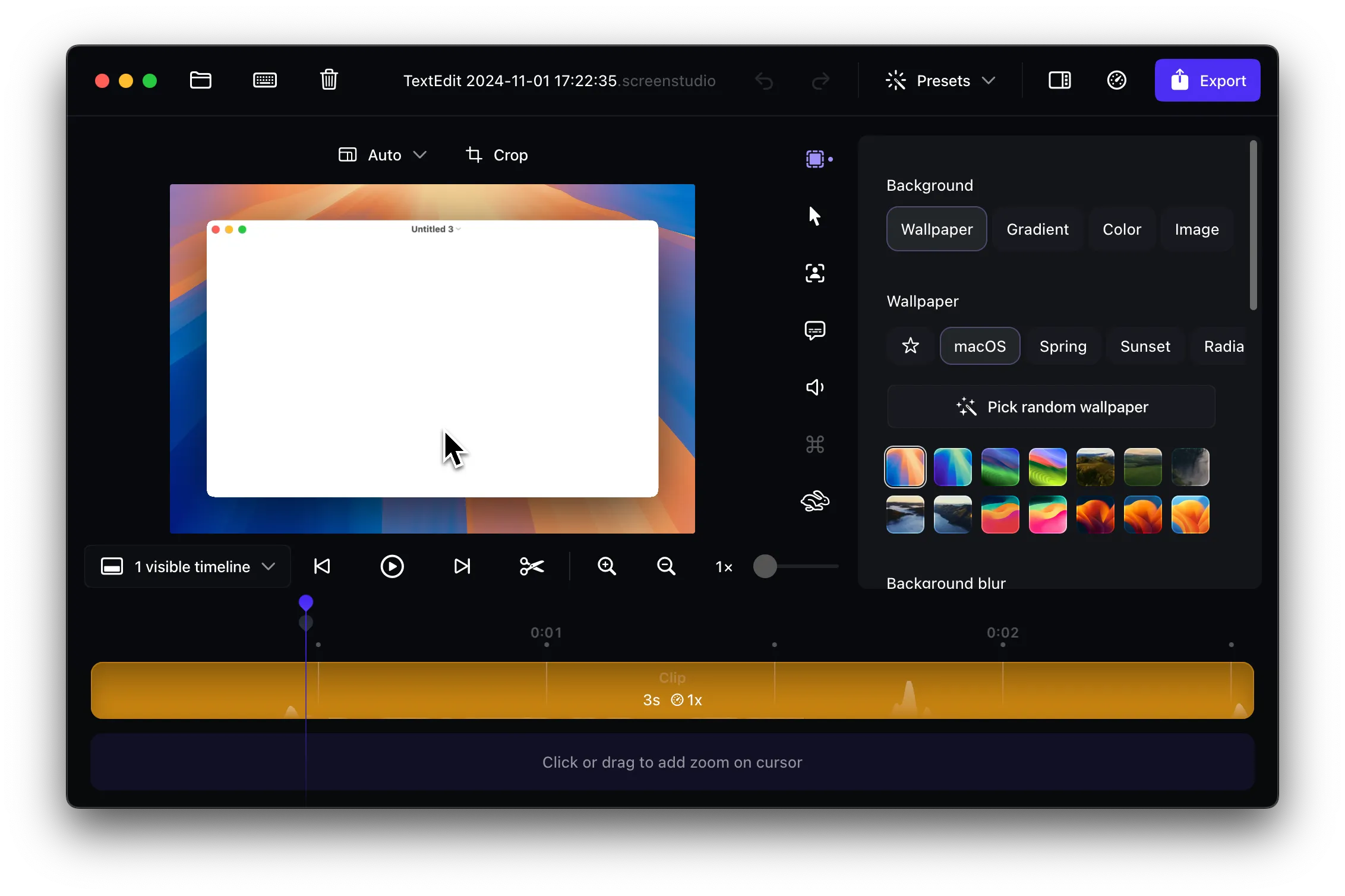
The issue occurs because Screen Studio applies various visual effects and processing that can slightly reduce the sharpness of text and UI elements. While this creates a more polished look overall, it can make your content less suitable for tutorials.
Approach 1: Increase Your Screen Resolution
The most effective solution is to increase your screen resolution before recording:
- Go to System Settings → Displays
- Select a higher resolution (4K or higher if available)
- Record your content at this higher resolution
- Export at 4K for maximum quality retention
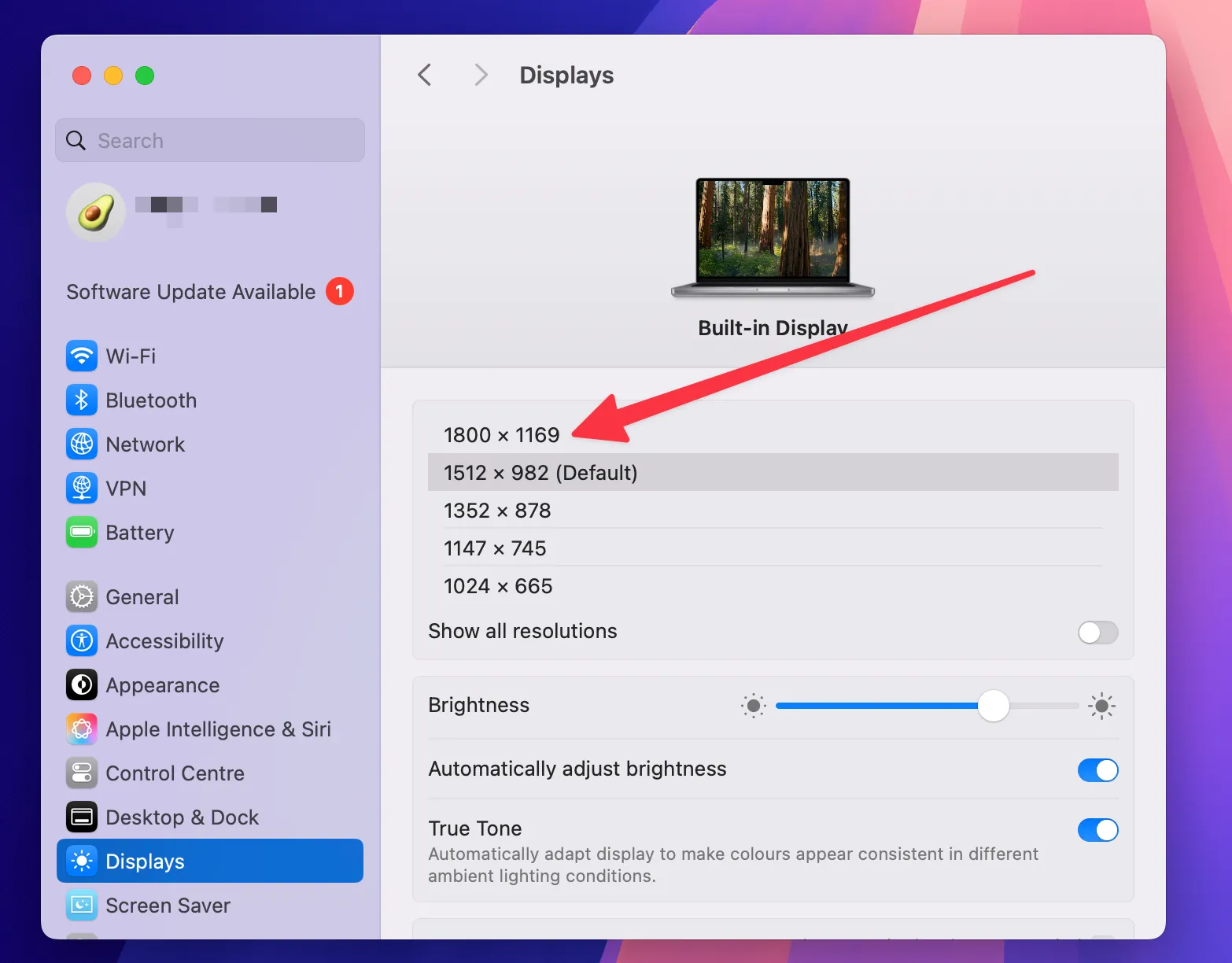
Higher resolution provides Screen Studio with more pixel data to work with, resulting in sharper text and cleaner interface elements in the final video. The additional detail helps compensate for any softness introduced during processing.
Approach 2: Optimize Export Settings
Make sure you’re using the best export settings in Screen Studio:
- Select 4K export resolution in the export dialog
- Choose “Studio” compression for maximum detail preservation
- Avoid lower quality presets that further compress the video
Studio compression maintains more detail compared to other compression options, helping preserve the sharpness of text and interface elements that are critical for tutorial content.
Alternative Solution: Borumi
If the above solutions don’t provide the sharpness you need, consider Borumi, which was designed with sharpness in mind:
- Built-in sharpening mode - Optimized to keep text and UI elements crisp
- Sharp recorder - Specifically designed for maximum text clarity
- Smooth cursor movements - Professional cursor animations without blur
- Zoom effects - Clean zoom transitions that maintain sharpness
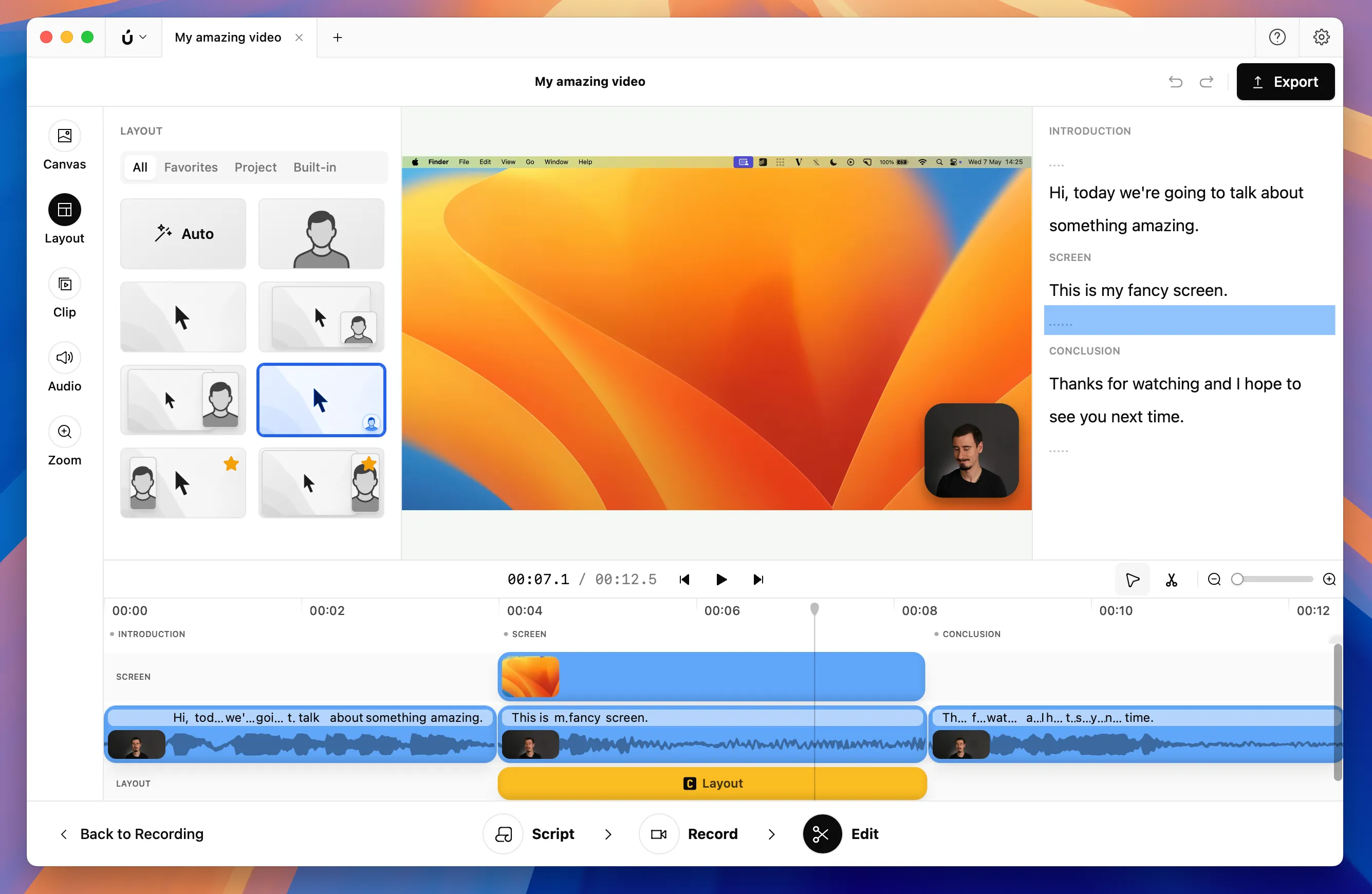
Borumi’s sharp recorder is specifically designed for creators who prioritize text clarity, making it ideal for tutorials and educational content.