How to Fix Screen Studio Editor Lag
Fix Screen Studio editor lag issues with these possible solutions

Federico Terzi
Published 2 min read
Some users have reported that the Screen Studio editor can be laggy, even when using performance mode. This makes video editing challenging, especially when working with longer videos.
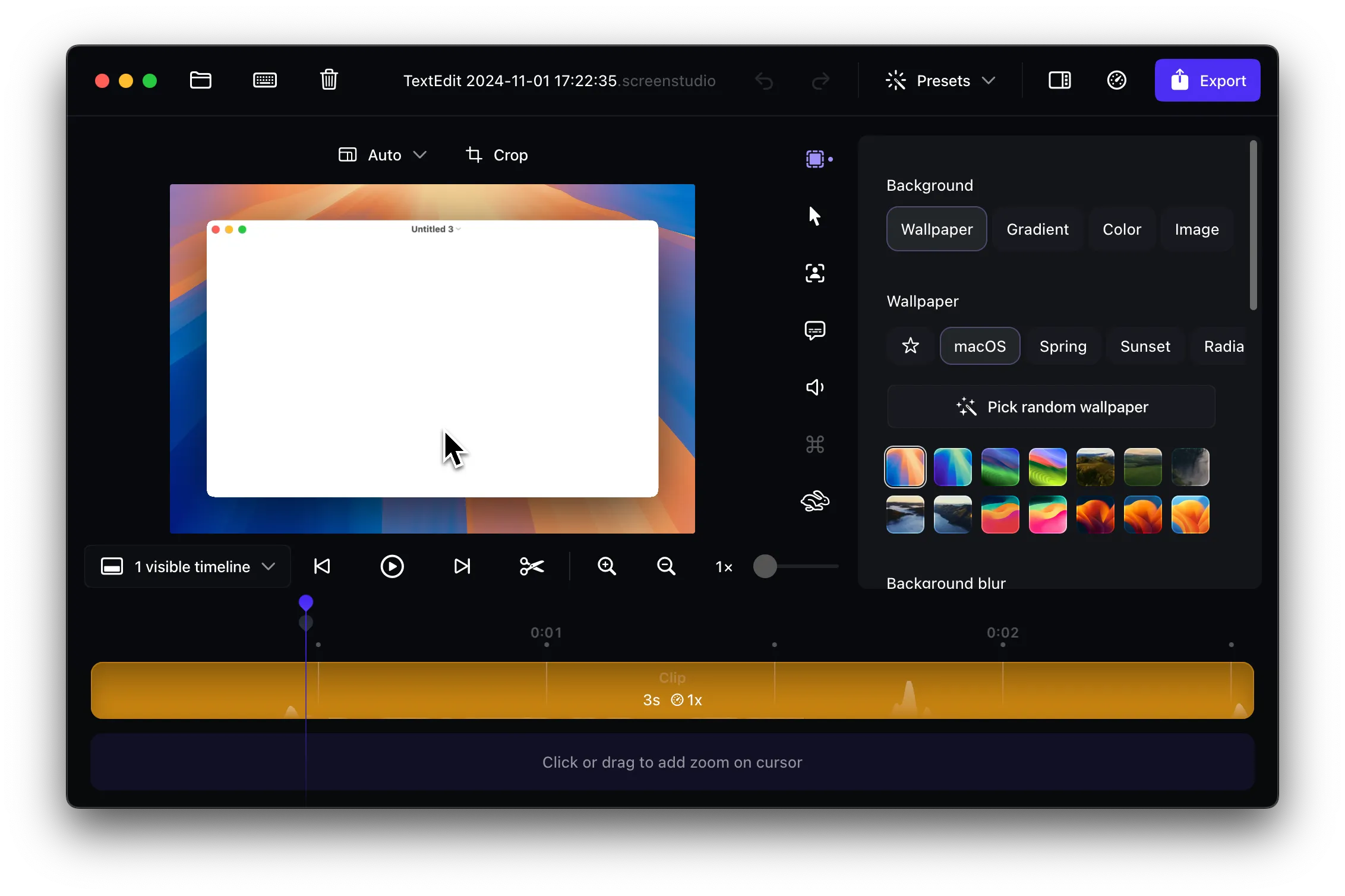
Editor lag in Screen Studio can manifest as delayed responses to clicks, slow timeline scrubbing, and stuttering during preview playback. These performance issues can significantly impact your editing productivity and make the editing process frustrating.
Approach 1: Switch to Performance Mode
If you haven’t already, the first step is to enable Performance Mode in Screen Studio:
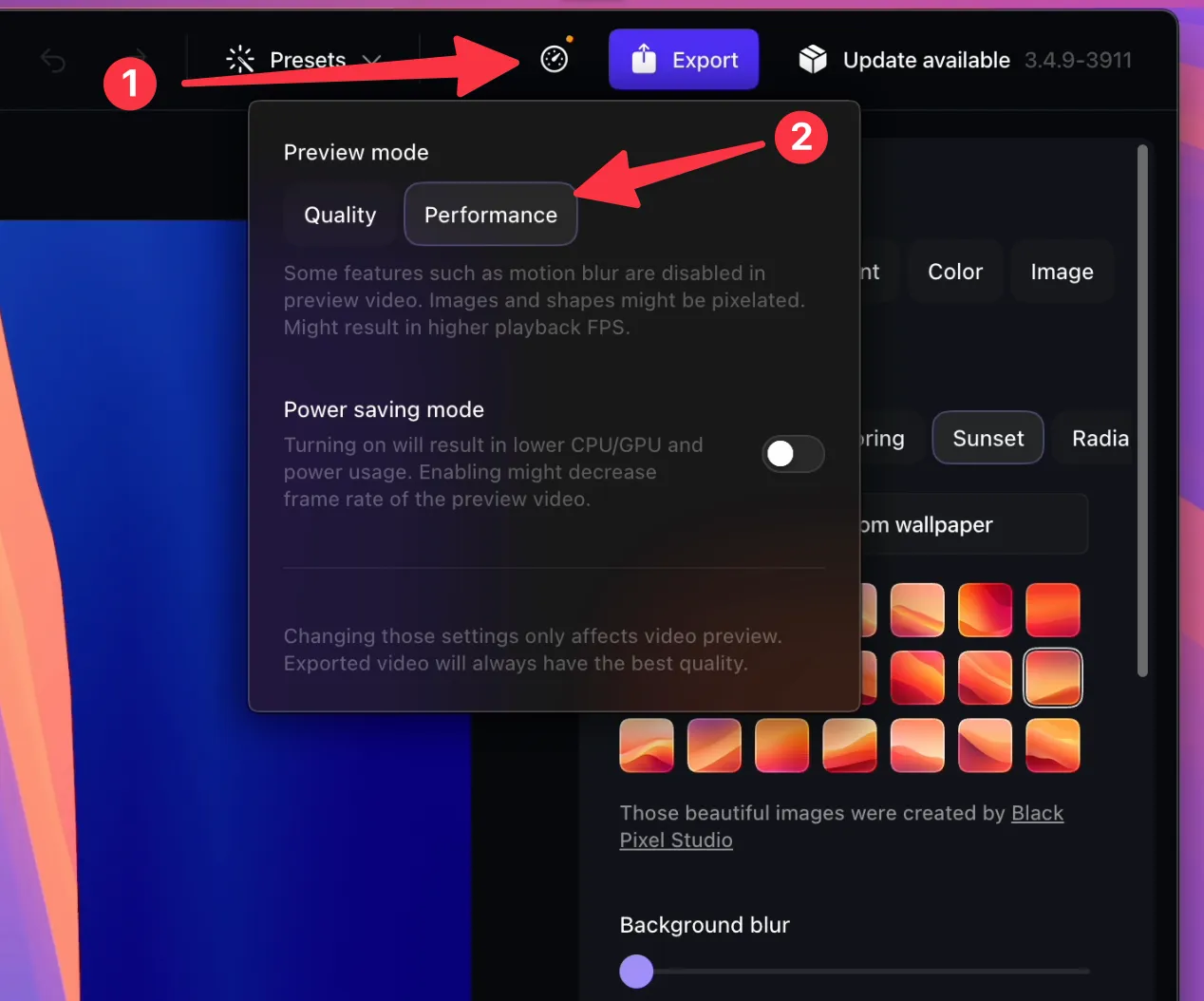
- Open a Screen Studio Project
- Navigate to the “Speed” icon
- Under “Preview quality”, select “Performance”
Performance Mode optimizes the editor by reducing visual effects and prioritizing responsiveness over visual quality during editing.
Approach 2: Restart Your Mac
Restarting your Mac can significantly improve Screen Studio’s performance by:
- Clearing temporary files and system caches
- Freeing up RAM consumed by background processes
- Making your system more responsive overall
- Resetting system processes that might interfere with video editing
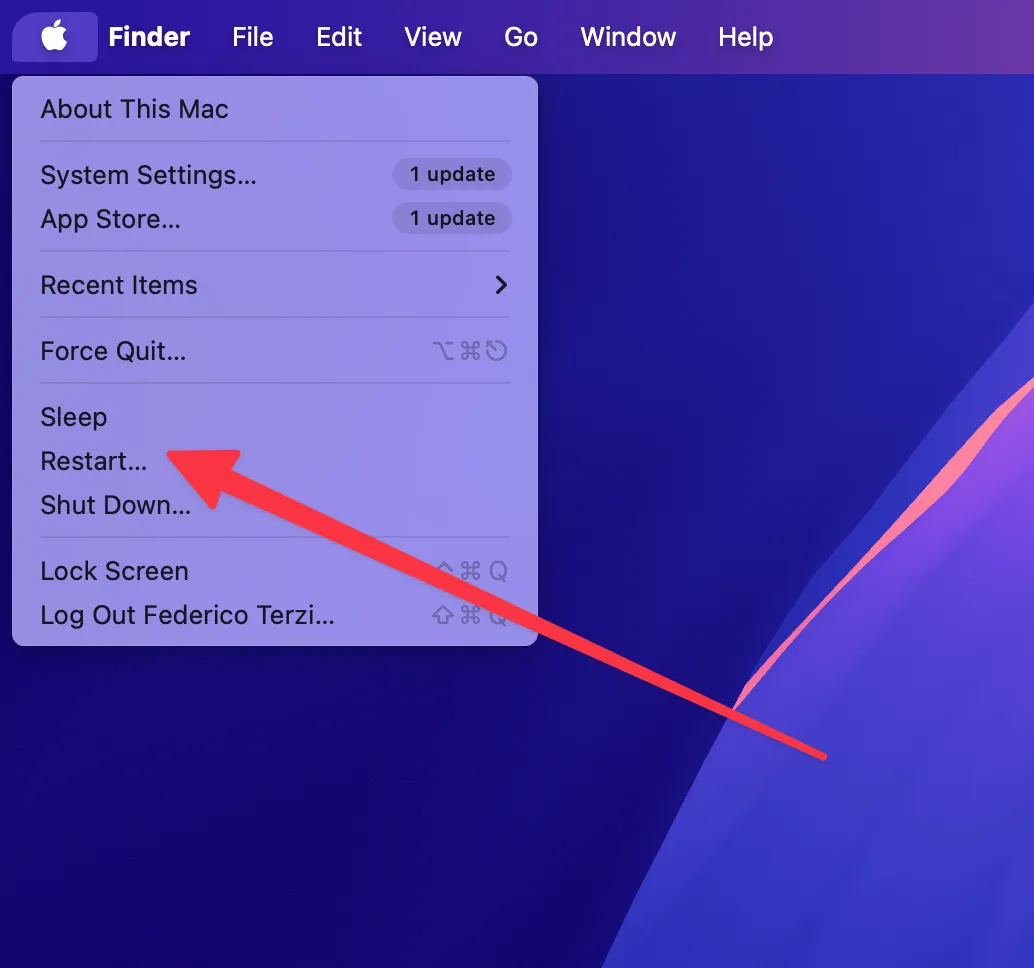
Simply close Screen Studio, restart your Mac completely, and then reopen the application to see if performance improves.
Approach 3: Download the Correct Version
Make sure you’ve downloaded the appropriate version of Screen Studio for your Mac:
For Apple Silicon Macs (M1, M2, M3, M4):
- Download the Apple Silicon version specifically
- Avoid the Intel version as it runs through emulation
For Intel Macs:
- Download the Intel version
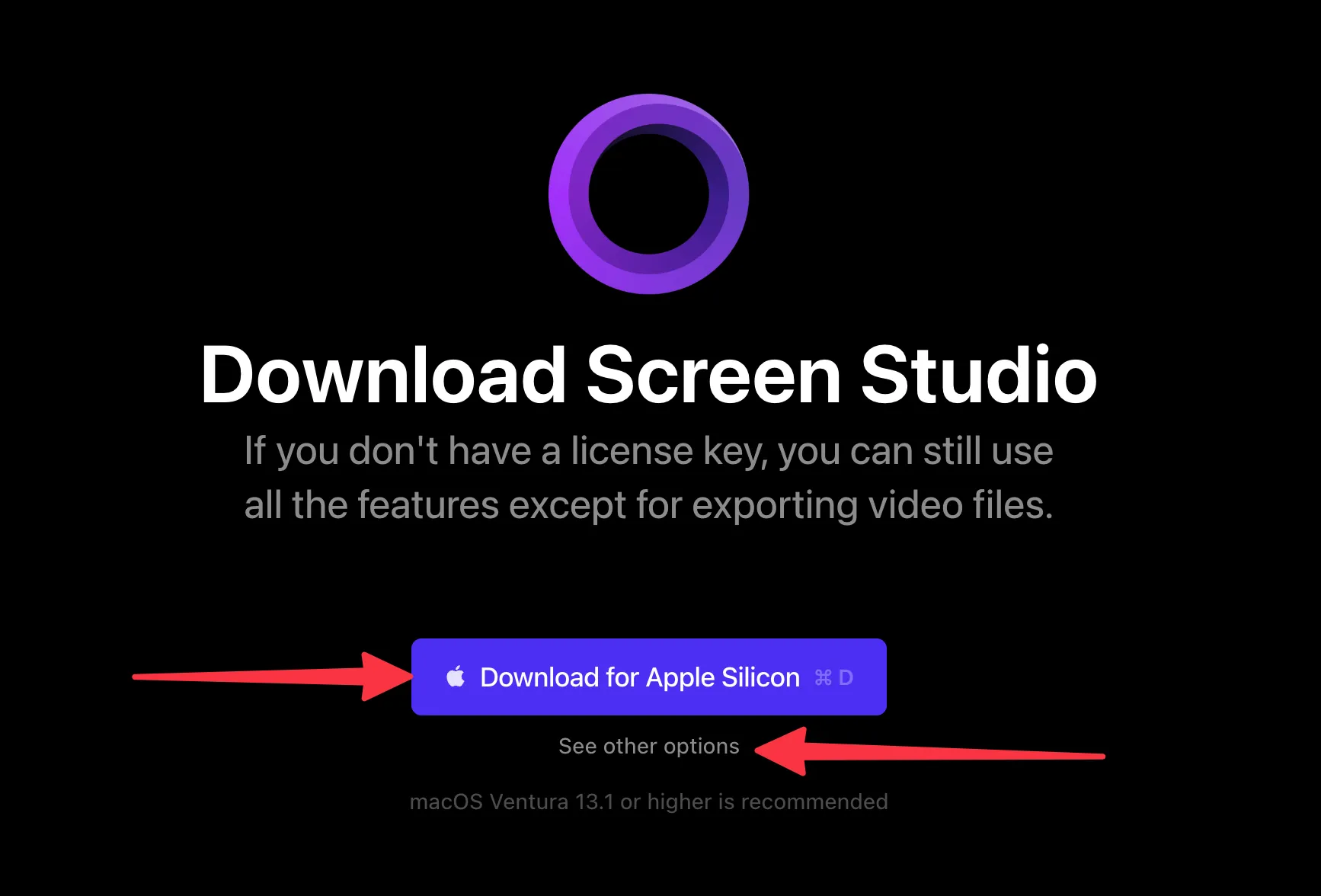
Using the wrong version can cause significant performance issues since the Intel version runs through emulation on Apple Silicon chips, creating unnecessary overhead that impacts editing performance.
Alternative Solution: Borumi
If the above solutions don’t resolve the lag issues, consider trying Borumi, a video editor designed with performance in mind. Borumi offers:
- Optimized performance - Built specifically for smooth editing experiences
- Smooth zooming effects - Professional zoom transitions without lag
- Responsive cursor movements - Fluid cursor animations and effects
- Efficient video processing - Designed to handle video editing tasks efficiently
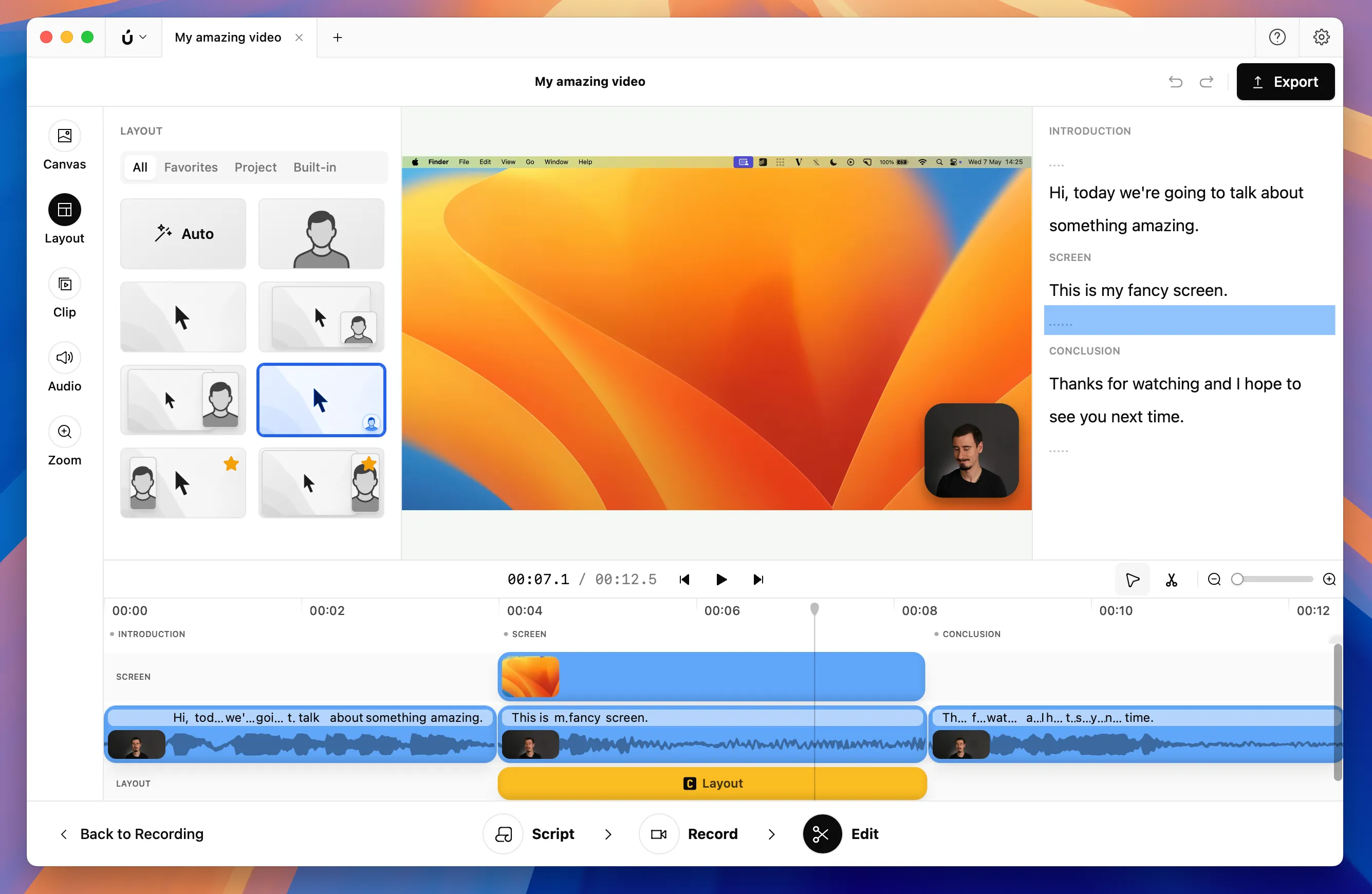
Borumi can be a valid alternative for users who need consistent editing performance without the lag issues that sometimes affect Screen Studio.