
Buy licenses for your team
If you want to use Borumi with your team, you can create a Borumi organization. It lets you buy licenses in bulk, get a single invoice, and decide who gets a license. You can also freely move licenses from one person to another. This guide shows you how.
Create an organization
Section titled “Create an organization”-
Go to borumi.com/dash and sign in.
-
Click Personal at the top of the sidebar, and choose Create organization.
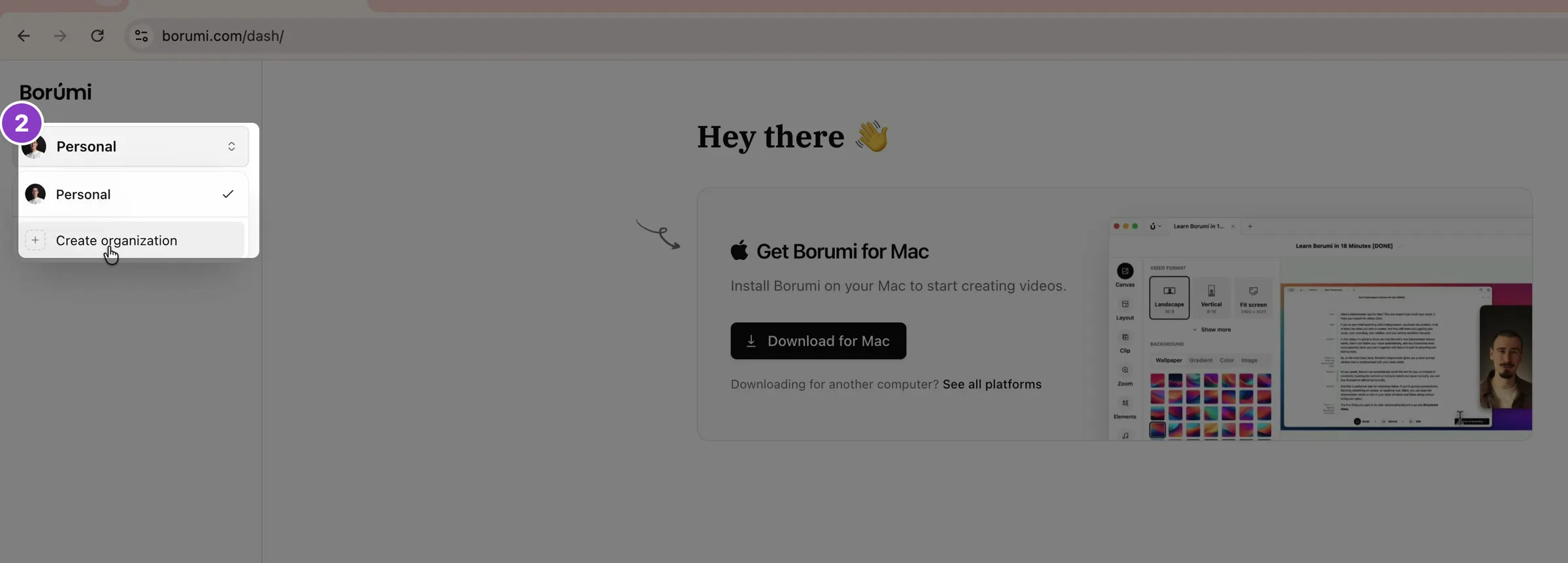
-
Enter your organization’s name and click Continue.
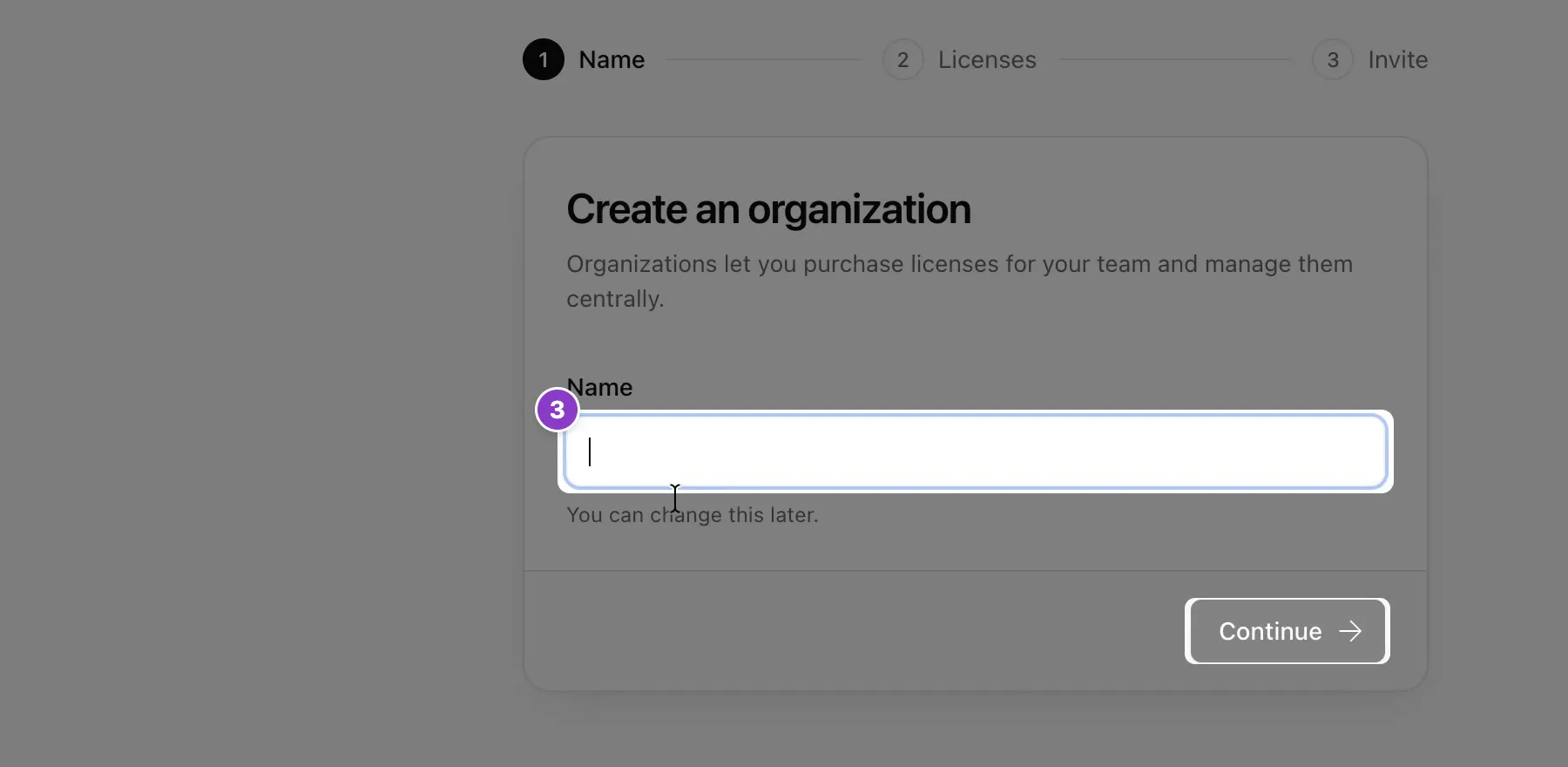
-
Choose how many licenses to buy, one for each person who’ll use Borumi. Click Continue to checkout and complete the payment.
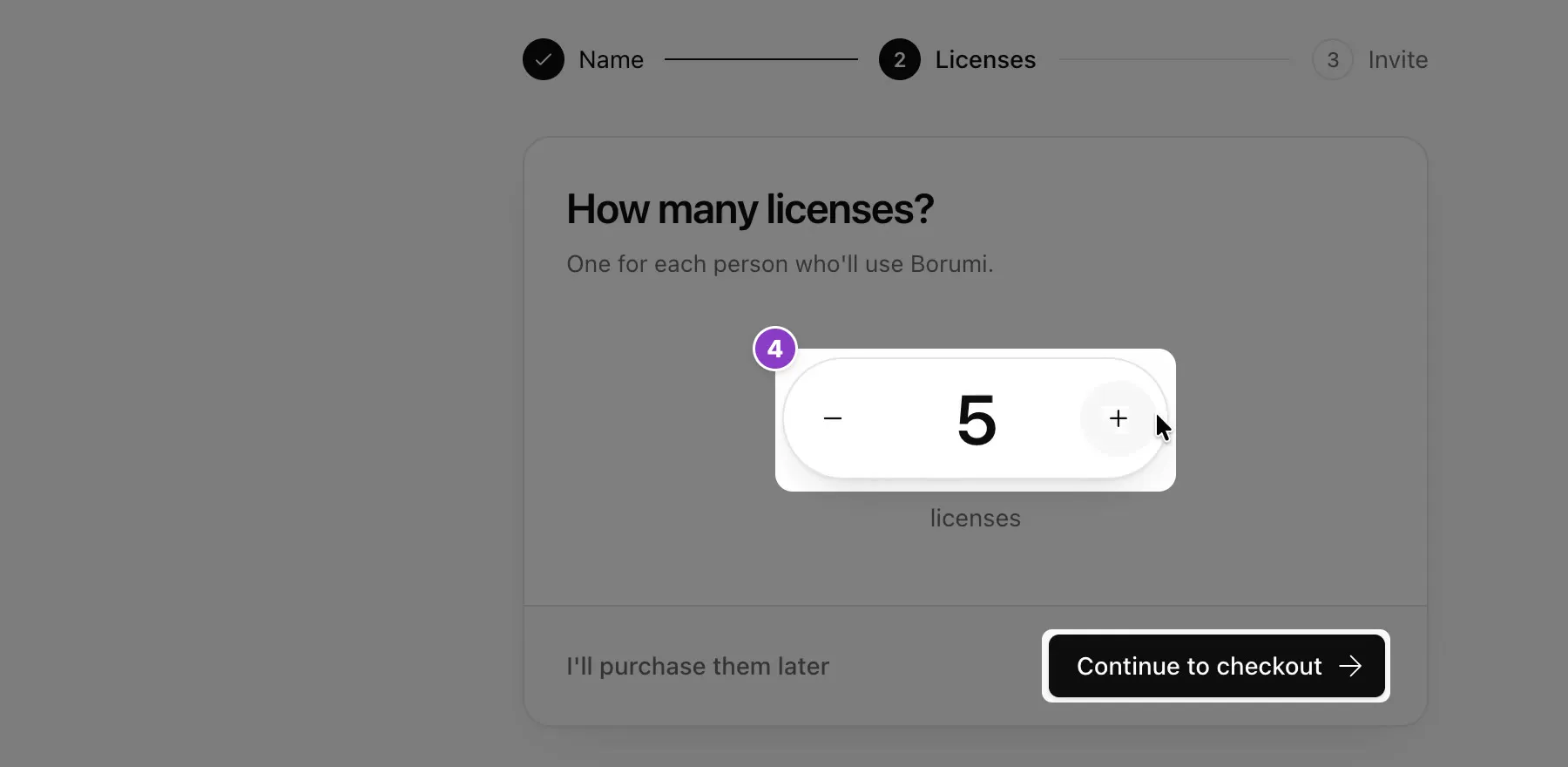
-
Type your teammates’ emails and click Send invitation, or click Skip for now to invite them later.
To switch between your own account and your organization, use the same menu at the top of the sidebar.
Invite people
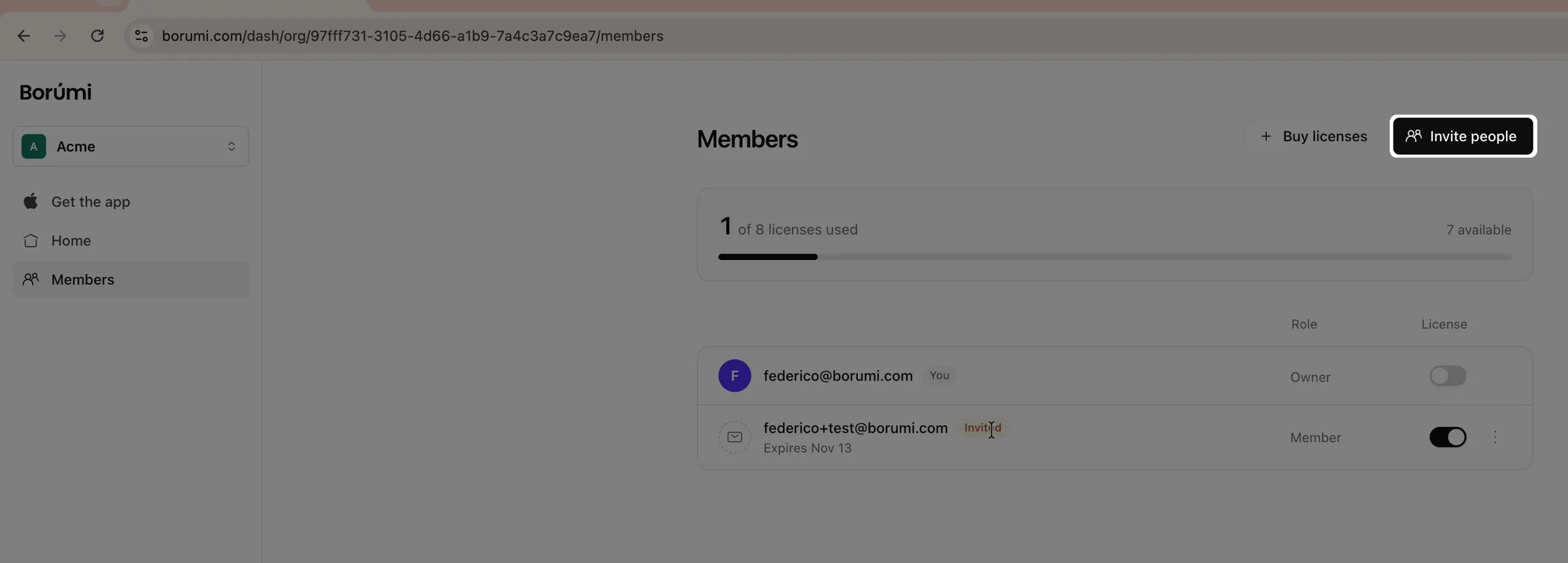
Section titled “Invite people”On the Members page, click Invite people, type or paste the emails, and click Send invitation. Each person gets an email with a link to join, and needs to sign in with the same email you invited.
Give or move a license
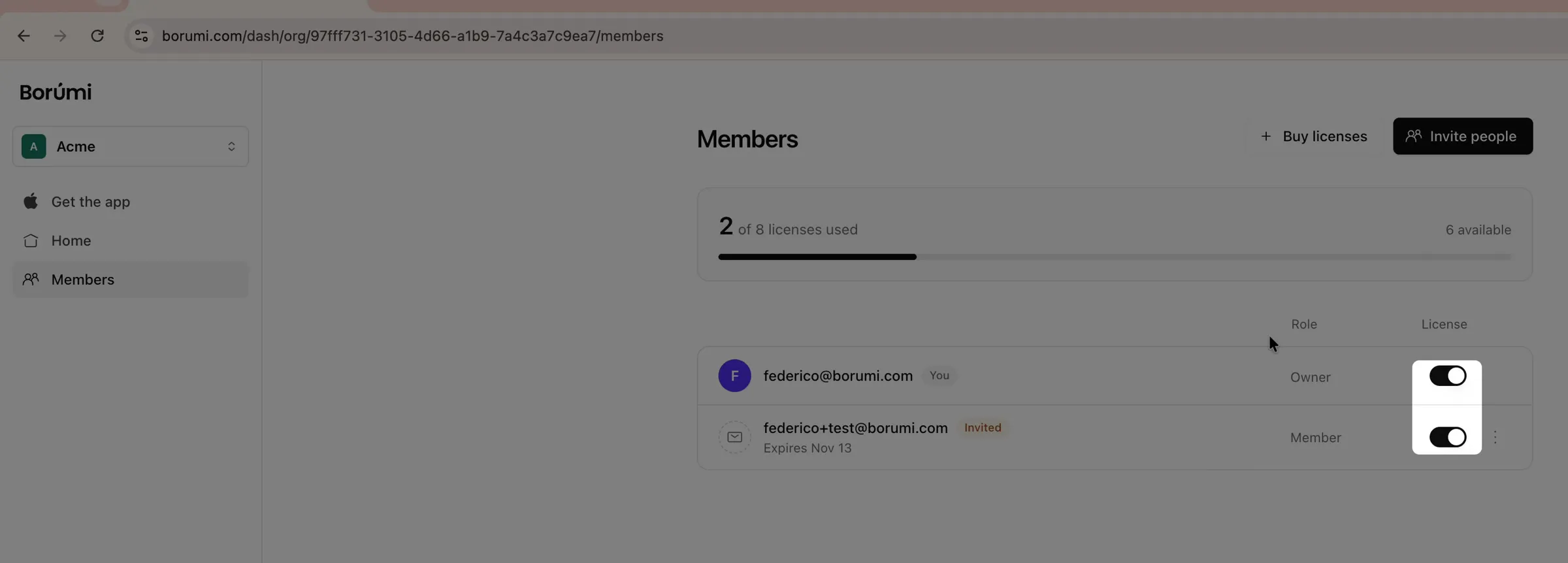
Section titled “Give or move a license”On the Members page, each person has a switch in the License column. Turn it on to give that person a license, or off to take it back. To move a license, turn it off for one person and on for another.
Start using Borumi as a team member
Section titled “Start using Borumi as a team member”Once someone has a license from your organization, they only need to:
-
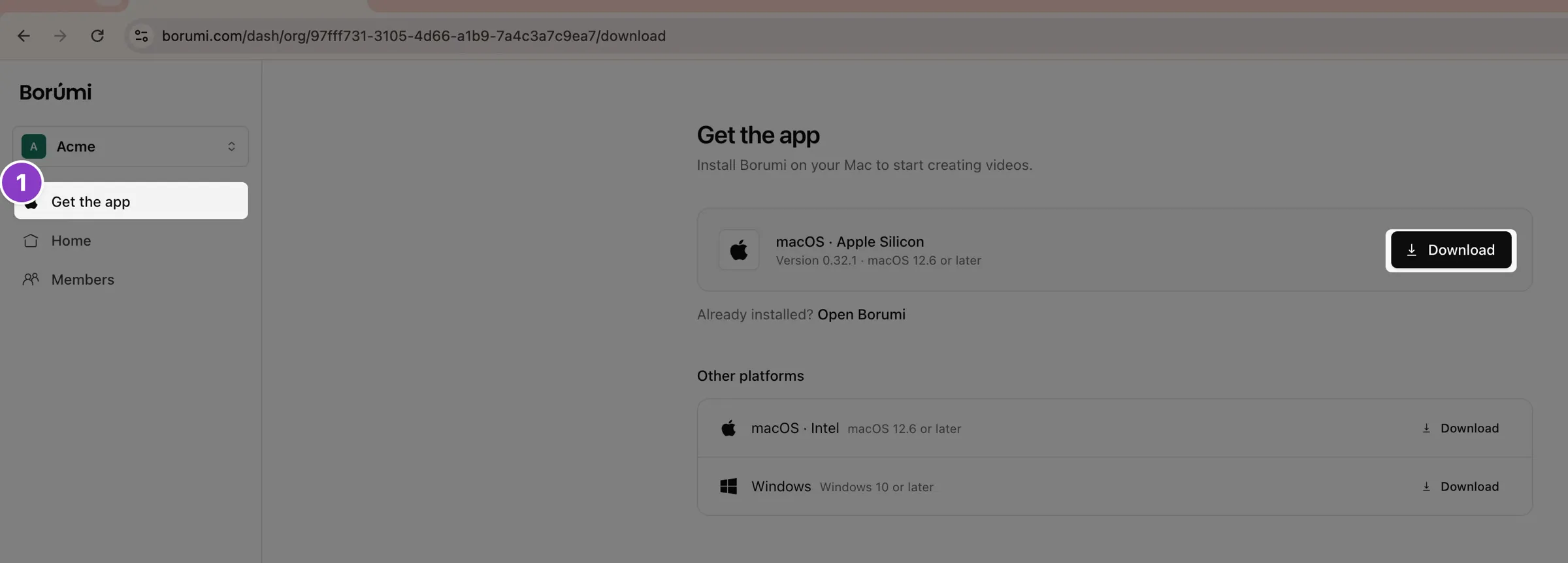
Click Get the app in the dashboard and download Borumi.
-
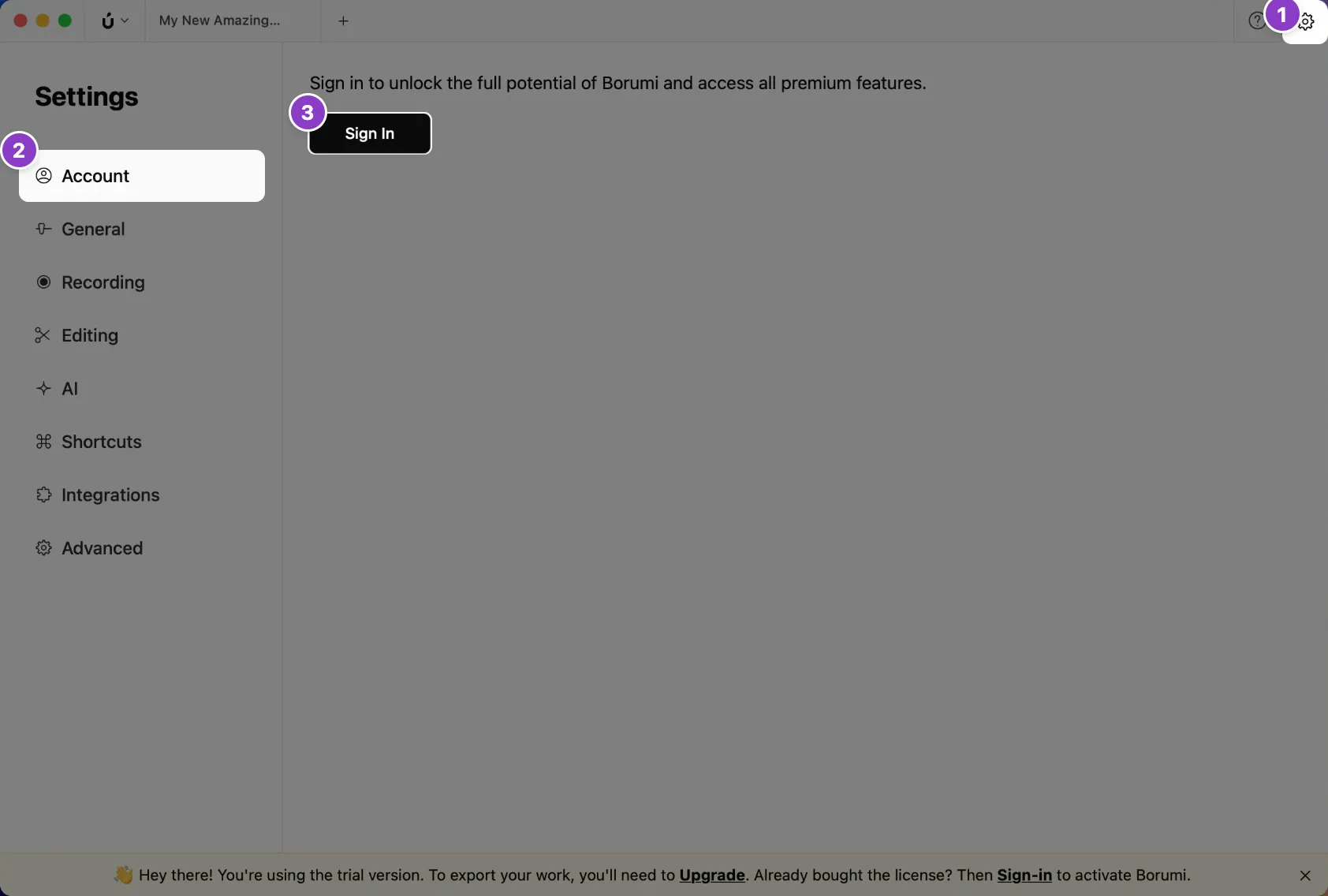
Open Borumi, go to Settings → Account, and sign in with the email they were invited with.
Choose who manages the organization
Section titled “Choose who manages the organization”Each person has a role:
- Owner: full control, including changing roles.
- Admin: manages members, licenses, and billing.
- Member: uses Borumi.
To change someone’s role, click their current role on the Members page and pick a new one. Only owners can change roles.
Buy more licenses
Section titled “Buy more licenses”On the Members page, click Buy licenses, choose how many, and click Continue to checkout.
Download your organization’s invoices
Section titled “Download your organization’s invoices”In the dashboard, click Settings, then Billing & licenses under your organization’s name. Under Invoices, click Download invoice. To add company details to an invoice, see Update invoicing details.