
Change the canvas background
The canvas background is what shows around your screen and your camera. Borumi lets you customize it in different ways, so your videos match your brand. This guide shows you how.


This video can't be played right now. Please try again later.
Change the background
Section titled “Change the background”-
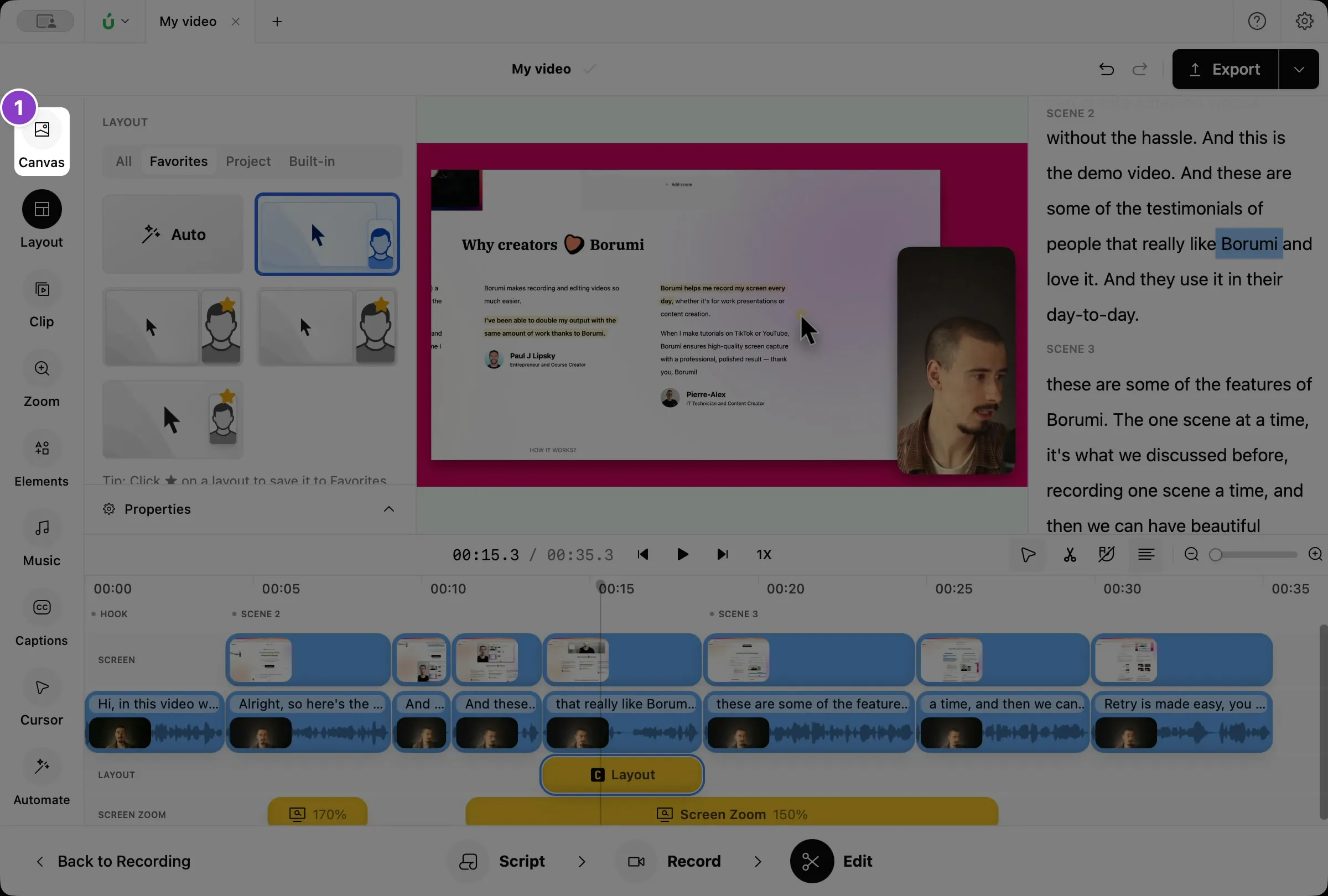
In the Edit tool, click Canvas on the left.
-
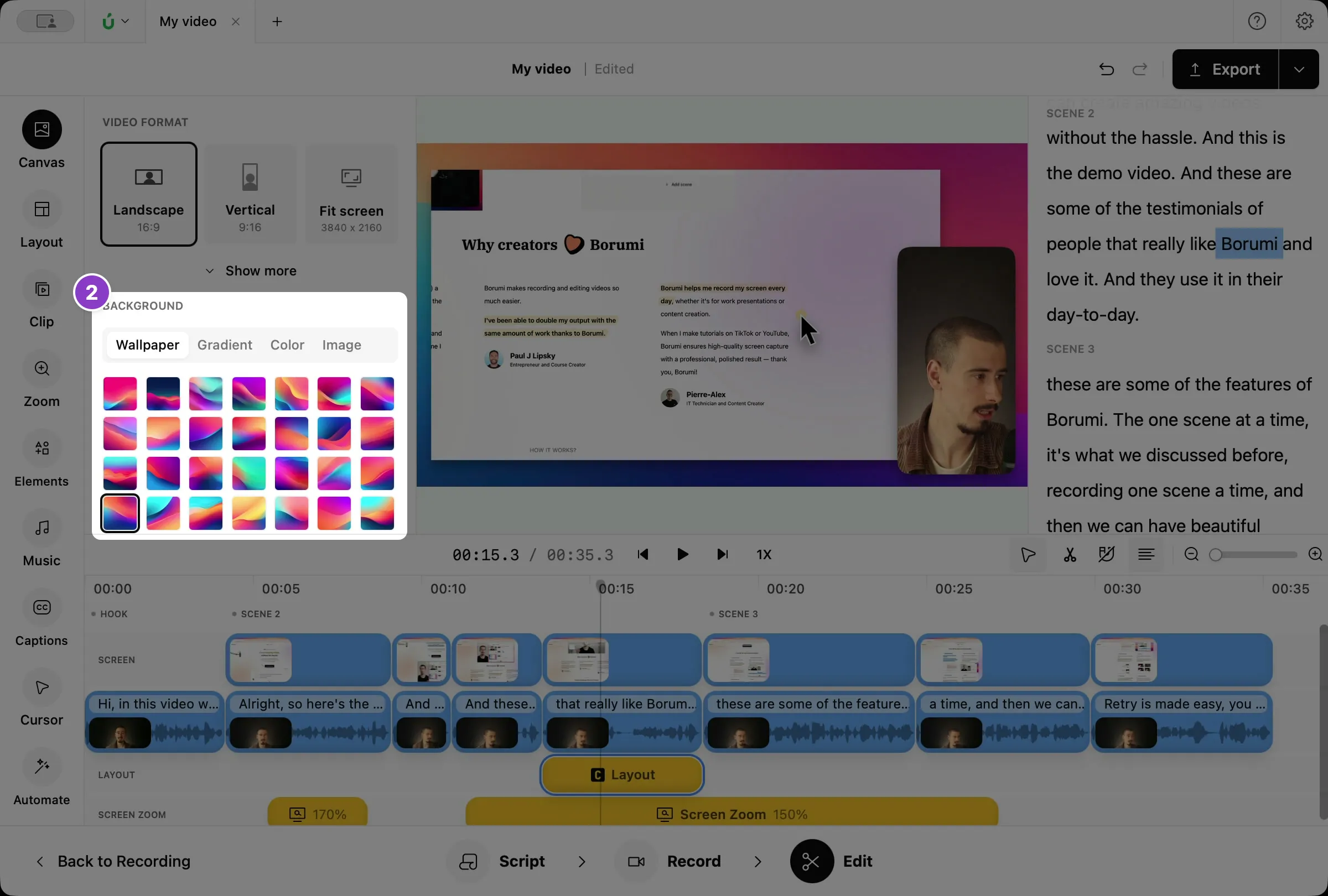
Under Background, pick a type and then a background:
- Wallpaper: click one of the built-in wallpapers.
- Gradient: click a preset, or set the Start color and End color yourself.
- Color: click a preset, or pick any color.
- Image: click the box to choose an image from your computer, or drop an image onto it. To use a different image, click the box again or drop another one.
Want to change your camera background?
Section titled “Want to change your camera background?”The canvas background doesn’t change what’s behind you in your camera. If your room is messy, or you just want a cleaner look, you can easily replace your camera background. See Replace your camera background.