Rotate or mirror your camera
Sometimes you might want to turn your camera sideways to record vertical videos. Borumi makes this easy in the camera settings.
Rotate your camera
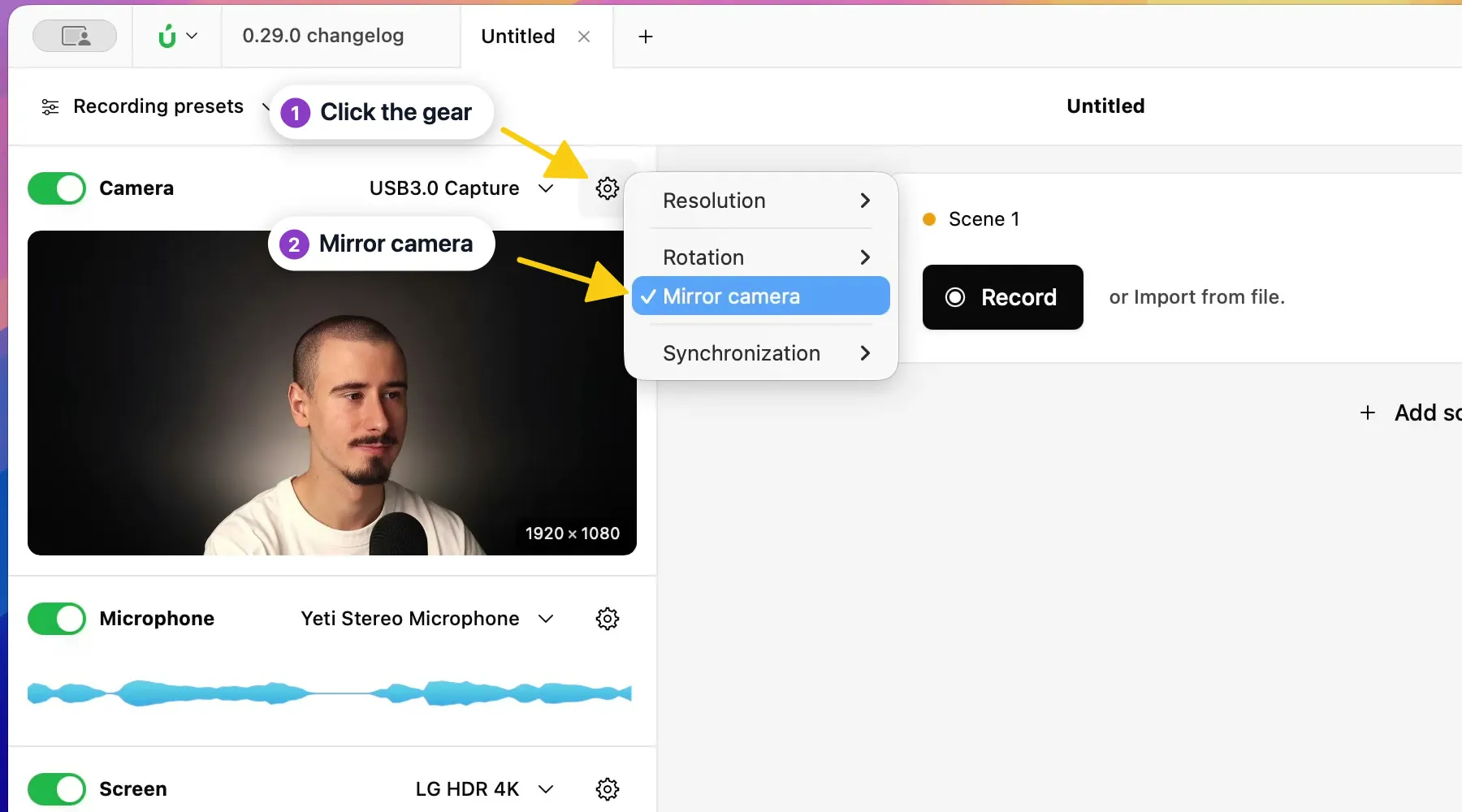
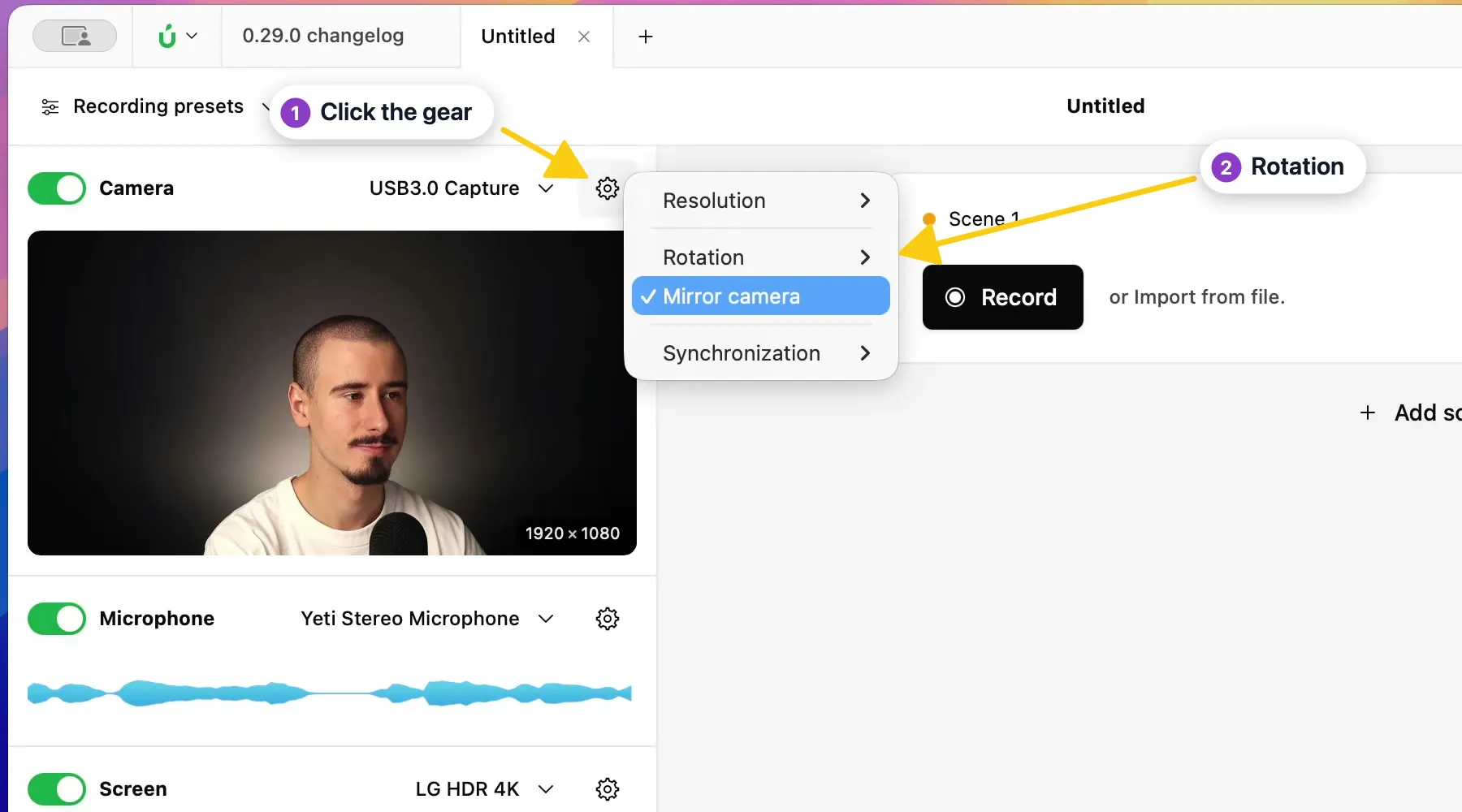
Section titled “Rotate your camera”- In the Record tool, click the gear next to Camera.
- Choose Rotation, then 90°, 180°, or 270°.
Mirror your camera
Section titled “Mirror your camera”Mirror camera flips your camera horizontally, like a mirror. It’s on by default. To turn it off, click the gear next to Camera and click Mirror camera.