
Remove silences and mistakes with AI
Your AI can edit the video for you, removing silences, false starts, and mistakes from your recordings. This guide shows you how to do that.


This video can't be played right now. Please try again later.
Ask your AI to clean up your video
Section titled “Ask your AI to clean up your video”- Open your project in Borumi.
- Ask your AI, for example:
- “Can you remove all silences and mistakes?”
- “Remove the false starts in the intro, but keep the short pauses between sentences.”
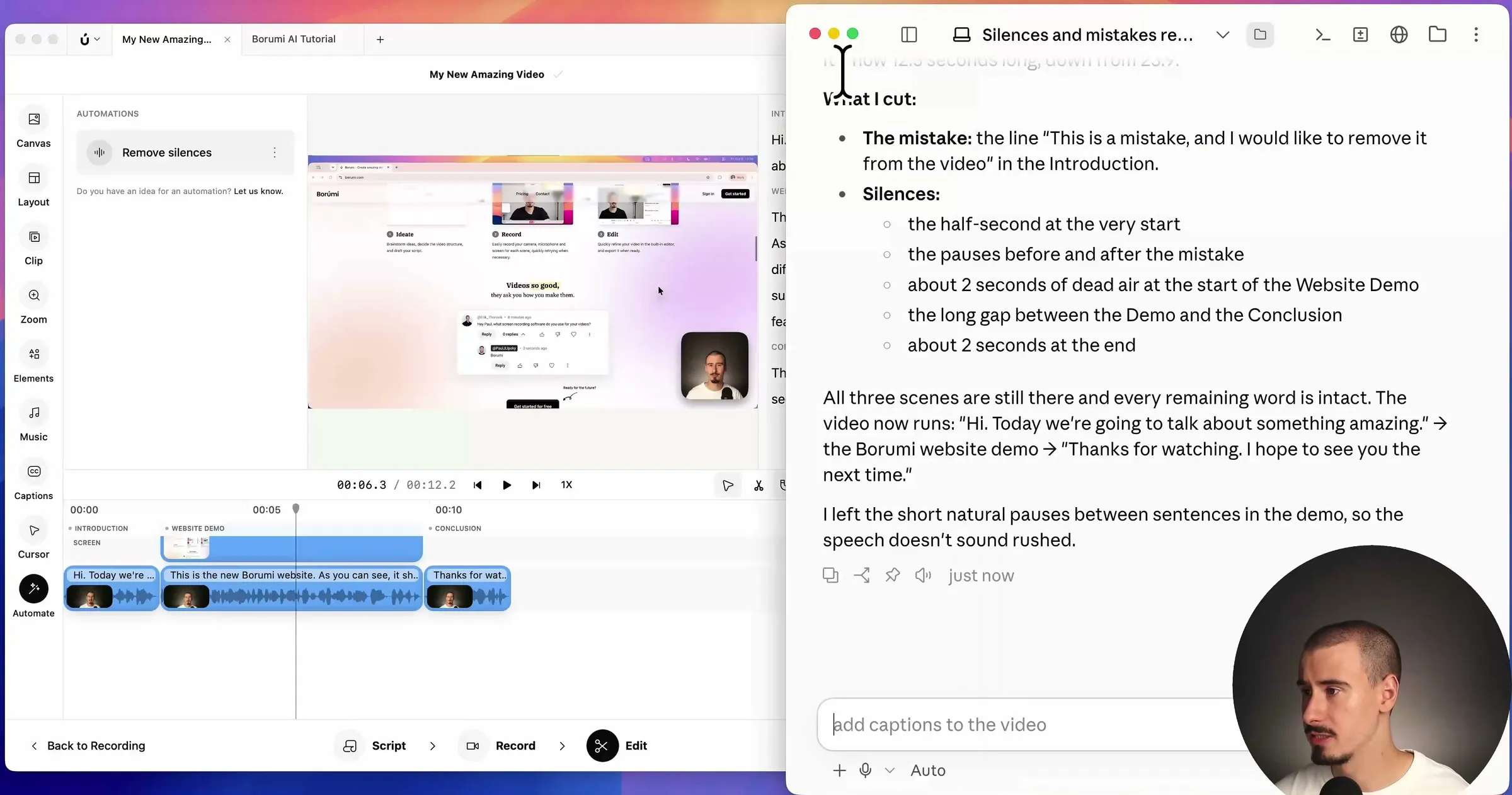
- Wait while the AI works. It can take from a few seconds to a few minutes, depending on how long your video is.
When it’s done, the AI tells you what it cut, and your timeline in Borumi is already updated. Play the video back to check the result.
To do it by hand instead, see Remove silences and Edit with the transcript.