
Change camera resolution
By default, Borumi records your camera at 1920 × 1080 (1080p). Depending on your camera, you can choose a different resolution and frame rate.
Choose a resolution
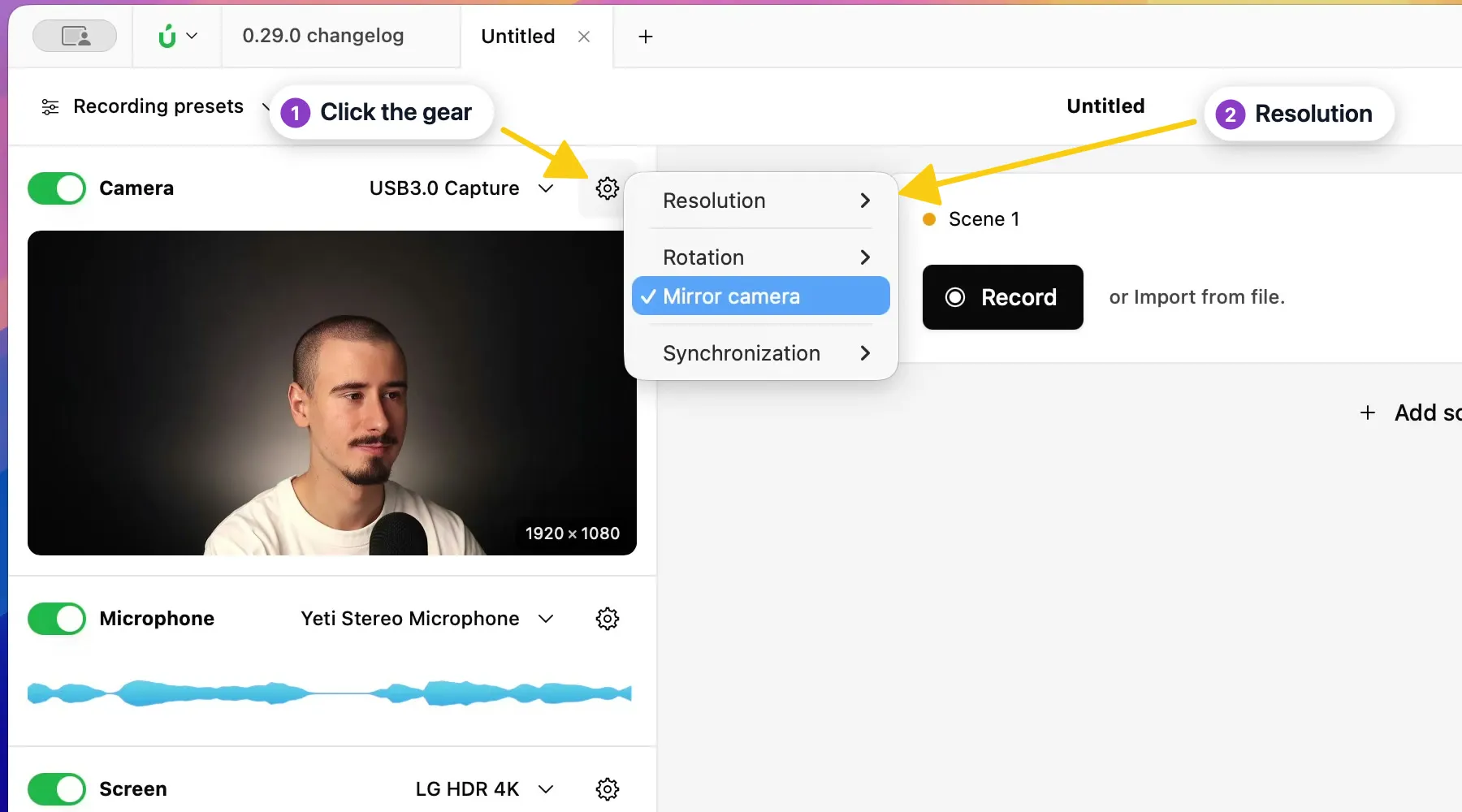
Section titled “Choose a resolution”- In the Record tool, click the gear next to Camera.
- Choose Resolution.
- Pick a resolution and frame rate from the list, for example 1920x1080 - 30.00 fps.
Record in 4K
Section titled “Record in 4K”Borumi supports recording up to 4K at 60 fps, if your camera supports it. If you don’t see a 4K option in the Resolution menu, try these:
- Use a high-quality cable. Some cables can’t carry 4K, so the option doesn’t show up.
- Check your capture card. If you connect your camera with an HDMI-to-USB capture card, make sure the card supports 4K.