
Choose where projects are saved
By default, Borumi saves your projects in the Borumi Projects folder in your home folder, but you can choose a different one. This guide walks you through it.
Change the folder
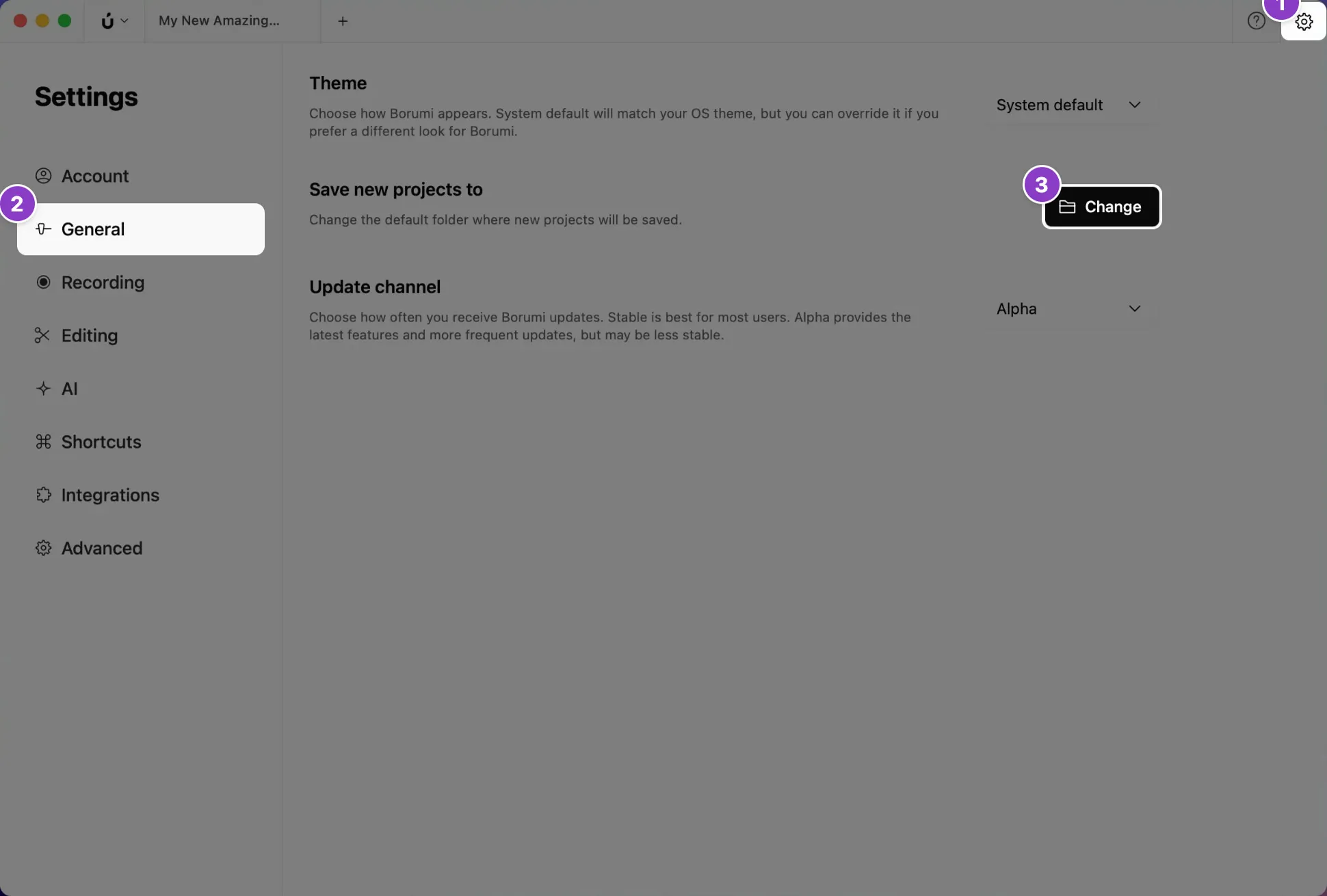
Section titled “Change the folder”- Click the gear icon at the top right to open Settings.
- Click General.
- Next to Save new projects to, click Change and pick a folder.
New projects are saved in the folder you picked. Your existing projects stay where they are.
Save projects on an external drive
Section titled “Save projects on an external drive”While you can save your projects on an external drive, we highly recommend recording on your computer’s internal drive first, and moving the project to the external drive once you’re done recording.