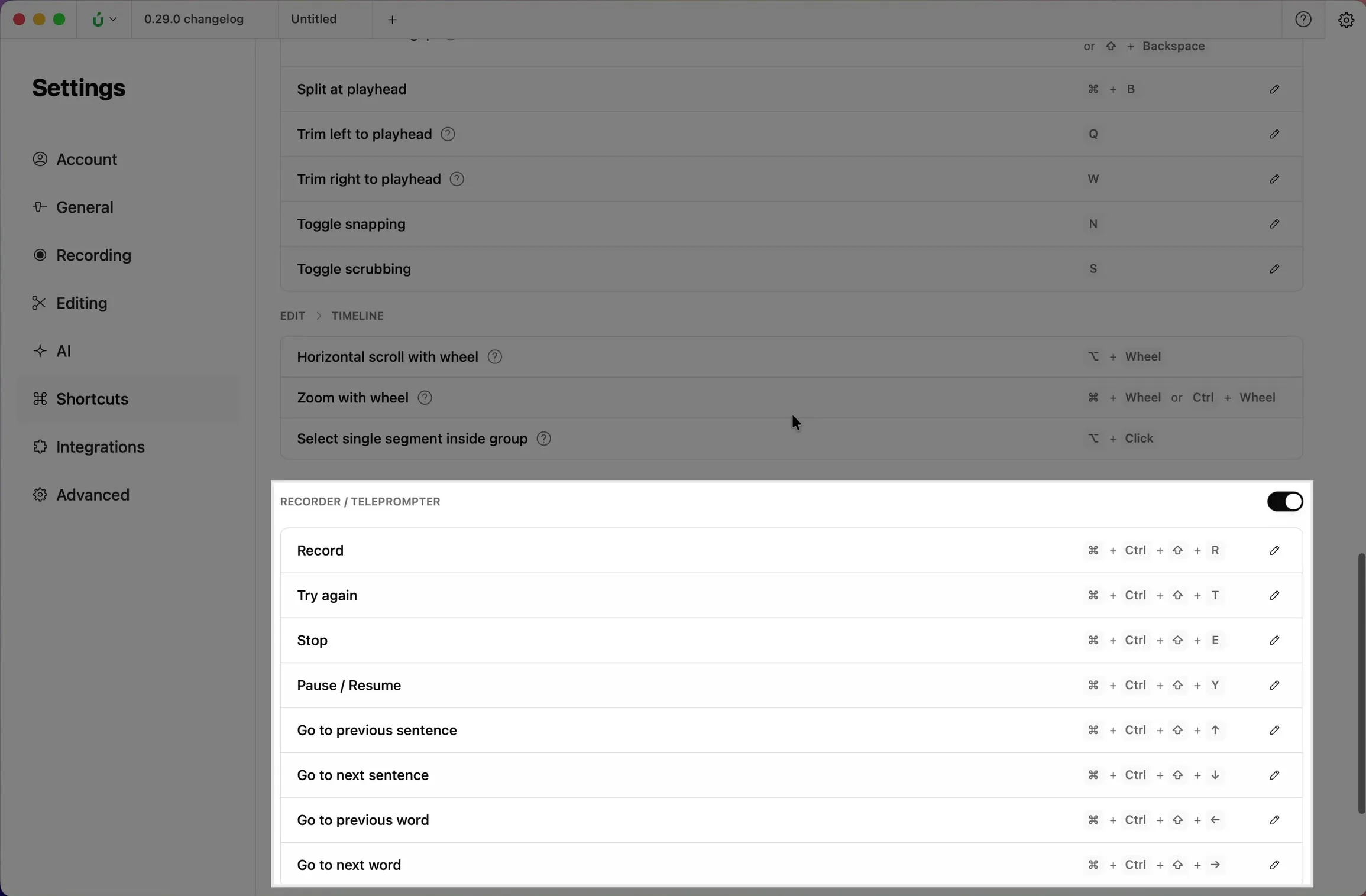
Recorder shortcuts
When you record a demo, reaching for the recorder can interrupt what you’re doing. The recorder shortcuts let you control the recording from the keyboard, even while another app is in focus.


This video can't be played right now. Please try again later.
Default shortcuts
Section titled “Default shortcuts”| Action | macOS | Windows |
|---|---|---|
| Record | ⌃⇧⌘R | CtrlAltShiftR |
| Stop | ⌃⇧⌘E | CtrlAltShiftE |
| Pause or resume | ⌃⇧⌘Y | CtrlAltShiftY |
| Try again | ⌃⇧⌘T | CtrlAltShiftT |
Change or turn off the shortcuts
Section titled “Change or turn off the shortcuts”- Open Settings with the gear icon at the top right of the window.
- Click Shortcuts and scroll to Recorder / Teleprompter.
- Click the pencil icon next to a shortcut to record a new key combination, or use the switch to turn all recorder shortcuts off.