
Put text behind yourself
Borumi lets you put your text and overlays behind you, recreating the famous “text behind subject” effect. This guide walks you through it.


This video can't be played right now. Please try again later.
Put text behind you
Section titled “Put text behind you”-
Add text and move it so part of it overlaps you, for example at the height of your head.
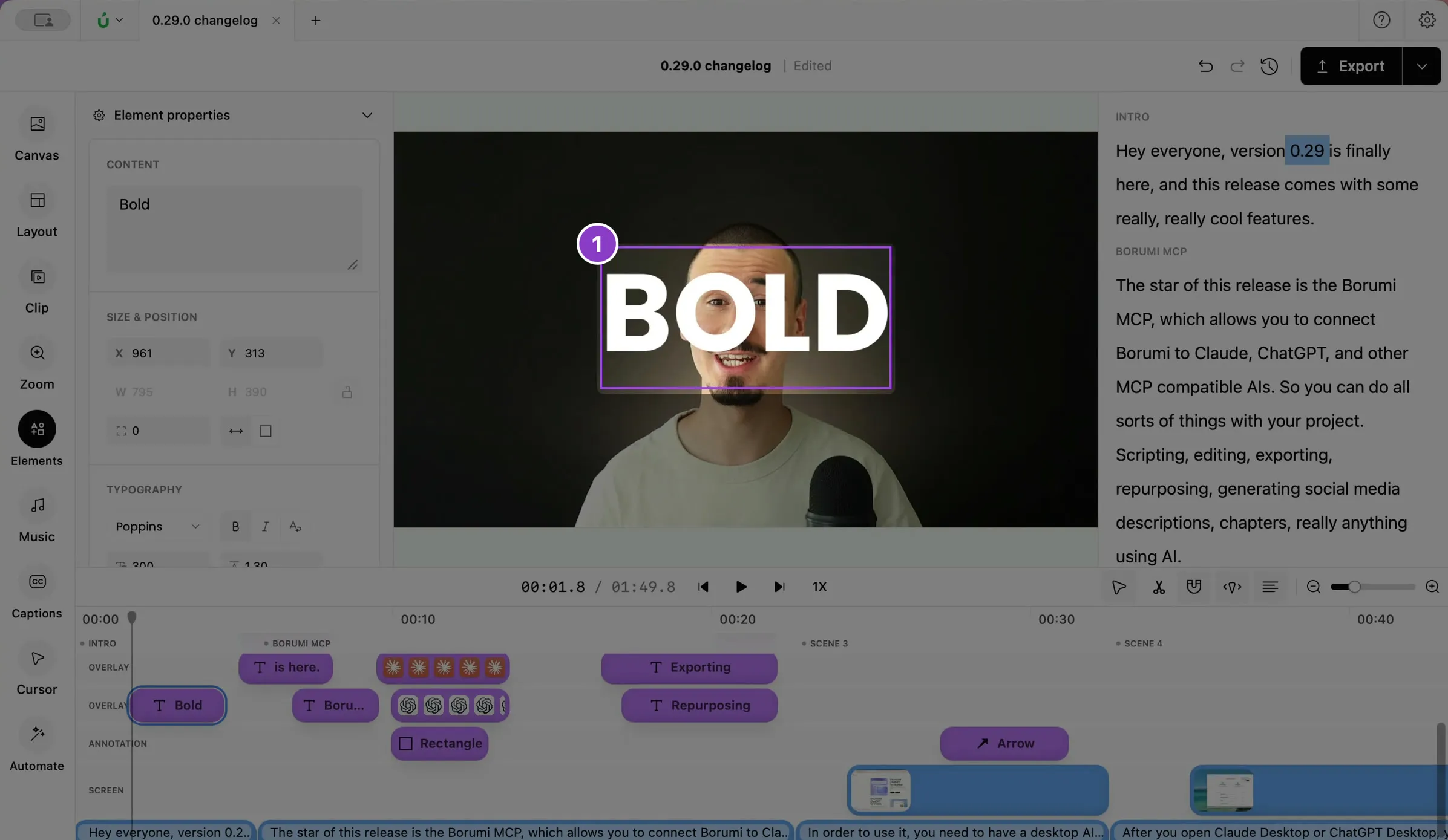
-
Click the text to open its Element properties.
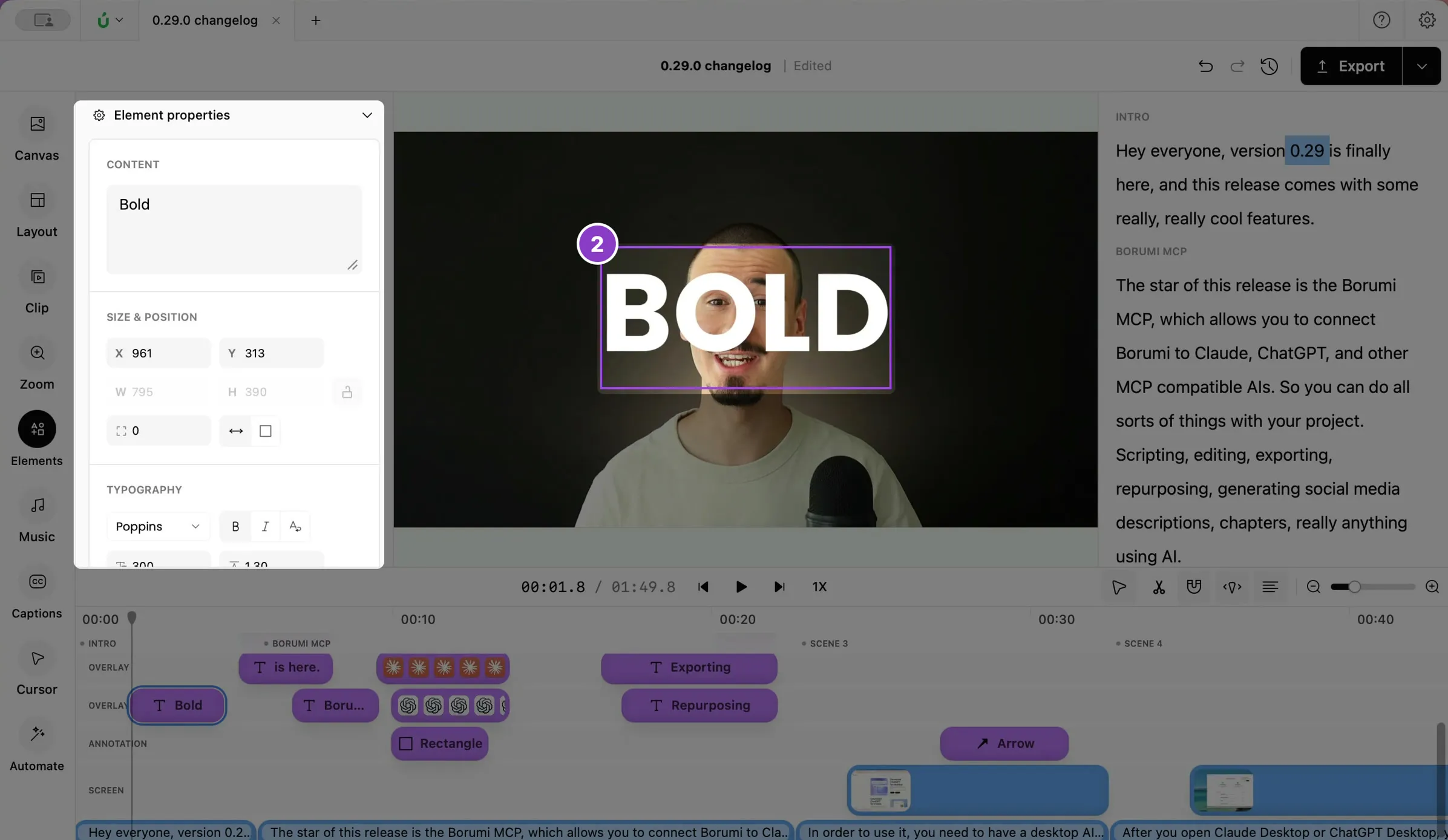
-
Turn on Behind subject.
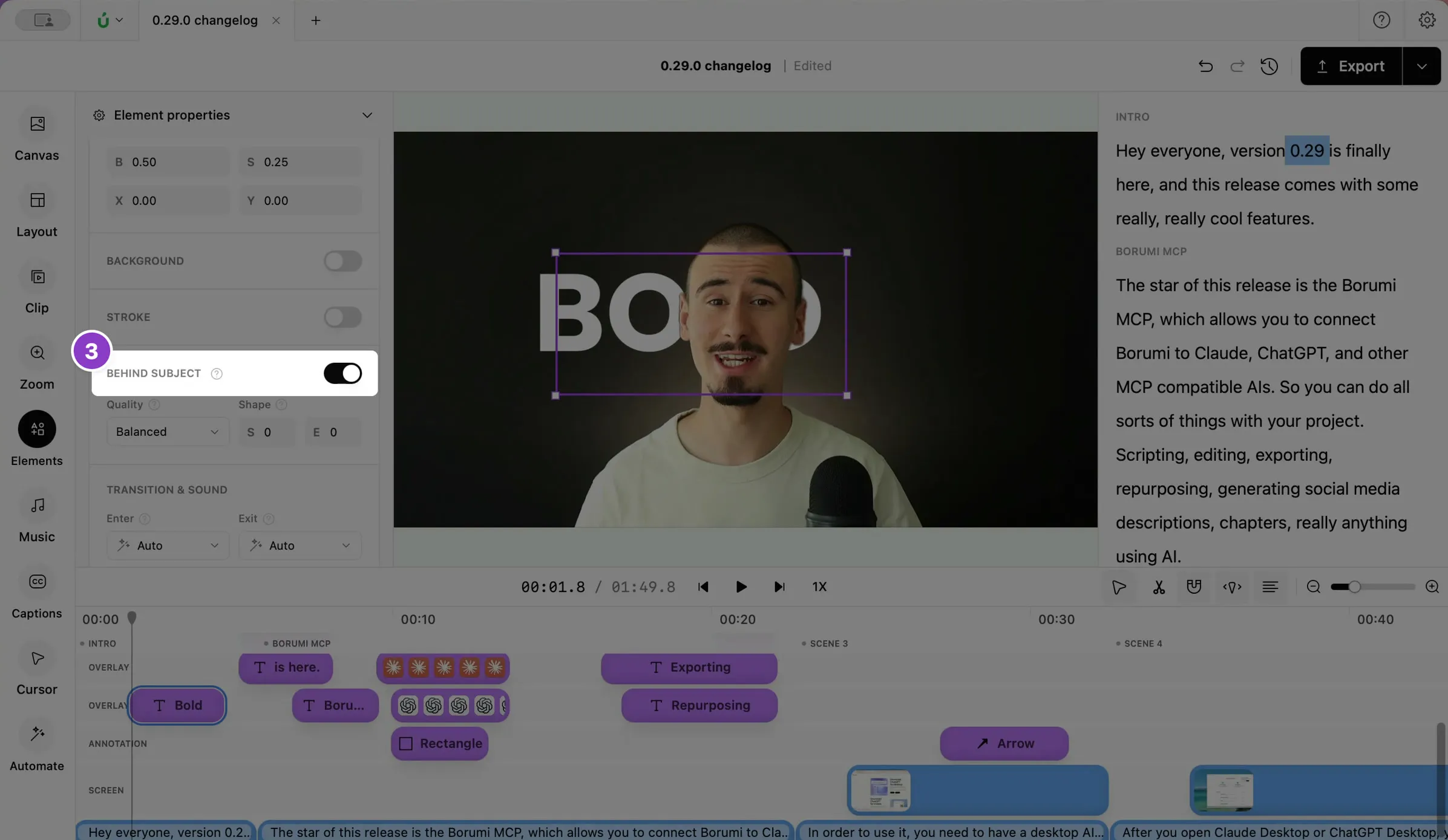
You now appear in front of the text wherever the two overlap. The first time, Borumi needs to process the video, which can take a few minutes depending on how long it is.
Make the edge look better
Section titled “Make the edge look better”If the edge around you doesn’t look quite right, you can improve the result with the two options under Behind subject:
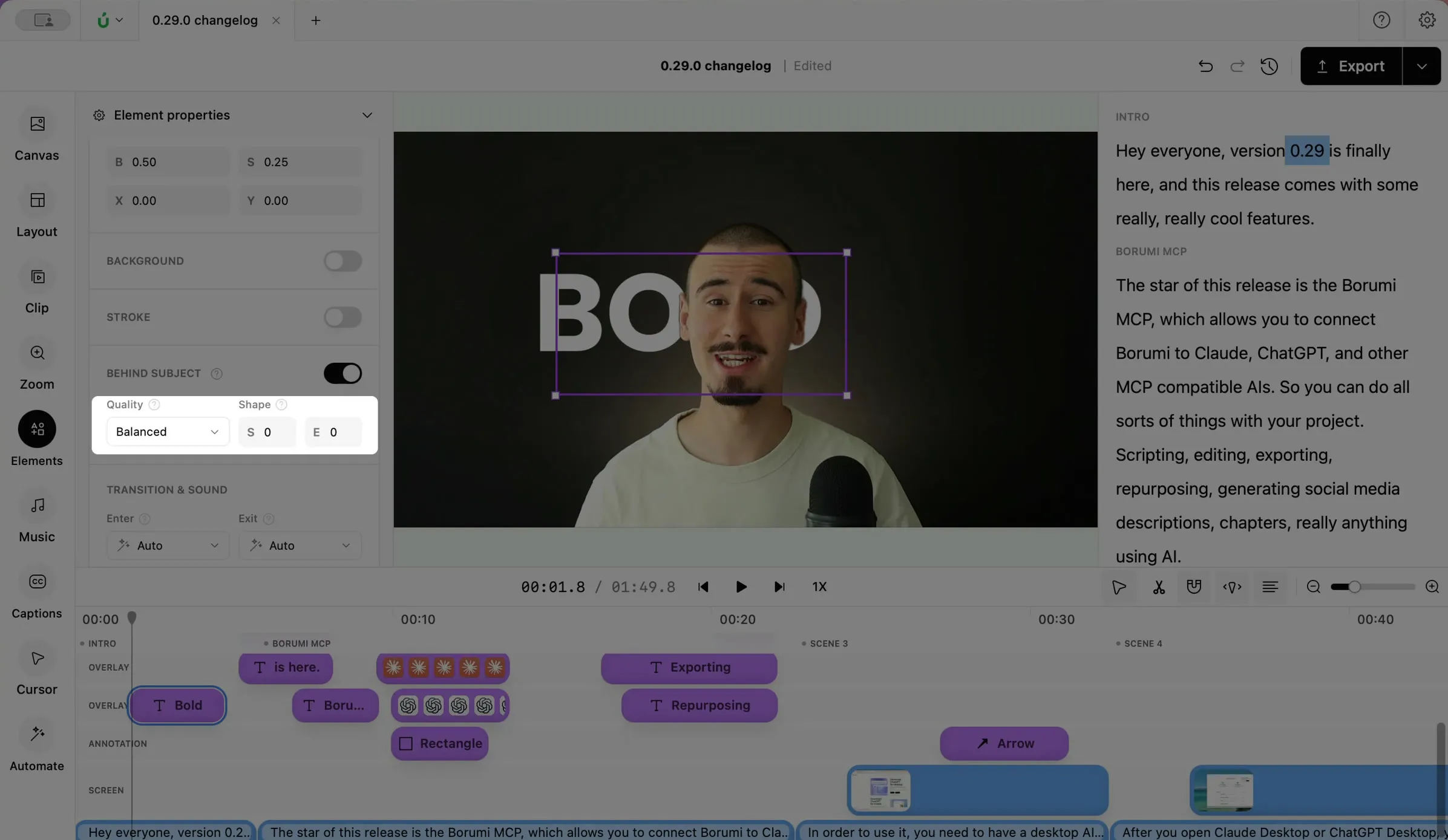
- Quality: higher quality keeps finer details, like hair, but takes longer to process.
- Shape: S softens the edge around you, and E makes the area that covers the text larger or smaller. Change them in small steps.