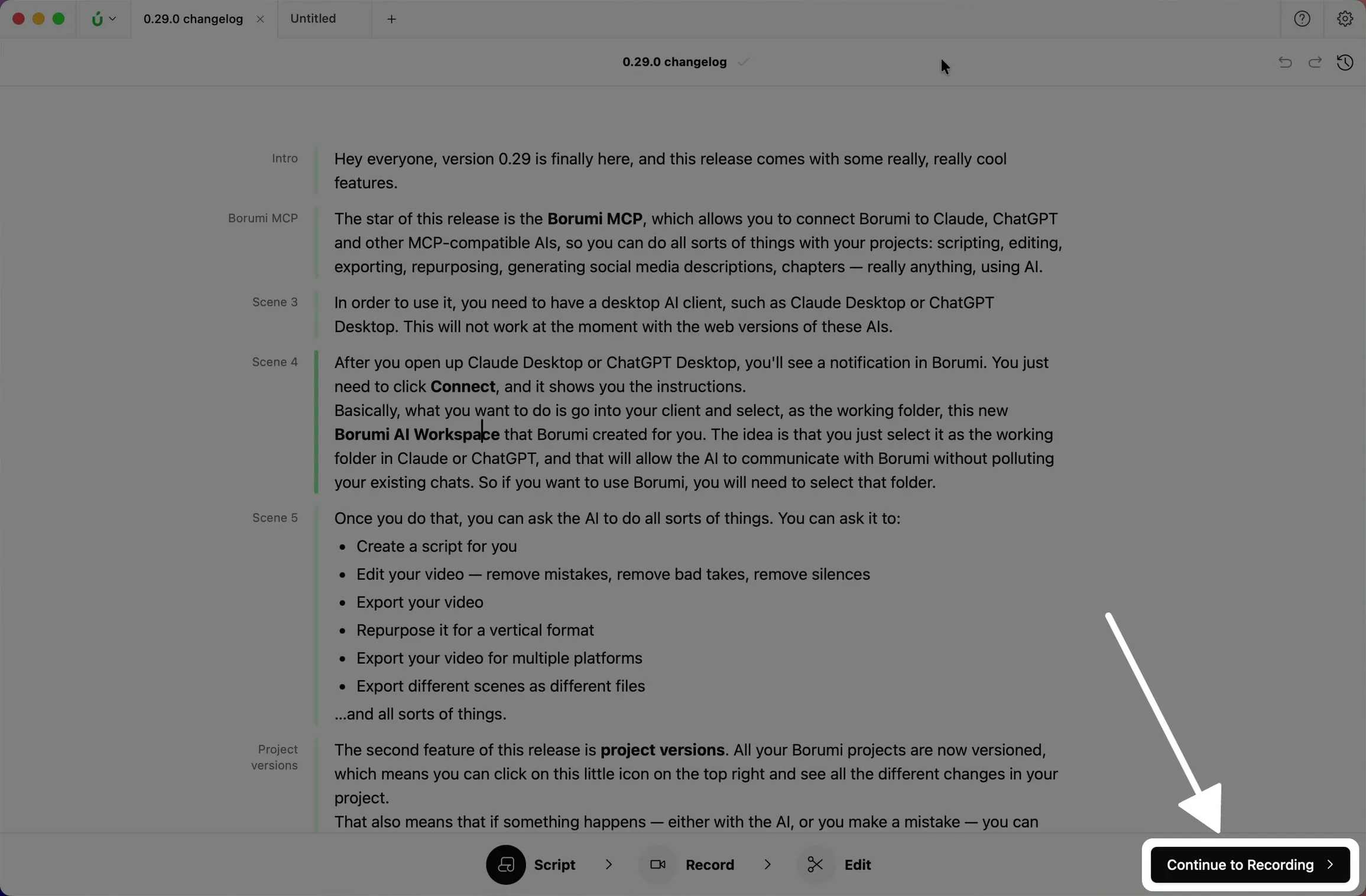
Import your script
Already wrote your script somewhere else, or prefer to write it in another app like Google Docs, Notion, Word, or ChatGPT? You can import it straight into Borumi.


This video can't be played right now. Please try again later.
How to import your script
Section titled “How to import your script”- Copy the script in your writing app.
- In Borumi, choose Structured video on the home screen, or open the Script tool in an existing project.
- Click in the script and press .
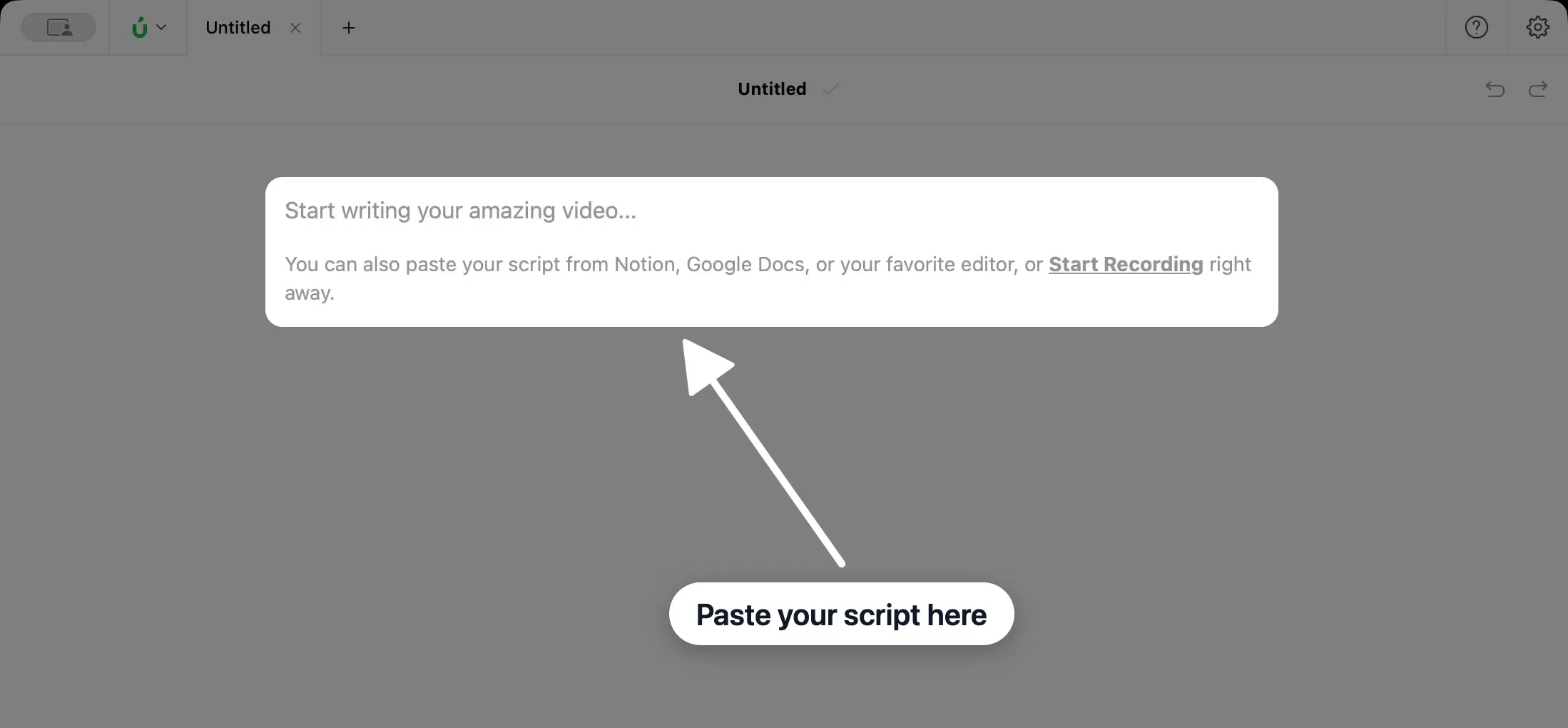
How scenes are created
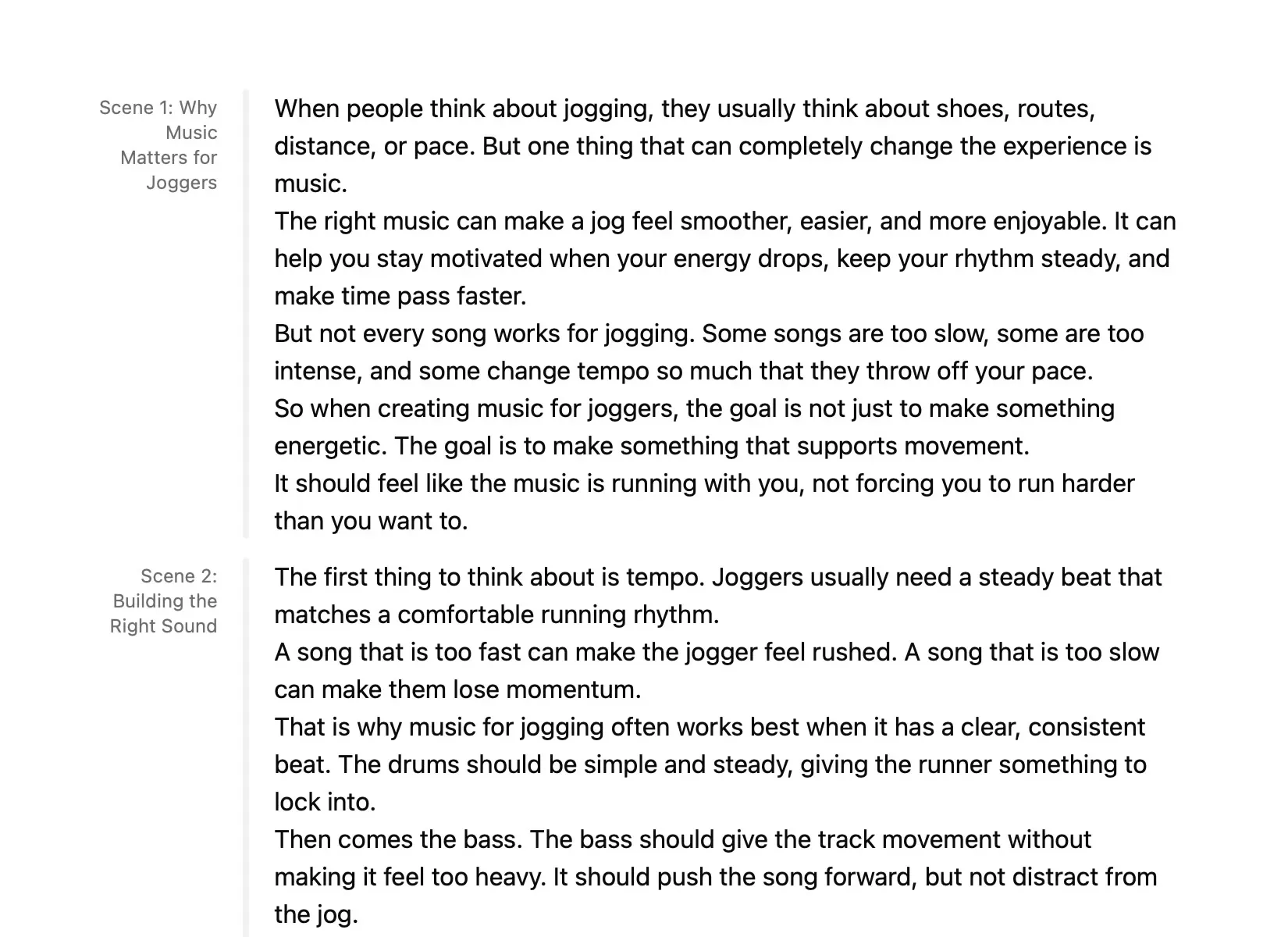
Section titled “How scenes are created”The way your script is formatted decides how Borumi splits it into scenes:
- Headings start a new scene, and become the scene’s name.
- Separator lines (
---) also start a new scene. - Everything else, like paragraphs and lists, stays in the same scene.
Next steps
Section titled “Next steps”When your scenes are ready, click Continue to Recording and record your first scene.