Export audio only
Sometimes you only need the sound of your video, for example to publish it as a podcast episode. Borumi lets you export just the audio, and this guide walks you through it.
Export the audio
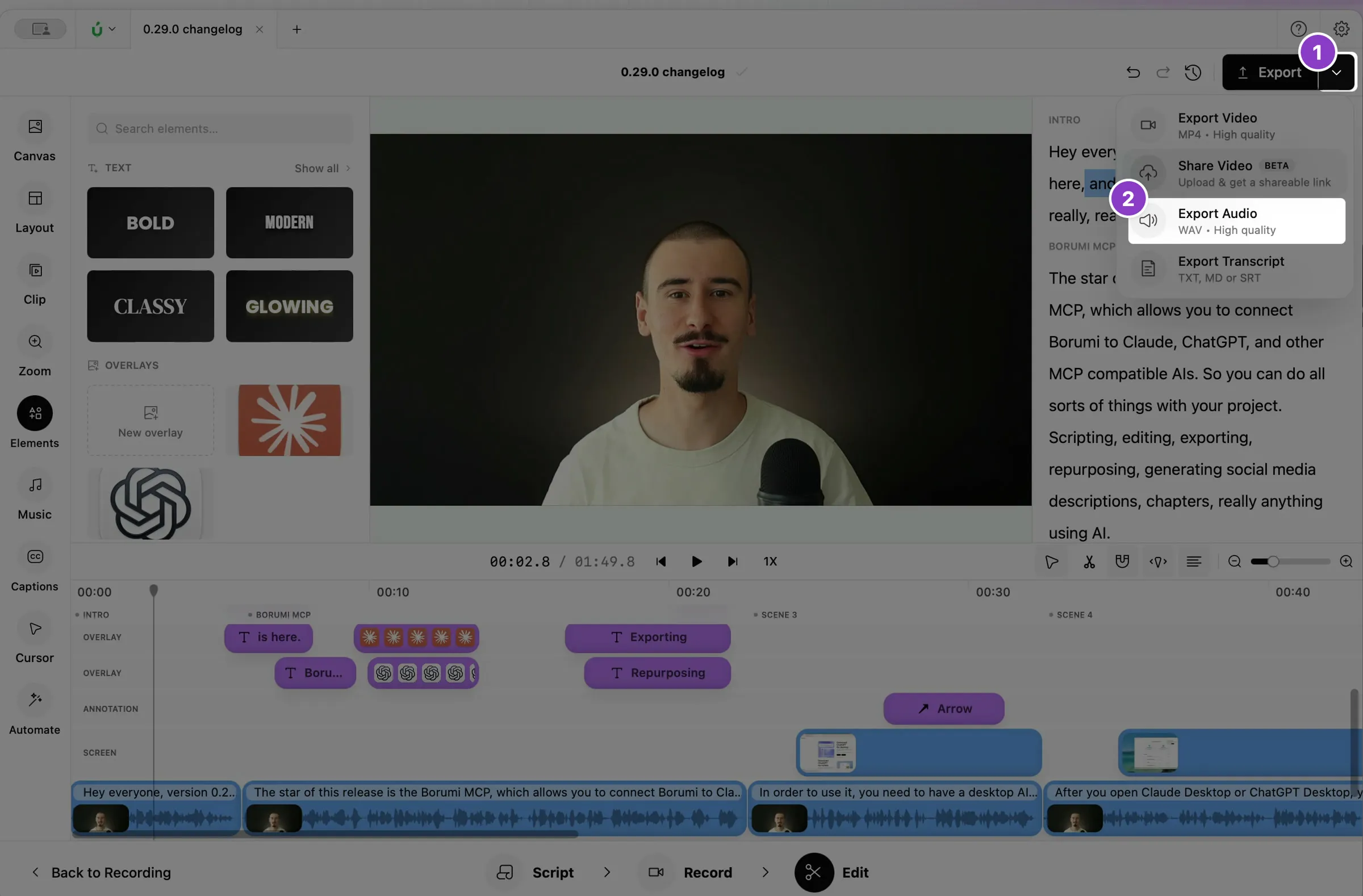
Section titled “Export the audio”- Click the arrow next to Export at the top right of the Edit tool.
- Choose Export Audio, then choose where to save the file.