Add a screen zoom
When you make a tutorial, you might want to zoom into part of your screen to draw your viewers’ attention to it. Borumi makes this easy, and this guide shows you how.


This video can't be played right now. Please try again later.
You can add screen zooms in two ways:
- Add each zoom manually: place every zoom exactly where you want it.
- Generate them automatically: let Borumi add zooms based on your mouse activity.
Add a screen zoom
Section titled “Add a screen zoom”-
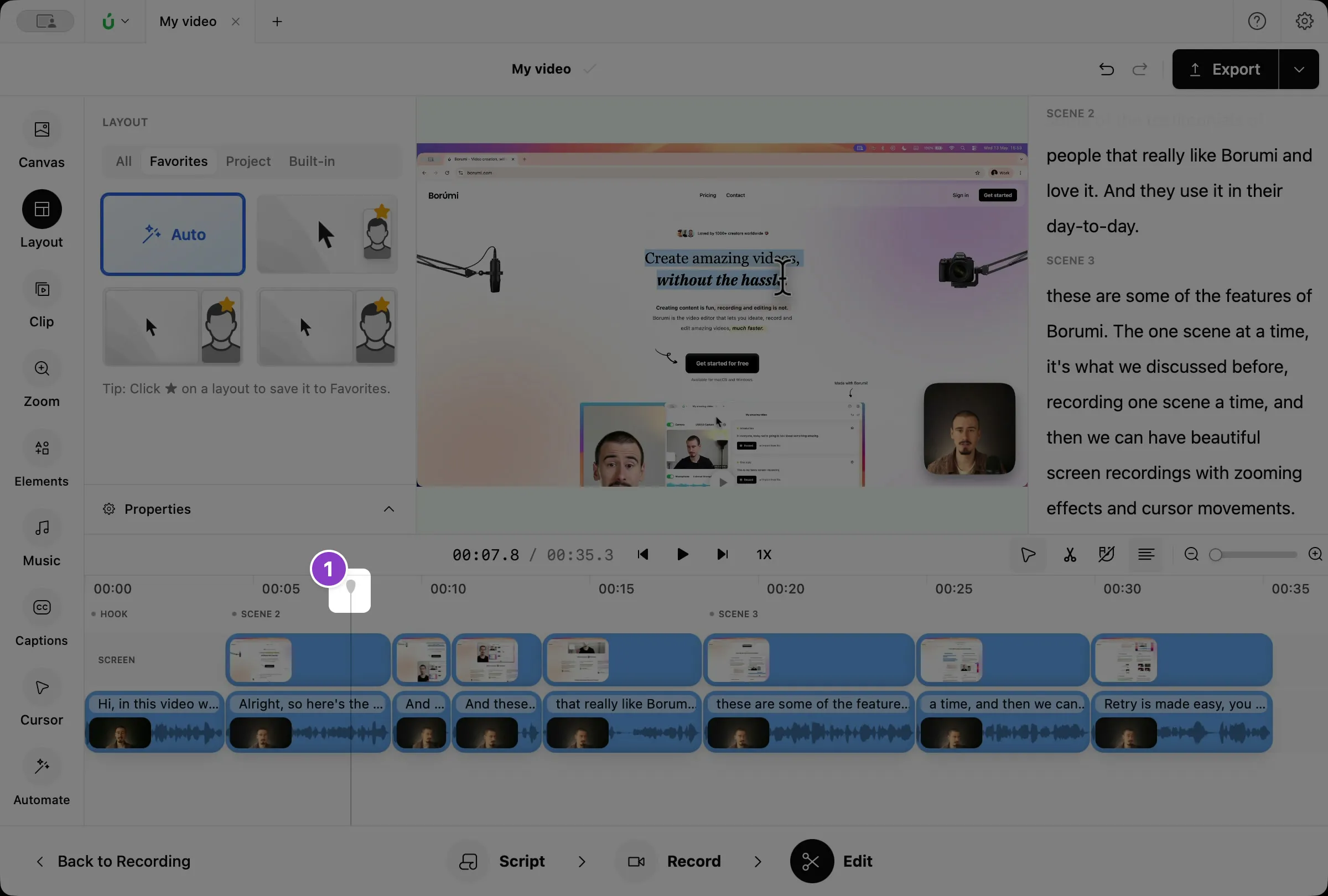
Move the playhead to where the zoom should start.
-
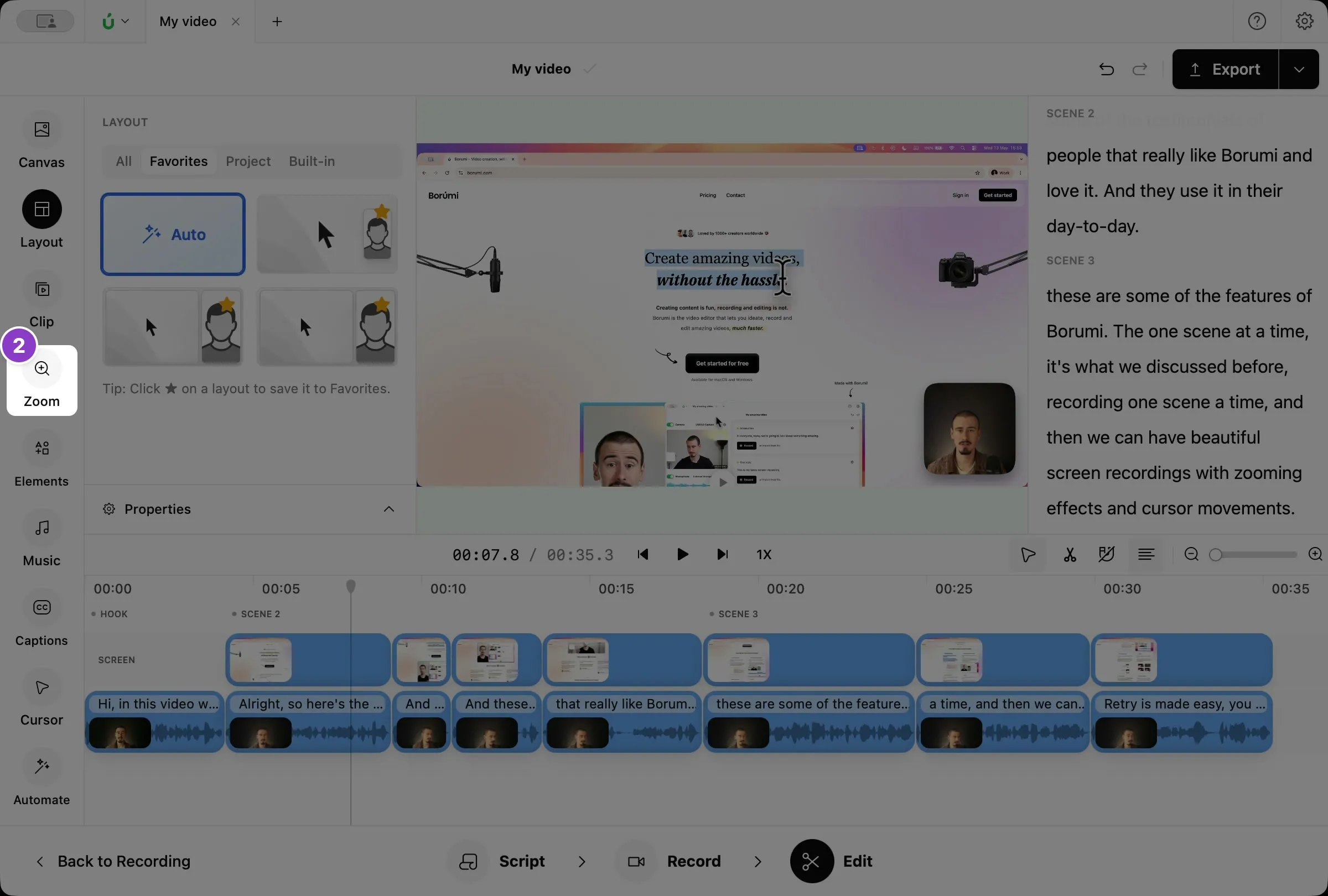
Click Zoom in the left sidebar.
-
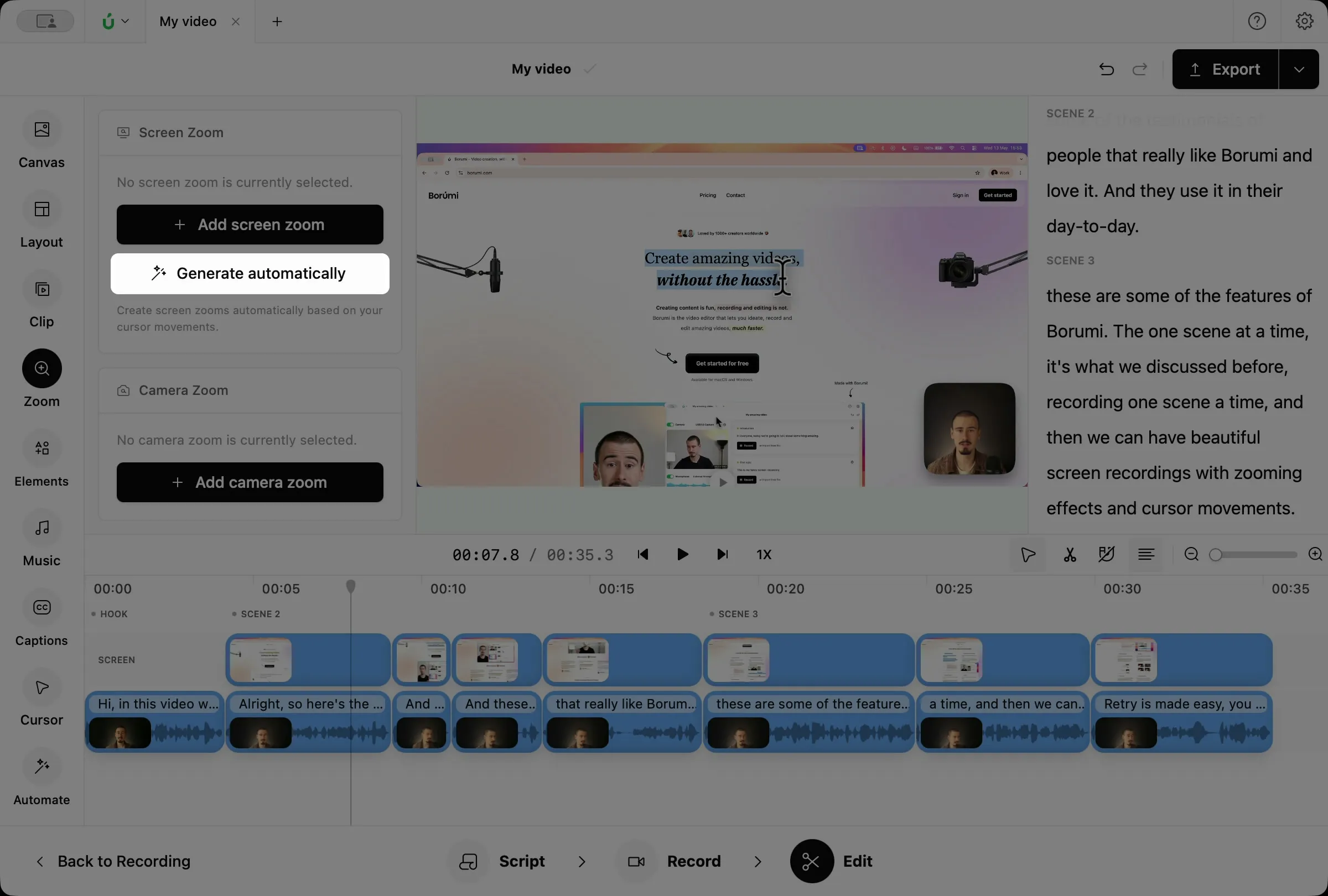
Under Screen Zoom, click Add screen zoom.
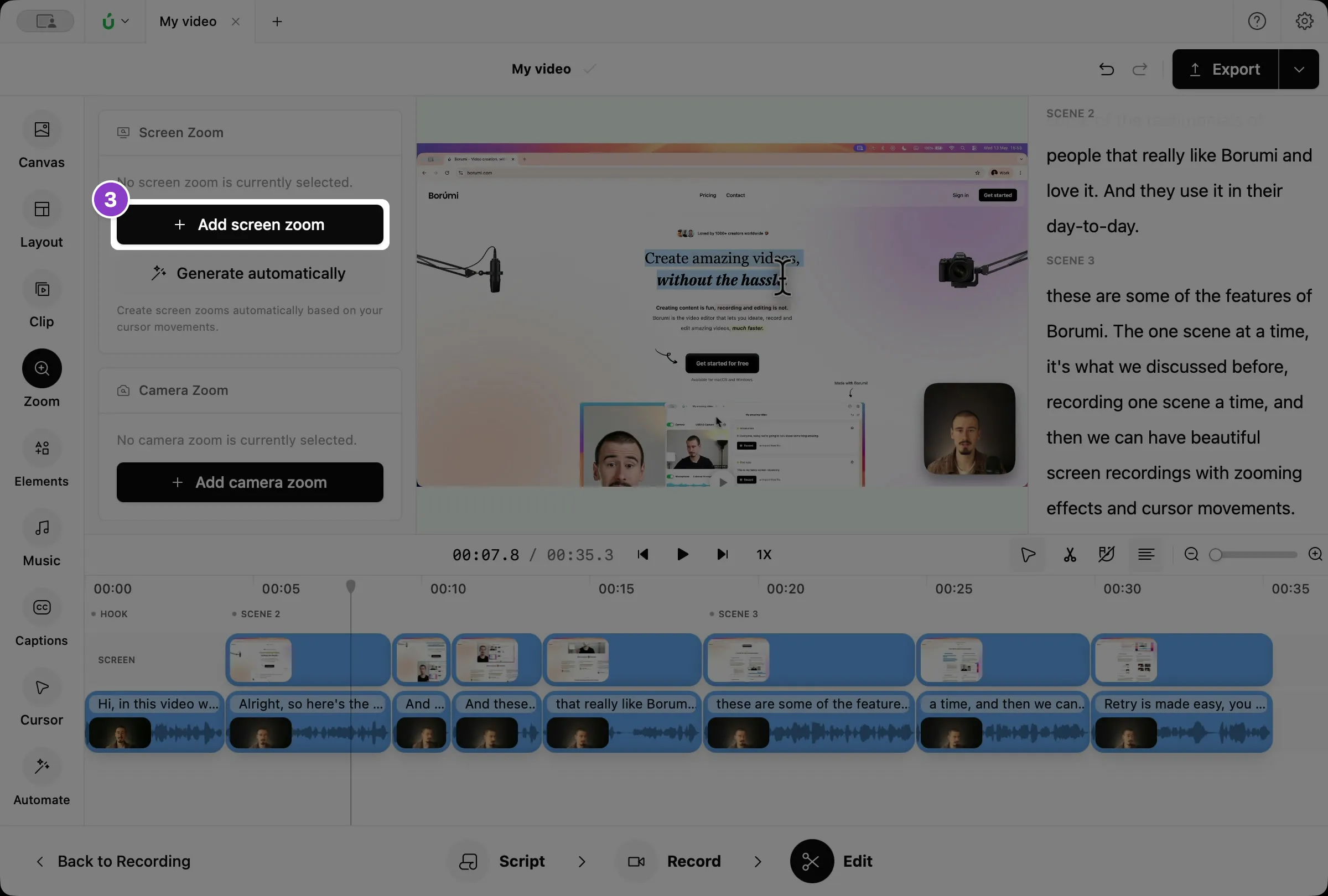
The zoom appears on the Screen Zoom layer of the timeline. Borumi zooms in when the clip starts and zooms back out when it ends. Drag its edges to make it longer or shorter, or drag the clip to move it.
Generate zooms automatically
Section titled “Generate zooms automatically”In the Zoom panel, click Generate automatically. Borumi adds screen zooms based on your cursor movements, for example where you click.
Change the zoom focus
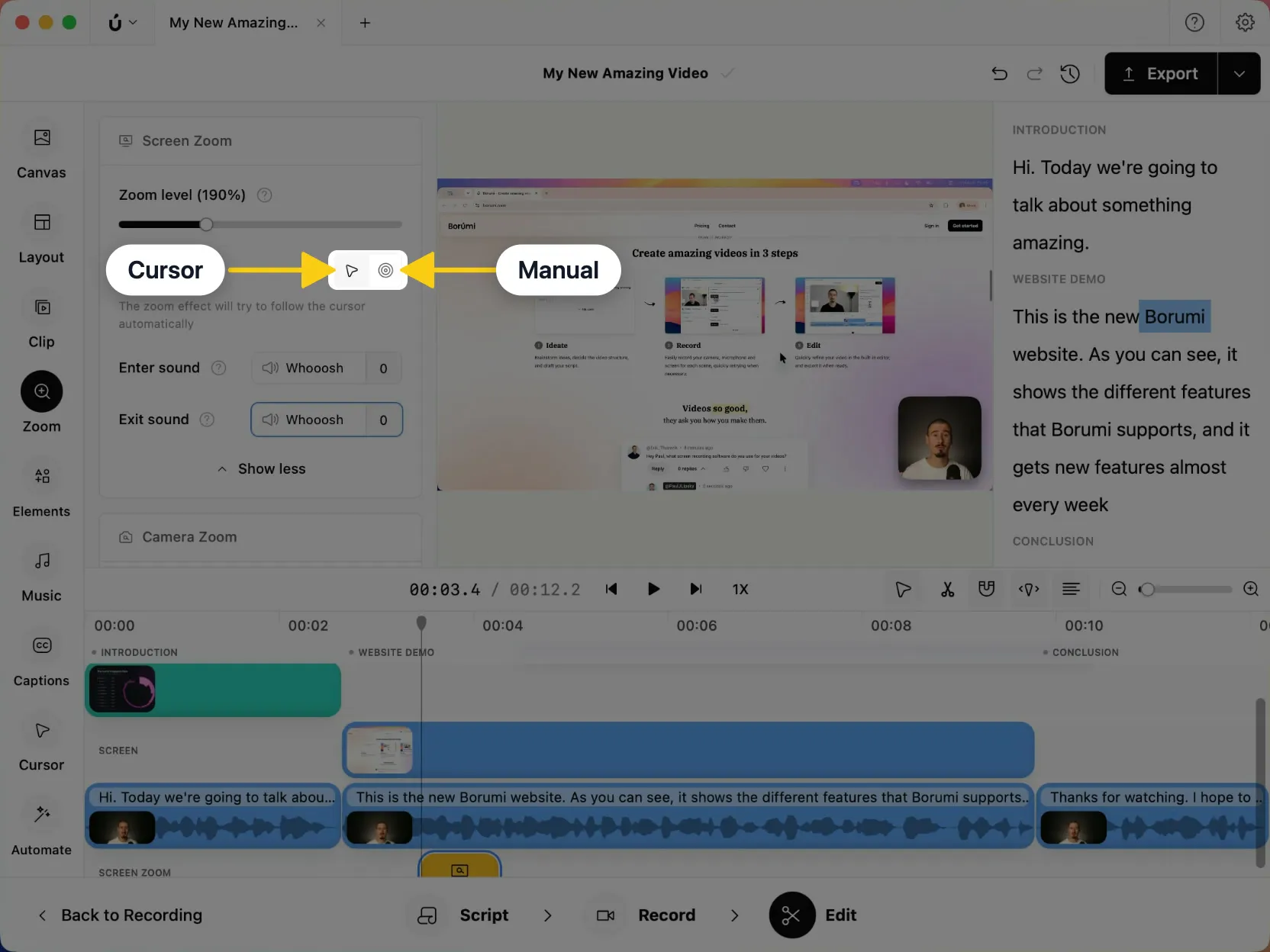
Section titled “Change the zoom focus”Click a zoom on the timeline to show its settings in the Zoom panel. Next to Zoom focus, choose one of the two modes:
- Cursor: the zoom follows your cursor.
- Manual: the zoom stays on one spot. Drag the circle in the box below to the area you want to show.
Change the zoom level
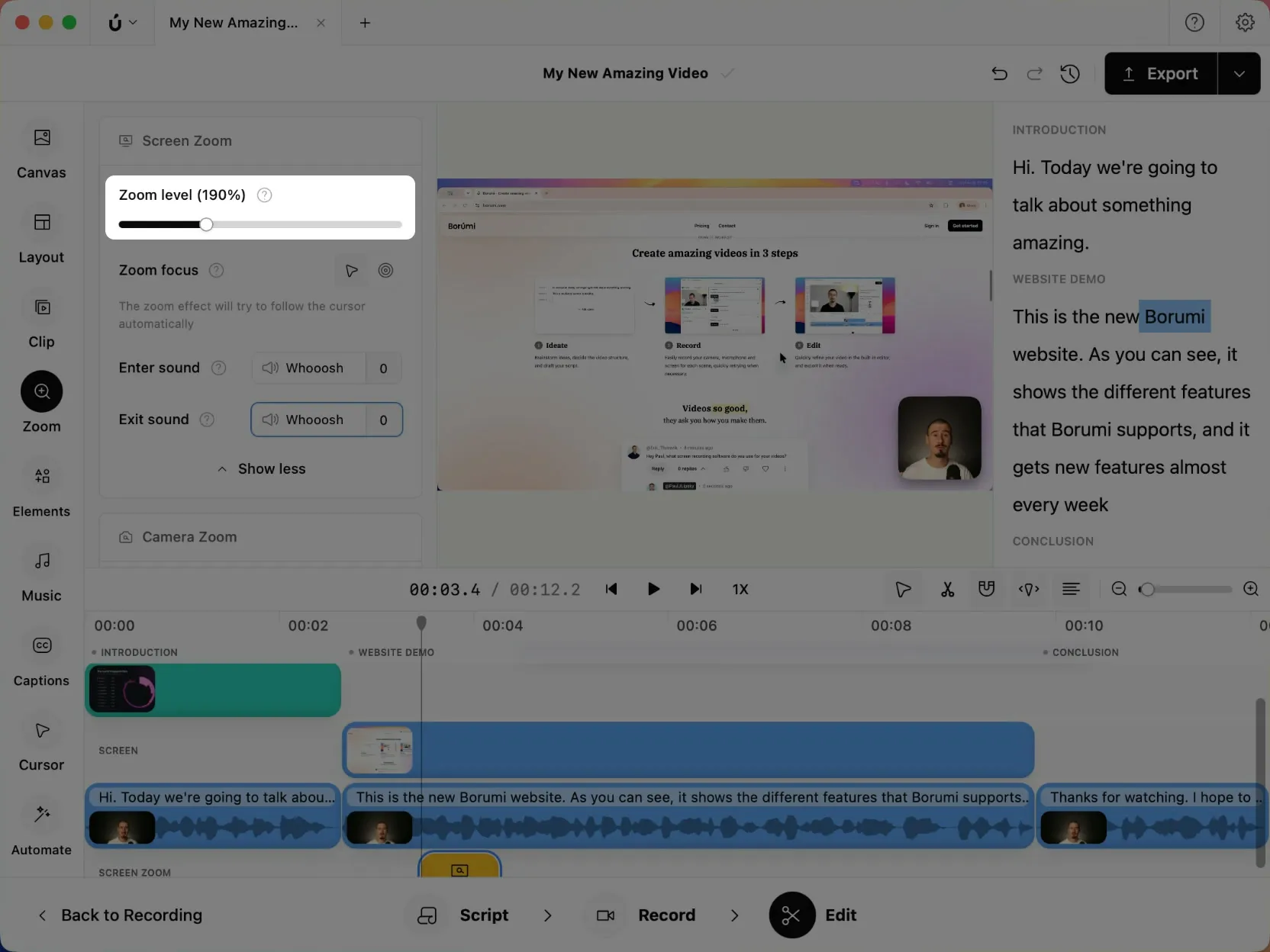
Section titled “Change the zoom level”Select a zoom and drag the Zoom level slider to choose how close the screen appears, from 100% to 400%. New zooms use 150%, or the last level you chose. To change several zooms at once, select them all first.
Add sound effects
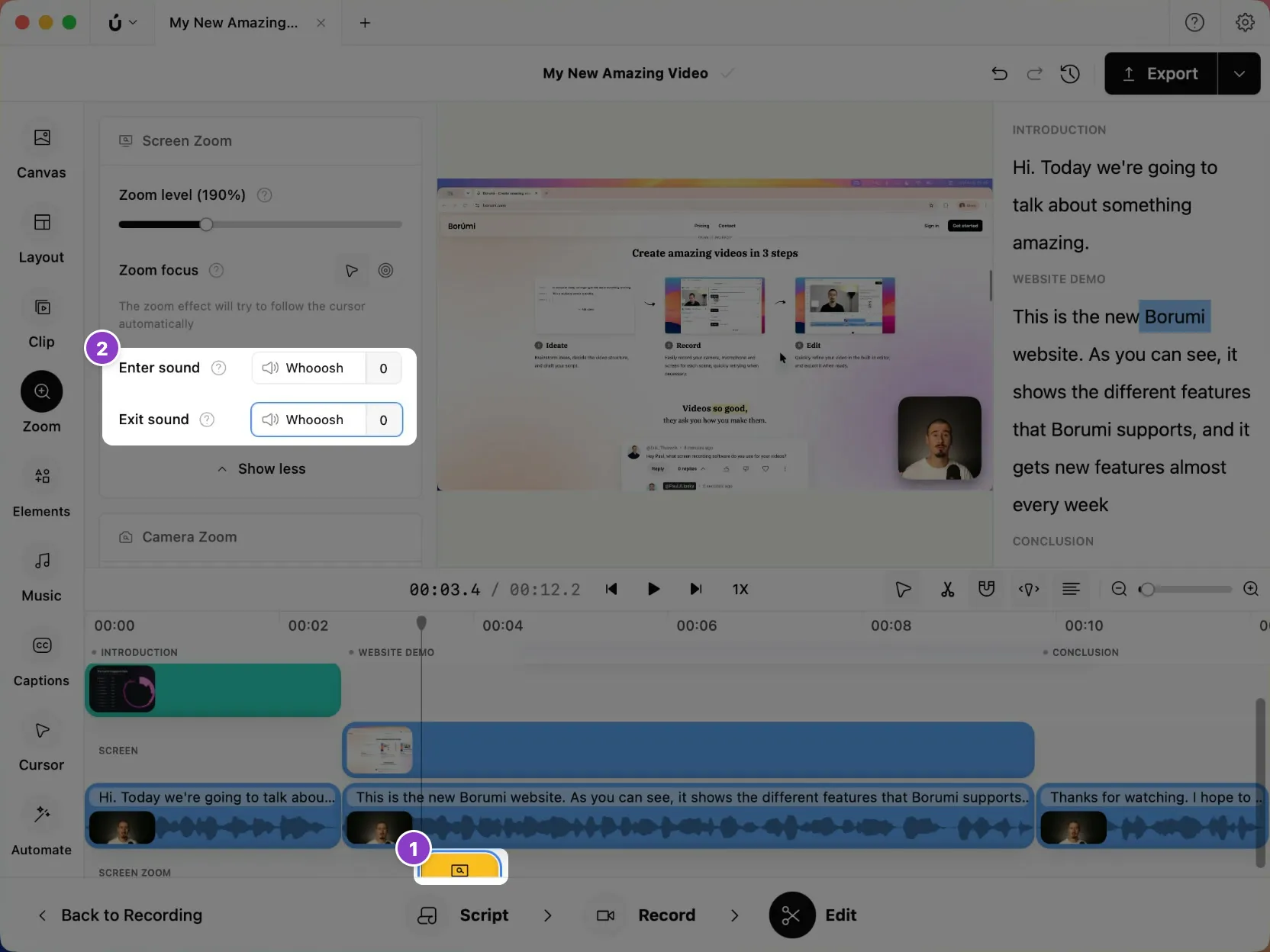
Section titled “Add sound effects”To make your video more engaging, you can play a sound, like a whoosh, when the screen zooms in and out.
- Select the zoom on the timeline.
- In the Zoom panel, click More options.
- Choose an Enter sound and an Exit sound.