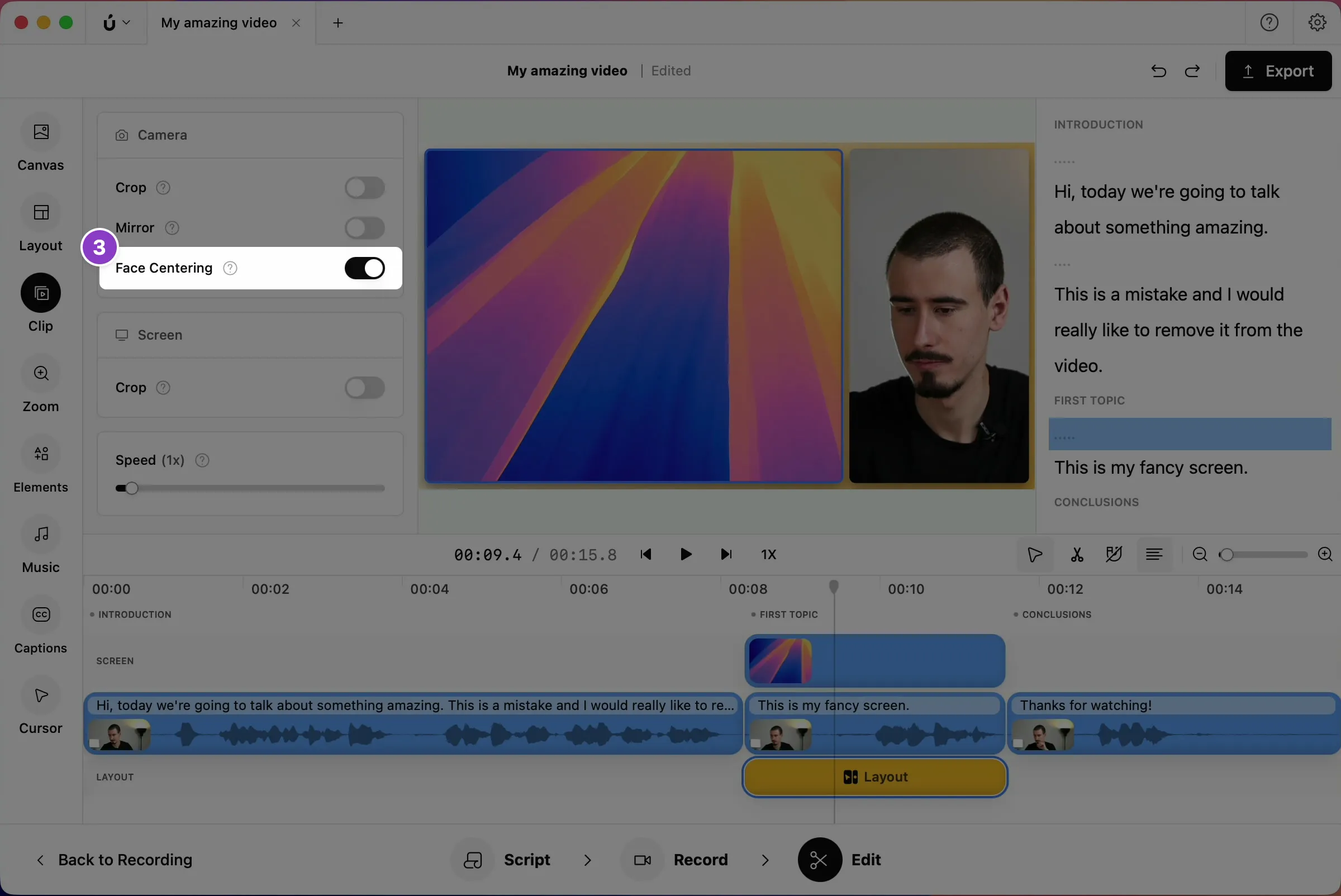
Center your face automatically
Many layouts only show part of your camera, and Borumi tries hard to keep your face in the center at all times. In this guide, we’re going to discuss this effect and how you can turn it off if you wish to.


This video can't be played right now. Please try again later.
Turn face centering on or off
Section titled “Turn face centering on or off”Face centering is on by default.
-
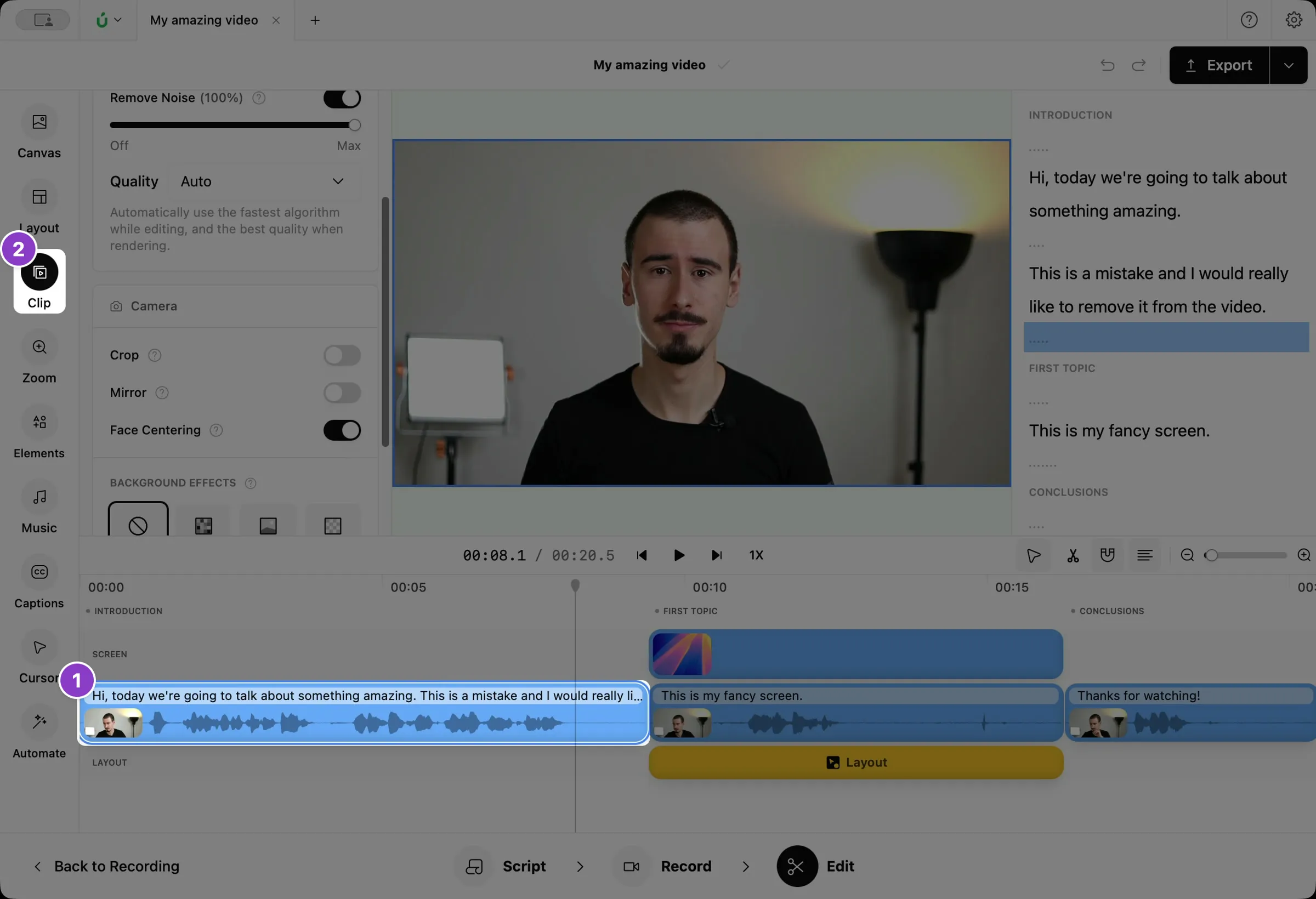
Click your camera clip on the timeline.
-
Click Clip in the left sidebar.
-
Under Camera, turn Face Centering on or off. To change it in the whole video, click Apply in the message that appears.