
Share a video link
Borumi lets you easily share your video with a link. This is useful for sending updates to your colleagues or a client, and anyone with the link can watch it in their browser. This guide walks you through how to use this feature.


This video can't be played right now. Please try again later.
Share your video
Section titled “Share your video”-
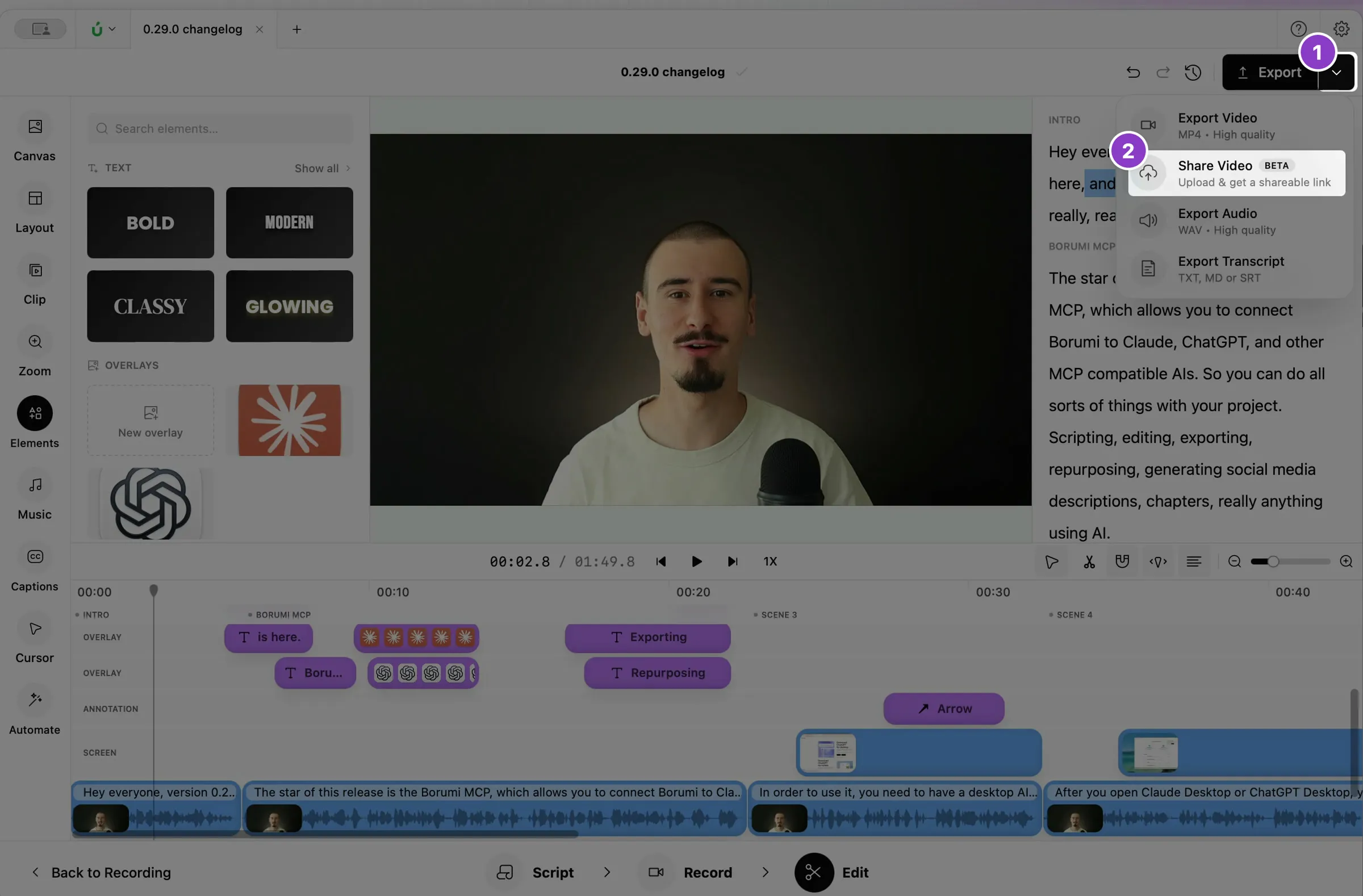
Click the arrow next to Export at the top right of the Edit tool.
-
Choose Share Video.
-
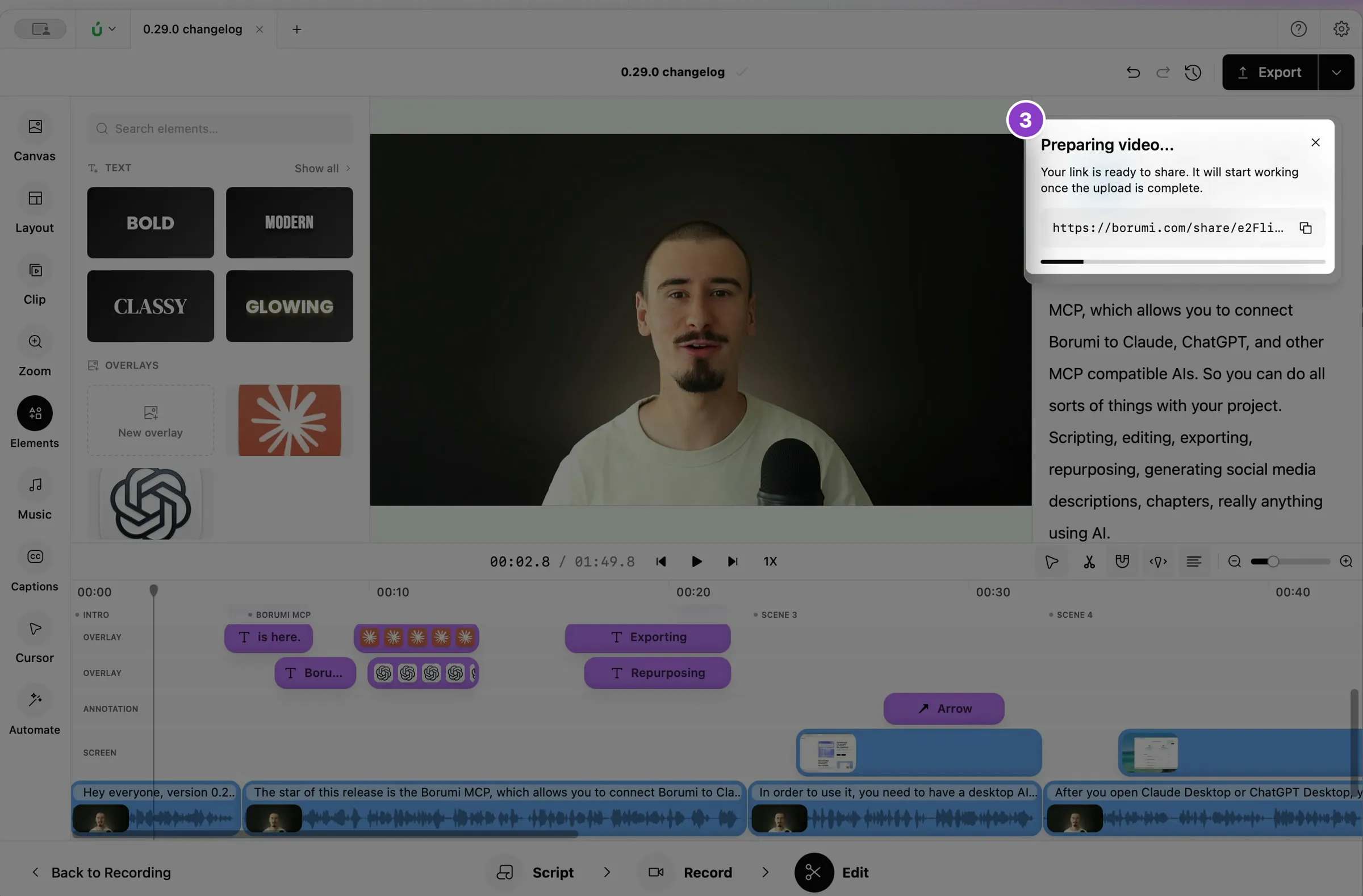
Copy the link from the notification and send it. It starts working as soon as the upload finishes.
Good to know
Section titled “Good to know”- Videos can be up to 30 minutes long.
- Links expire after two weeks.