
Speed up or freeze clips
Borumi lets you easily speed up, slow down, or freeze your clips, and this guide walks you through it.
Change the speed of a clip
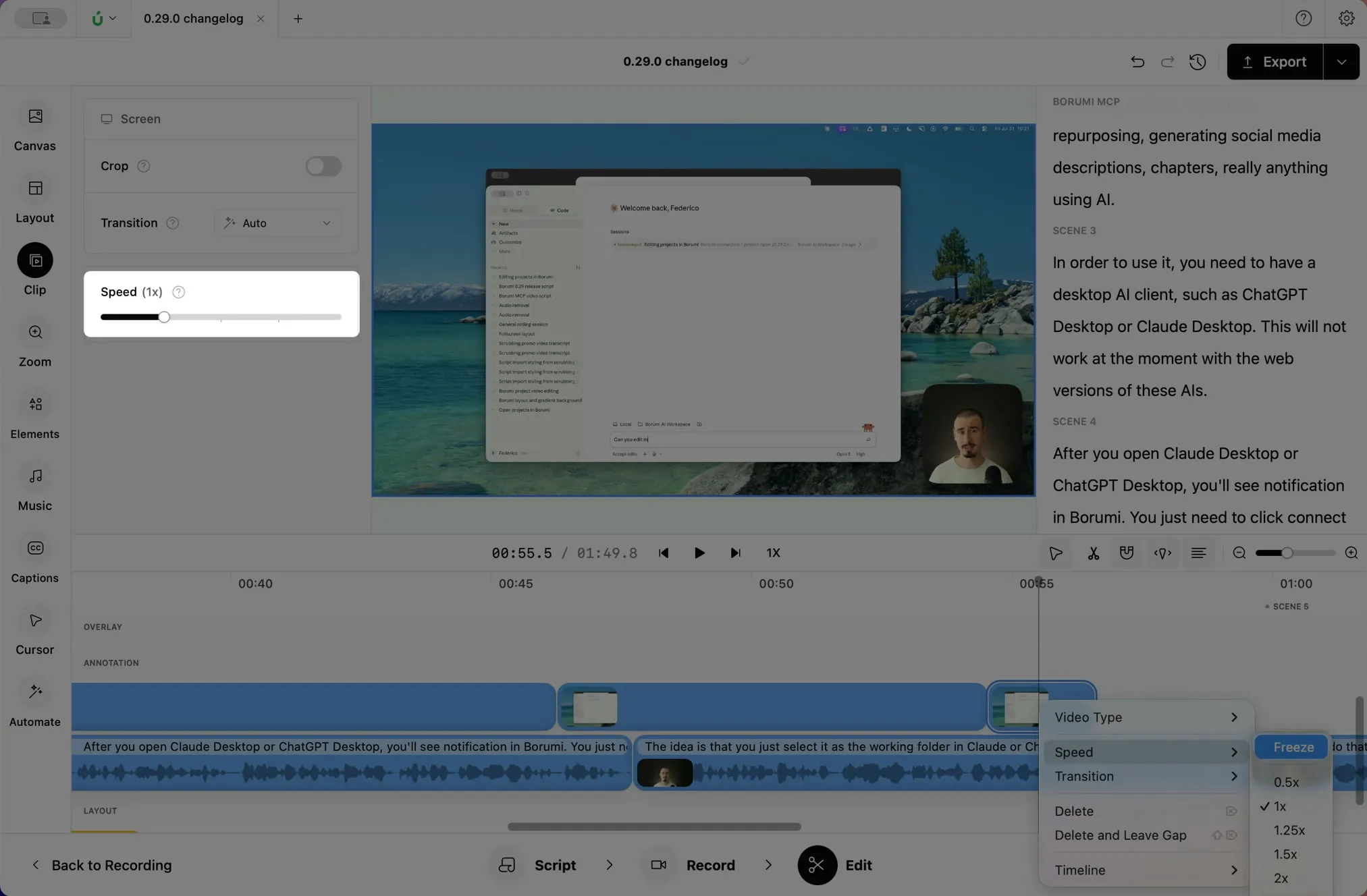
Section titled “Change the speed of a clip”- Click the clip on the timeline, then click Clip in the left sidebar.
- Drag the Speed slider. You can pick any speed from 0.5x to 100x.
Freeze a frame
Section titled “Freeze a frame”Sometimes you might want to hold the screen a little longer, so you can finish your explanation. You can do that by freezing the screen clip.


This video can't be played right now. Please try again later.
-
Move the playhead to the frame you want to hold.
-
Split the clip there with .
-
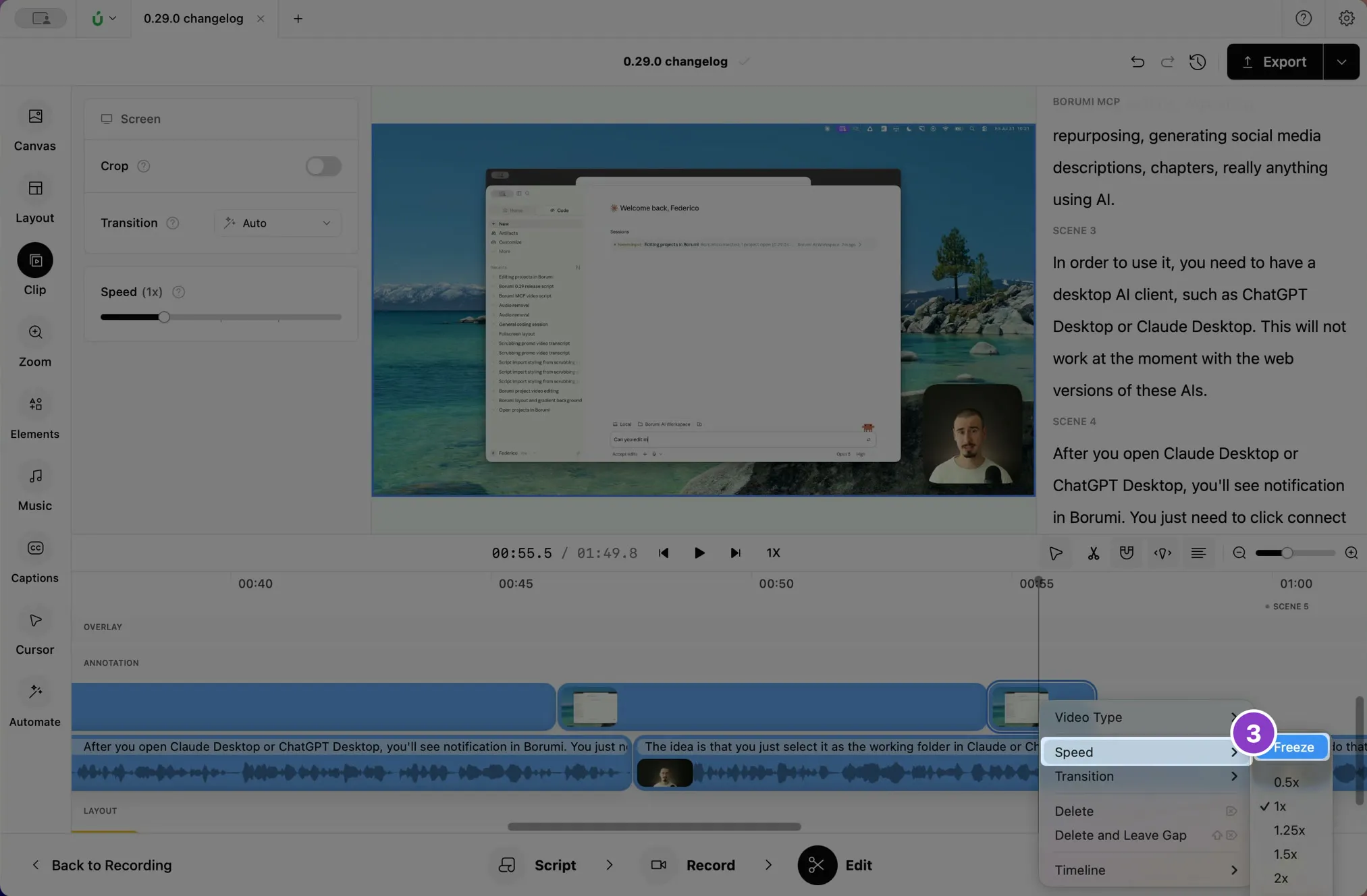
Right-click the part after the split and choose Speed → Freeze.
-
To hold the frame longer, drag the right edge of the frozen clip.
To unfreeze the clip, choose Speed → Freeze again.