
Edit with the transcript
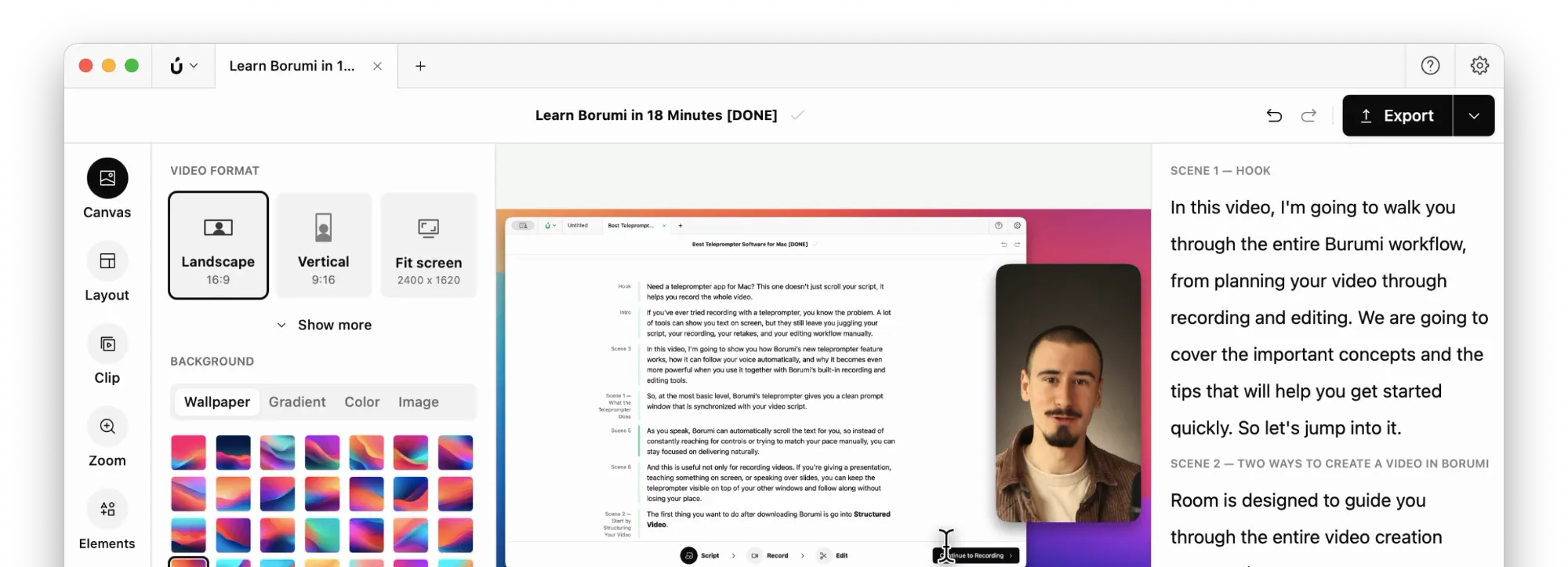
Borumi transcribes everything you say in your video, and lets you edit the video by editing its transcript, just like a document. For example, if you delete a sentence from the transcript, Borumi deletes it from the timeline too.

This video can't be played right now. Please try again later.
Delete words, sentences, or pauses
Section titled “Delete words, sentences, or pauses”You can easily remove parts of your video from the transcript:
- Drag across the words you want to remove (to select a single word, double-click it).
- Click Delete in the bubble that appears, or press .
Borumi removes that part of the video and closes the gap.
Intro
Hi everyone, and welcome back to the channel.
.....
Um, sorry, let me start again. Today I'll show you how to edit a video in just a few minutes.
The dots between sentences are pauses. Click the dots to select a pause, then delete it like any other text. To remove all the long pauses at once, use Remove silences.
Fix a wrong word
Section titled “Fix a wrong word”If Borumi misheard a word, select it and click Correct (or press ). Type the right word and press .
Intro
Hi everyone, and welcome back to the channel.
.....
Welcome to BromyBorumi Academy. Today I'll show you how to edit a video in just a few minutes.
For more information, see Fix transcription mistakes.
Add effects from the transcript
Section titled “Add effects from the transcript”You can add effects like a layout, a zoom, text, or a highlight right from the transcript. Select the words the effect should go with, click Add, and choose the effect from the menu. The effect starts and stops exactly with the words you selected.
For example, to give one part of your video a different layout, select that part in the transcript, then choose Add → Layout. See Choose a layout.
Intro
Hi everyone, and welcome back to the channel.
.....
First, let me share my screen. Today I'll show you how to edit a video in just a few minutes.
Useful shortcuts
Section titled “Useful shortcuts”- With words selected, press to delete them, or to correct them.
- Press in the transcript to select all of it.
- Press to clear the selection.